ProOps module
Temperature Intelligence
Receiving temperatures, labels and the cold room, recorded while the team works. When the cold room passes its limit, the right people are told.
Sample data, fictional hotel.
The problem
A delivery temperature is read from a probe and written on a sheet afterwards. The cold room is checked when someone walks past. If it fails at night, the first person to know is whoever opens the door in the morning. Temperature Intelligence takes the reading when it is made, keeps watching when nobody is there, and tells the team the moment a limit is passed.
How it works
Four steps
Step 1
Probe the delivery
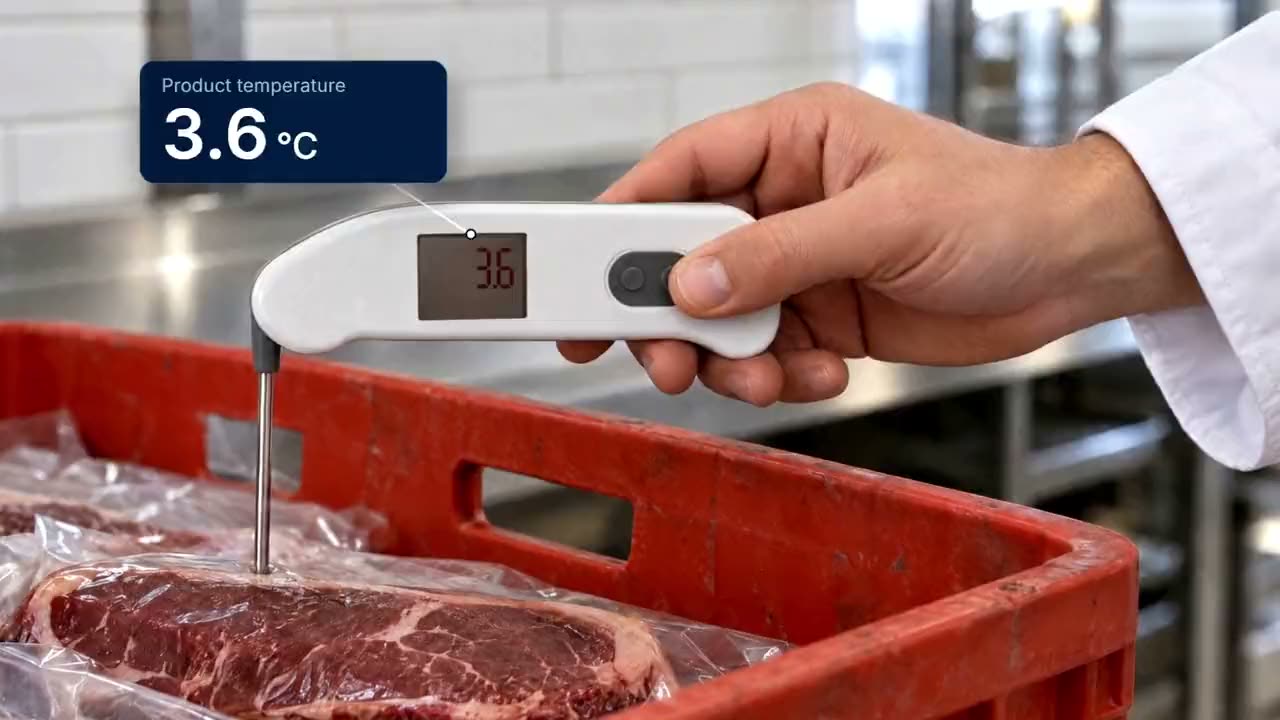
The chef probes the product on arrival. One tap sends the reading to ProOps over Bluetooth, so nothing is typed.
Step 2
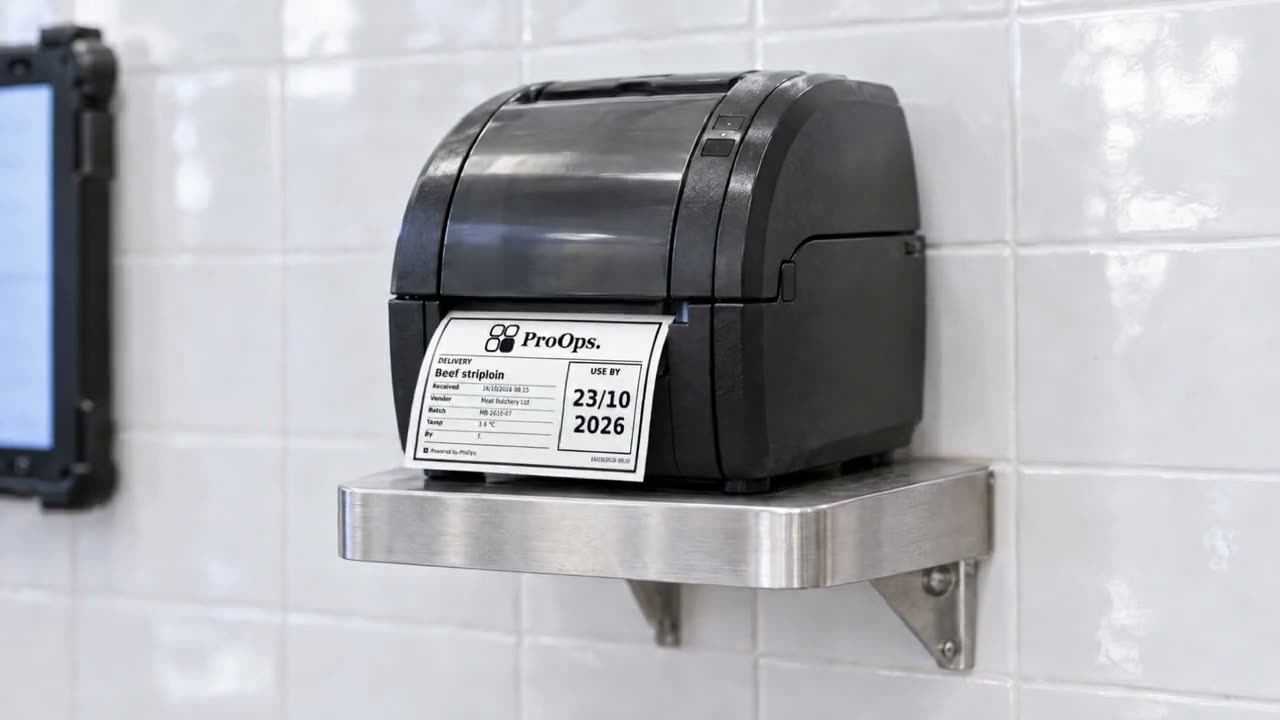
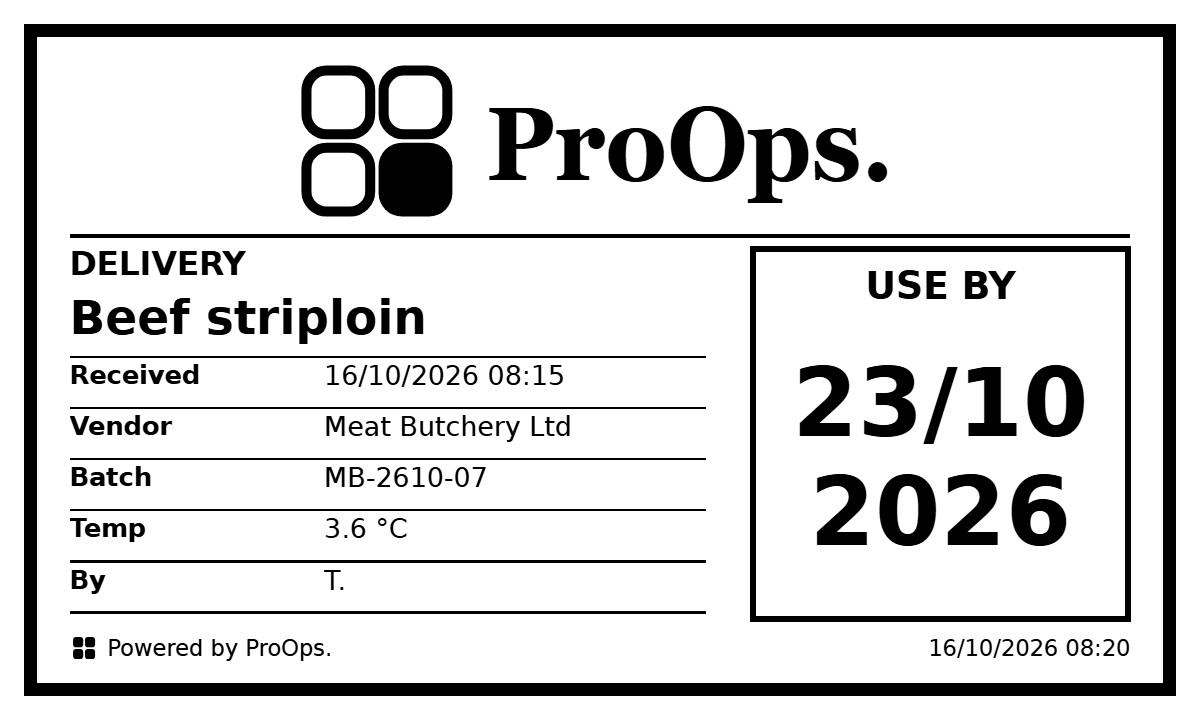
Record the delivery and print the label
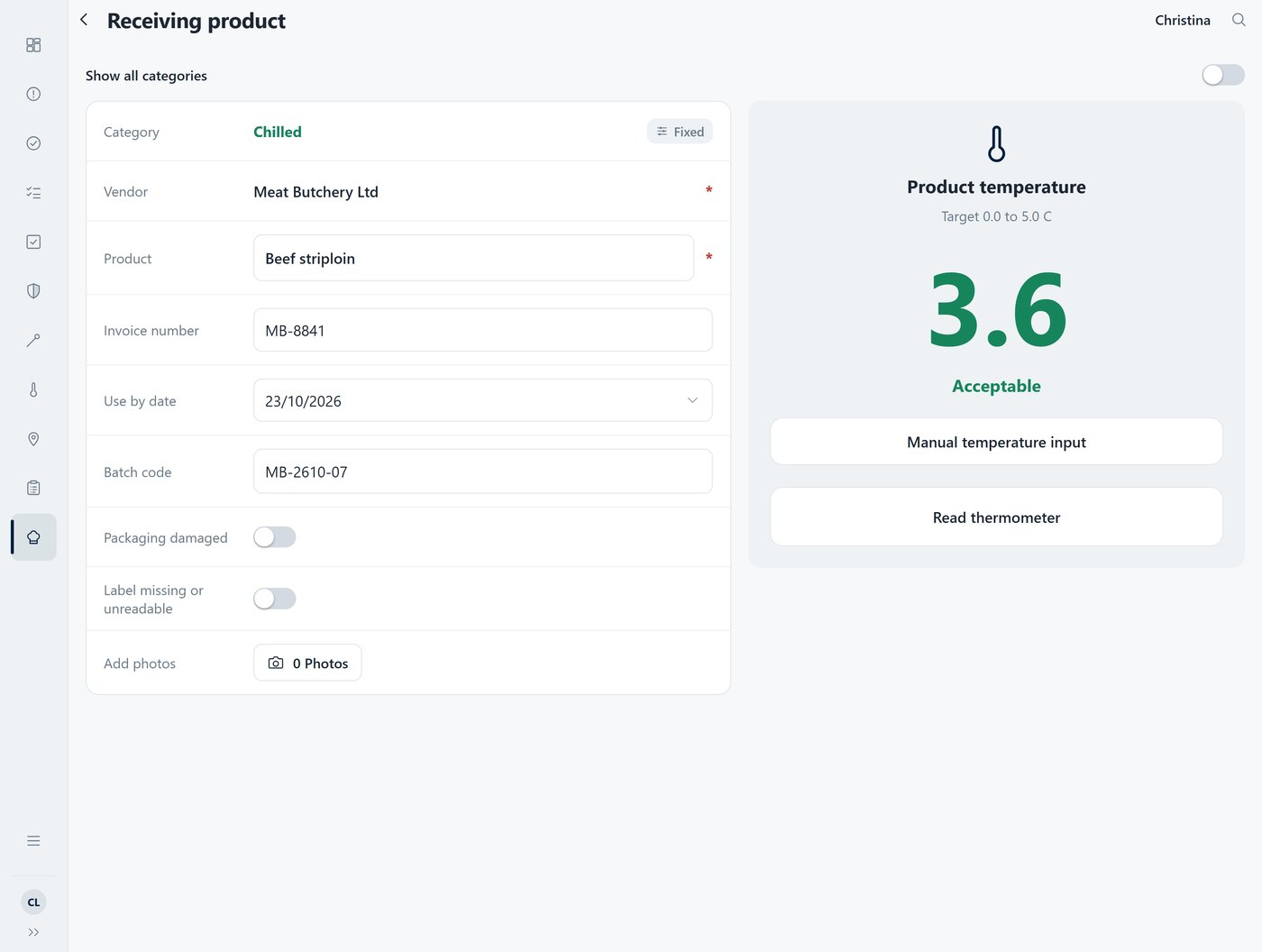
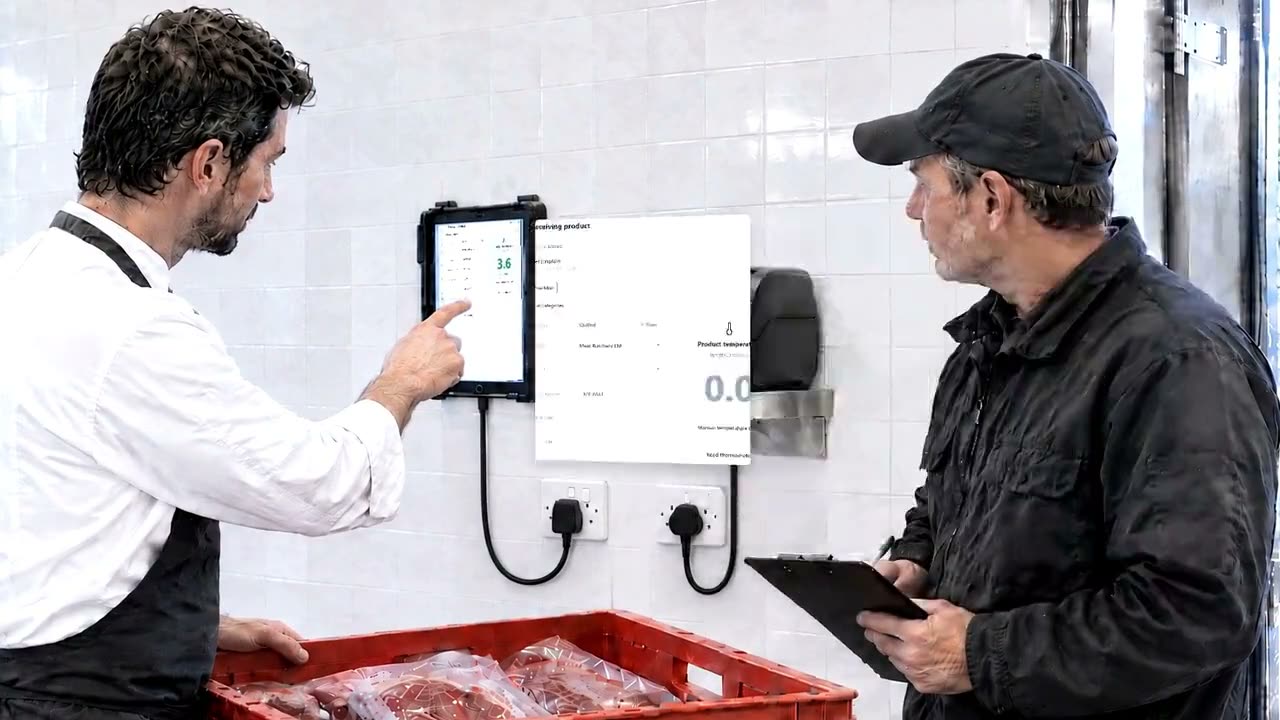
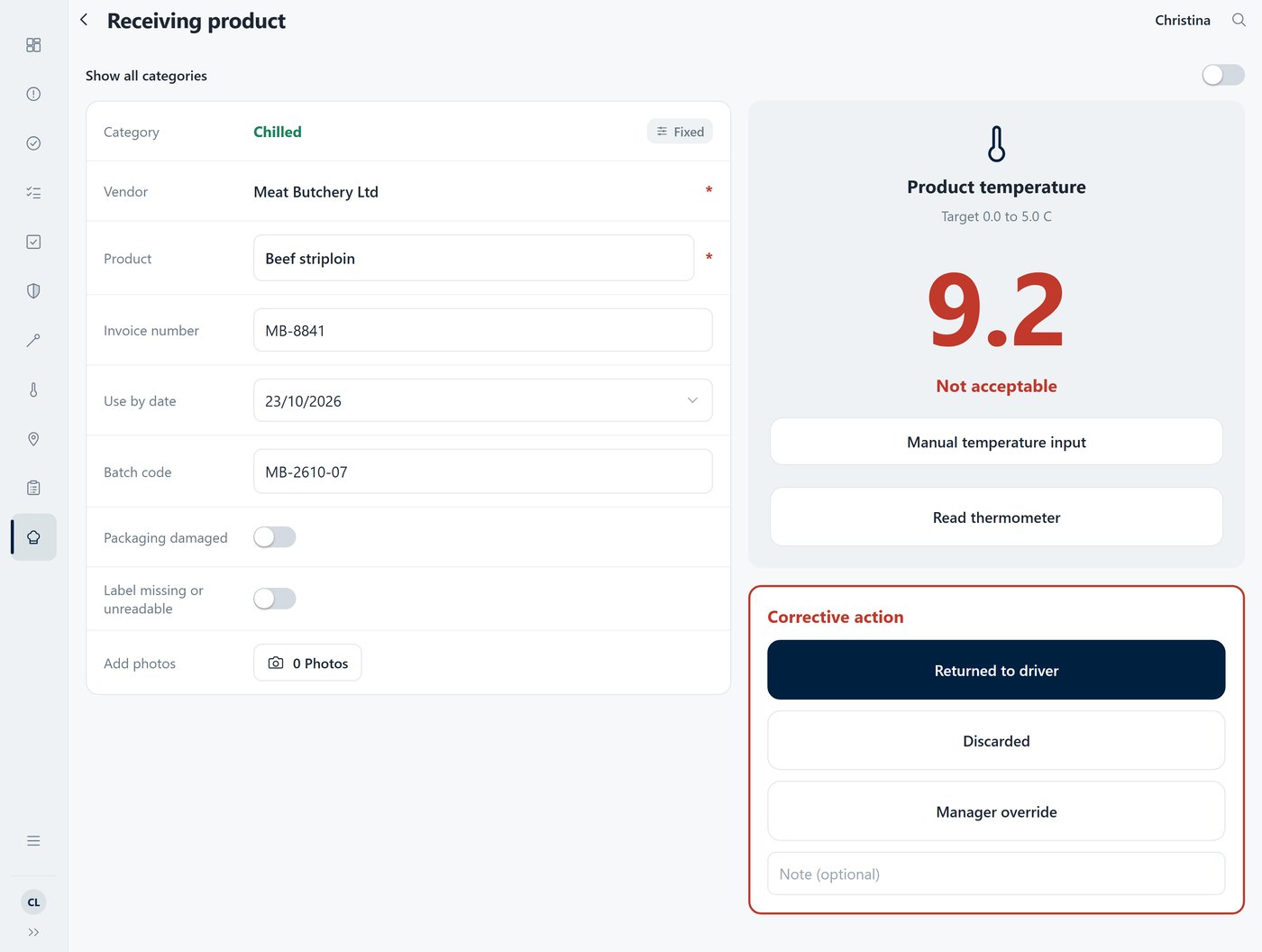
The supplier, the batch and the use-by date go in with the reading. A delivery above the limit cannot be saved until a corrective action is chosen. ProOps then prints the label: product, supplier, batch, received date and time, use-by.
Step 3
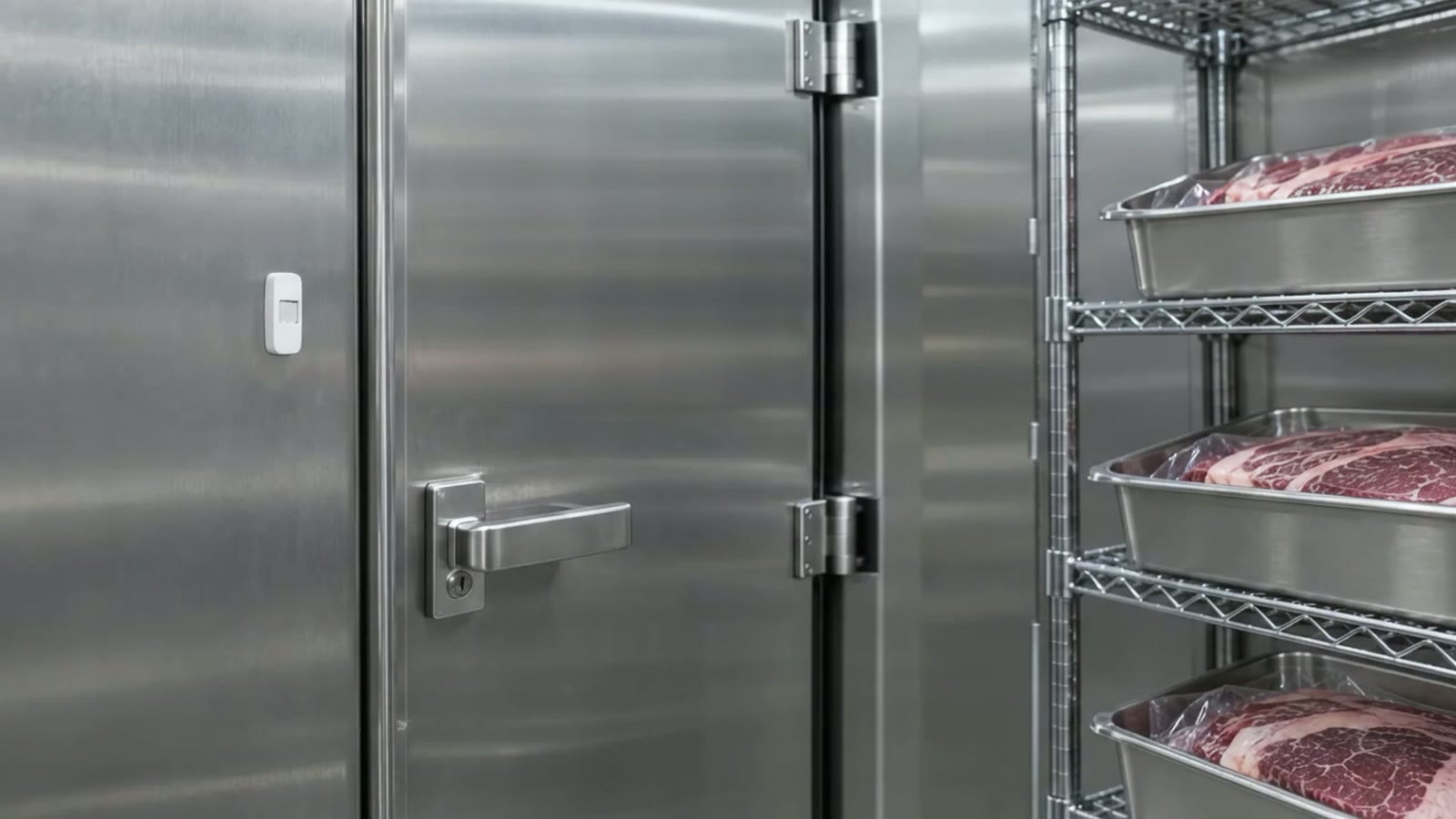
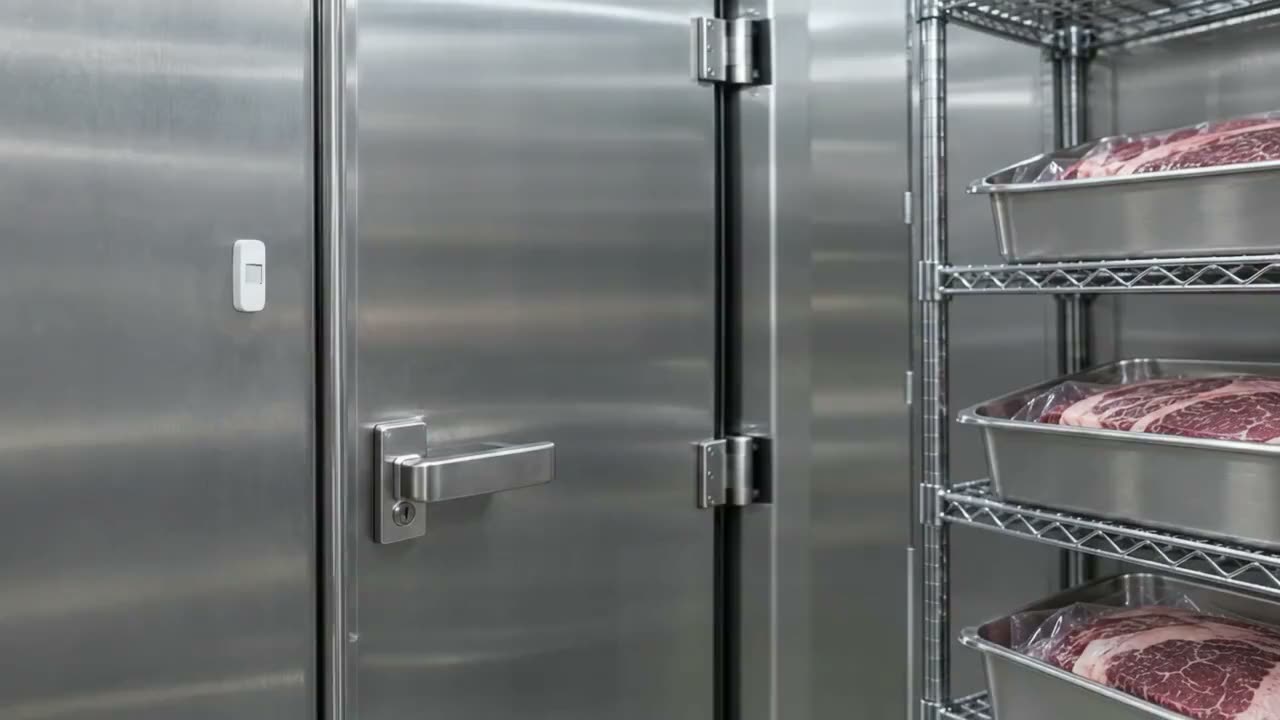
Watch the cold room
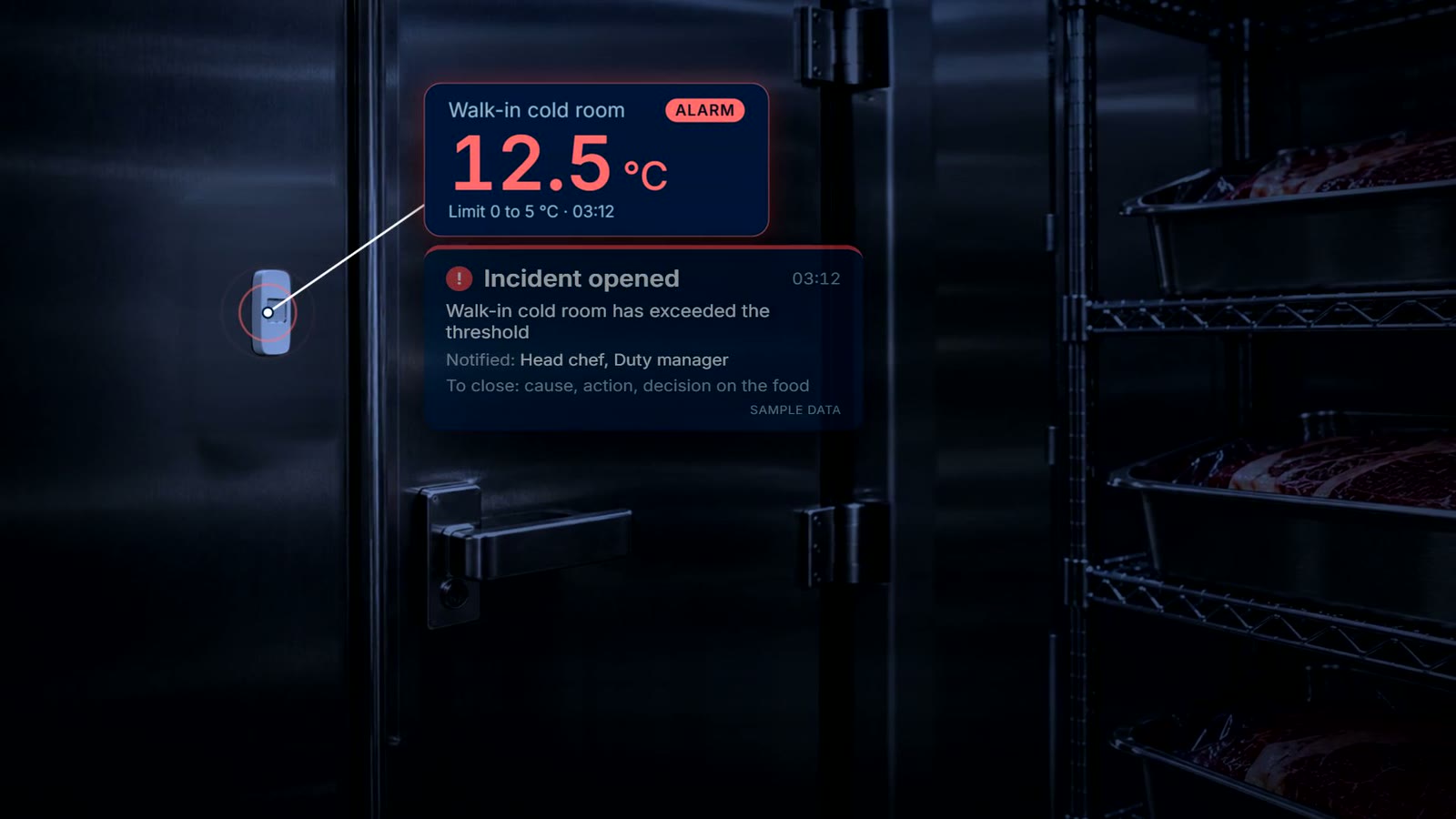
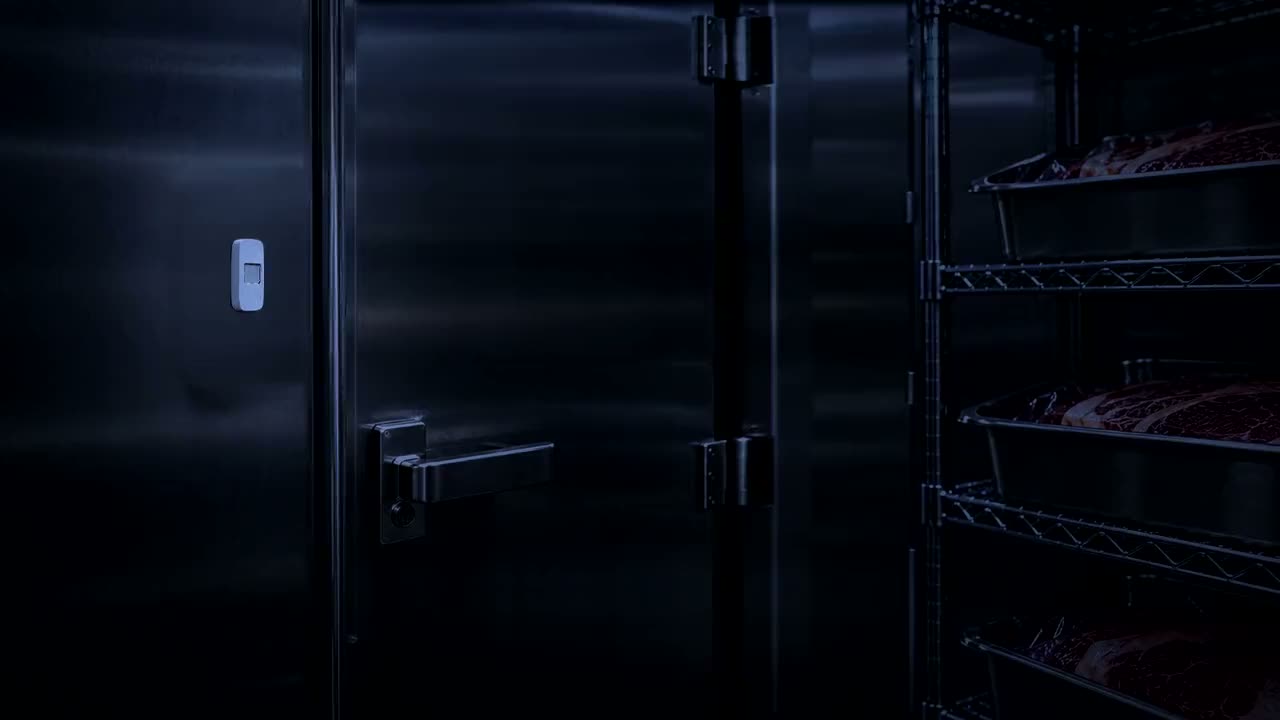
A small wireless sensor in the walk-in records the temperature around the clock.
Step 4
Act at 3 a.m.
If the cold room passes its limit, the responsible team gets a push notification and acknowledges the incident. It stays open until the cause, the action and the decision on the food are recorded.
What is recorded
What stays on file
- Each delivery. the reading, product, supplier, batch, the limit and the time
- A warm delivery. the corrective action that was chosen: returned to the driver, discarded, or a manager override with a reason
- The label. product, supplier, batch, received date and time, use-by
- The cold room. readings from the wireless sensor, around the clock
- An incident. when it opened, who acknowledged it, and the cause, the action and the decision on the food
- Sample data. every screen on this site is sample data from a fictional hotel
Questions
Short answers
How does the reading get into ProOps?
The thermometer sends it to ProOps over Bluetooth when the chef taps. The chef does not type the number.
What happens when a delivery is above the limit?
The reading turns red. The delivery cannot be saved until a corrective action is chosen: returned to the driver, discarded, or a manager override with a reason.
Who is told when the cold room passes its limit?
The team responsible gets a push notification. They acknowledge the incident, and it stays open until the cause, the action and the decision on the food are recorded.
Do we need a label printer?
Labels are printed by ProOps on a label printer in the kitchen. Without one, the readings and the cold-room records still work.
See it on your own kitchen's checks.
A 20-minute call. We set up your receiving, labels, cold rooms and machines in a demo account and walk through them with you.
Prevent. Acknowledge. Prove.
Thank you.
Your request is noted. We will reply to arrange a 20-minute demo.