For retail and multi-site chains
The same checks and the same ticket system in every shop.
Opening and closing routines, cold displays, signage, tills and air conditioning: each shop has its own list. ProOps runs the same checklists in every location and sends each fault to the team responsible.
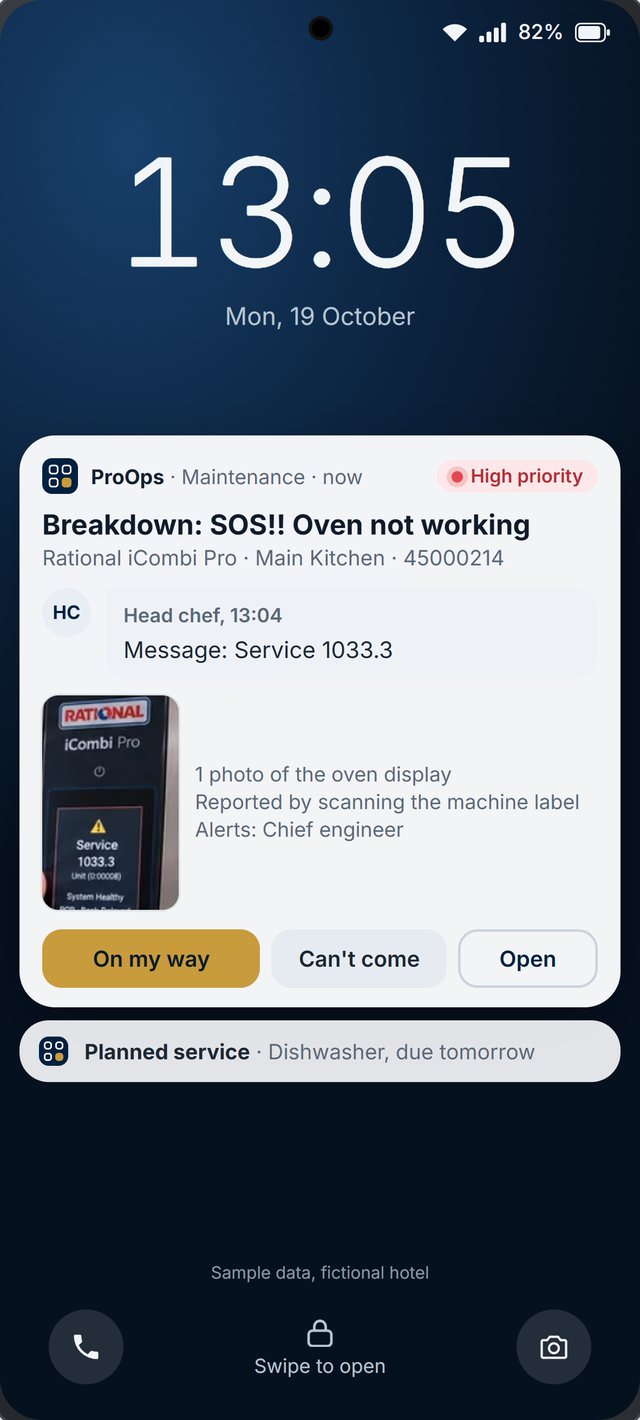
Sample data, fictional hotel.
The problem
Head office sends a checklist by email and every shop answers it differently. A display fridge fails on a Saturday and the manager finds out on Monday. A broken door sensor is reported by phone to three people and none of them writes it down. Head office cannot see which shops did their opening routine or which faults are still open.
How ProOps helps
One system across all your locations
Step 1
One checklist, every shop
Opening, closing, cleaning and safety checklists are set up once and sent to every shop. Each answer carries the name and the time, and head office sees which shops completed them.
Step 2
Faults and requests as tickets
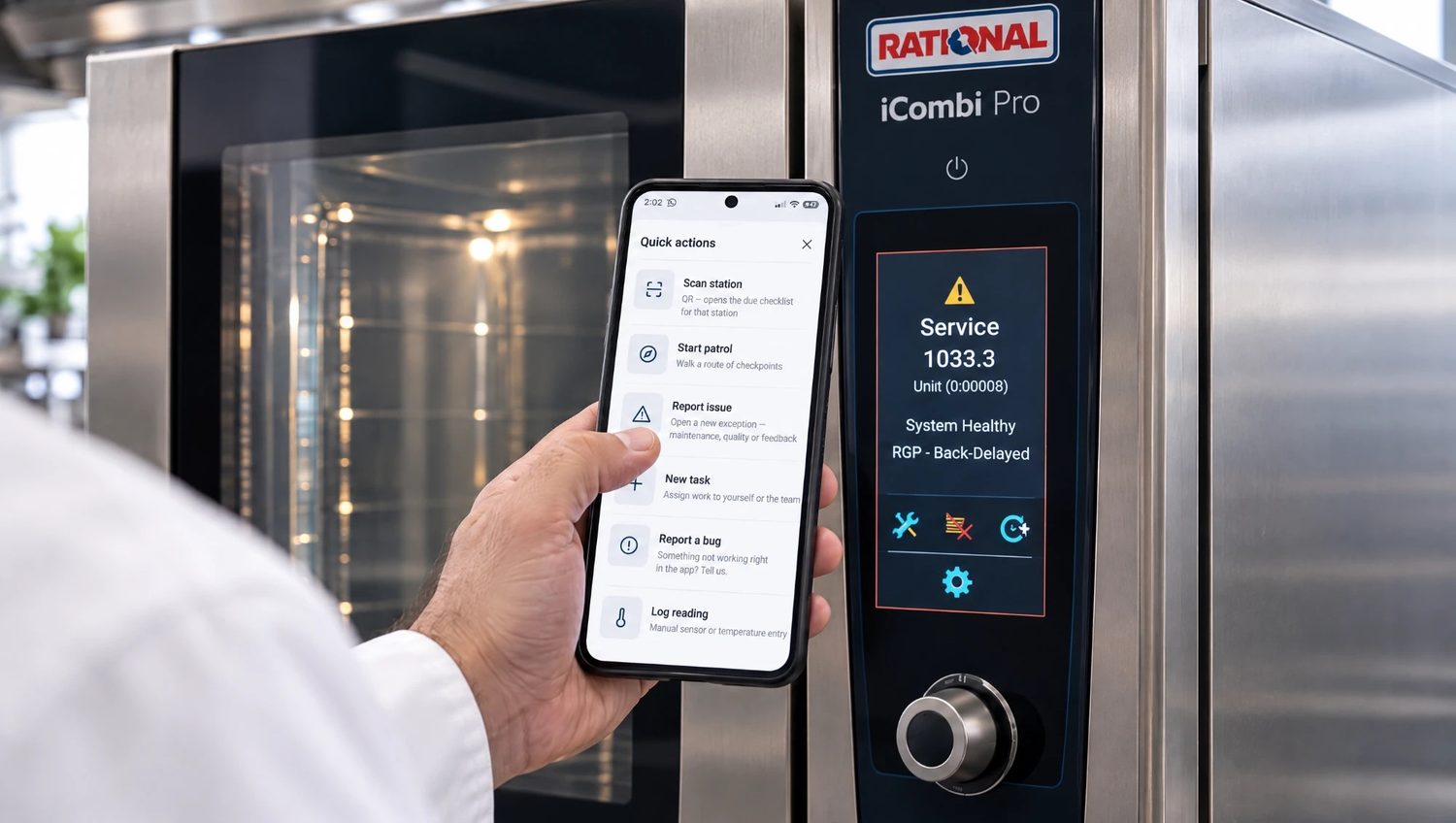
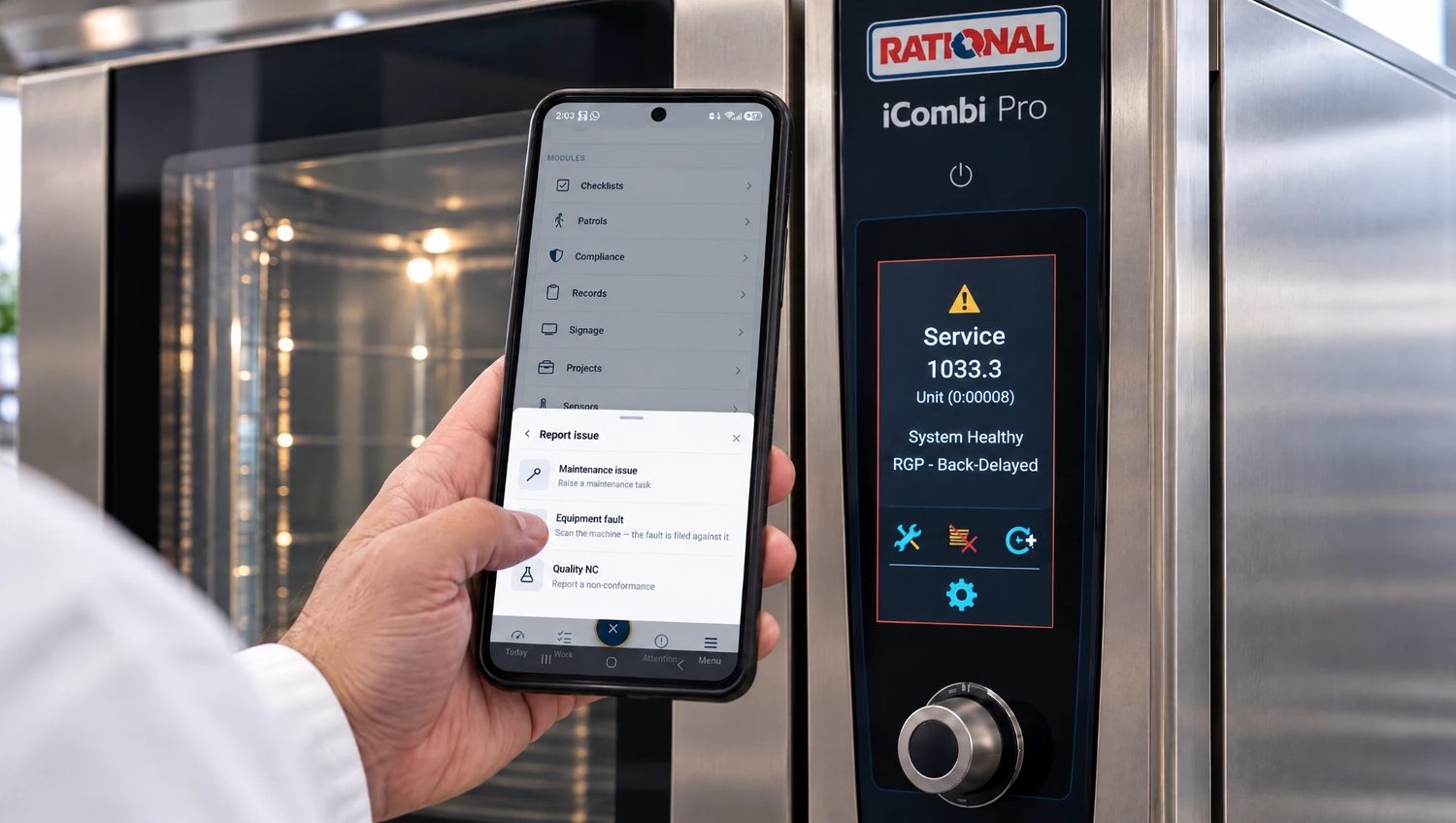
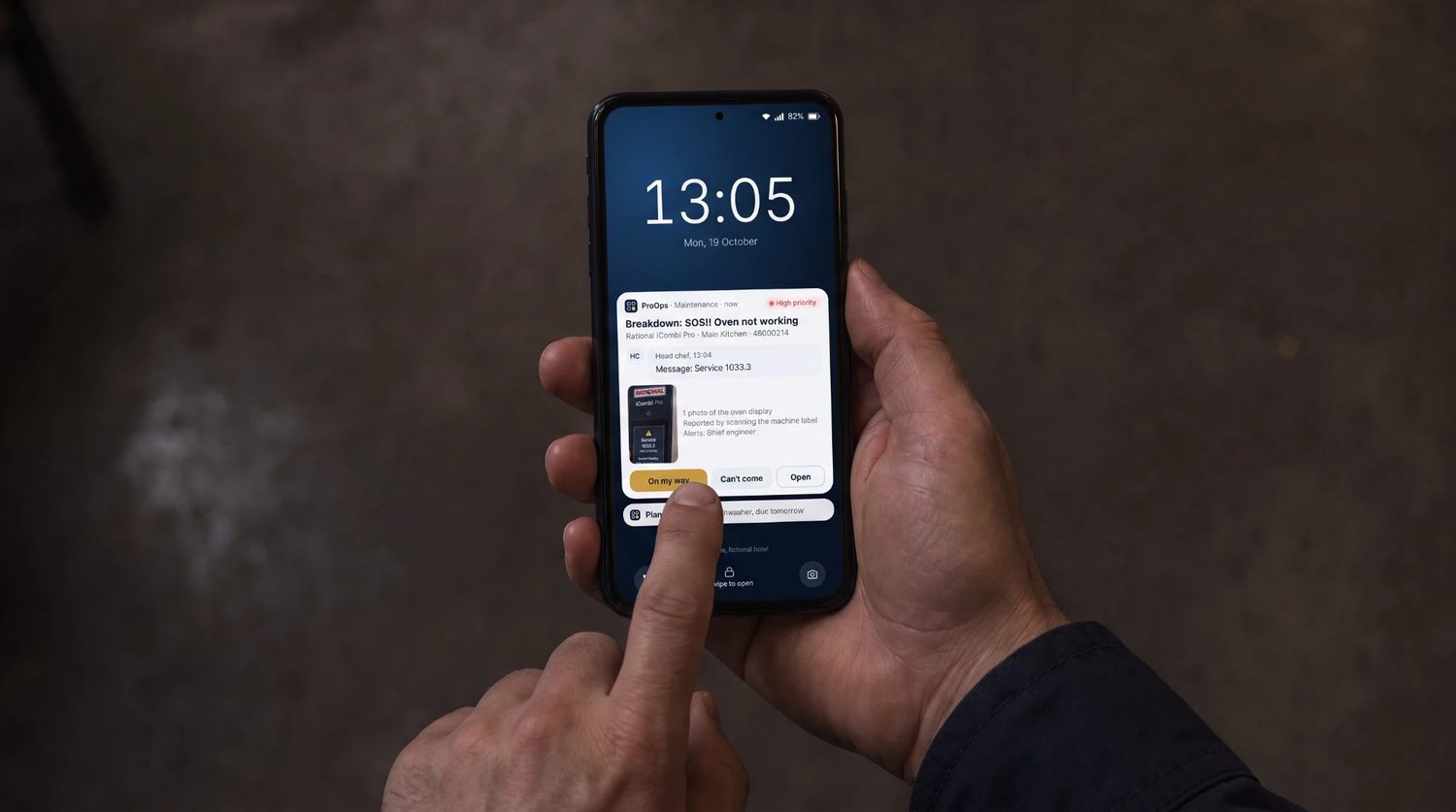
Staff scan the QR code on the equipment or open the app and file the fault. It goes to the team responsible, the answer comes back to the phone, and the ticket stays open until it is closed. Each shop sees its own tickets and head office sees all of them.
Step 3
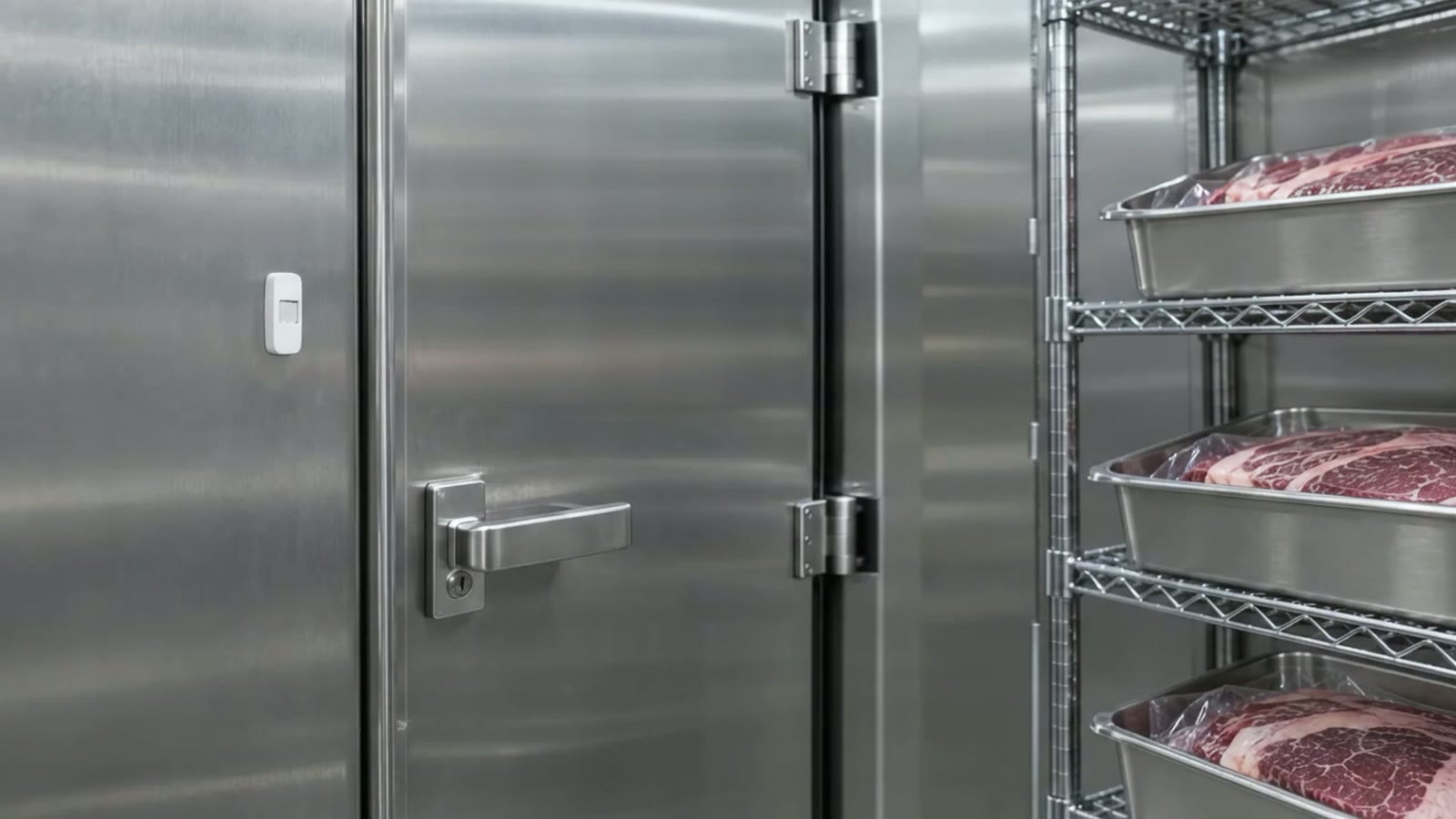
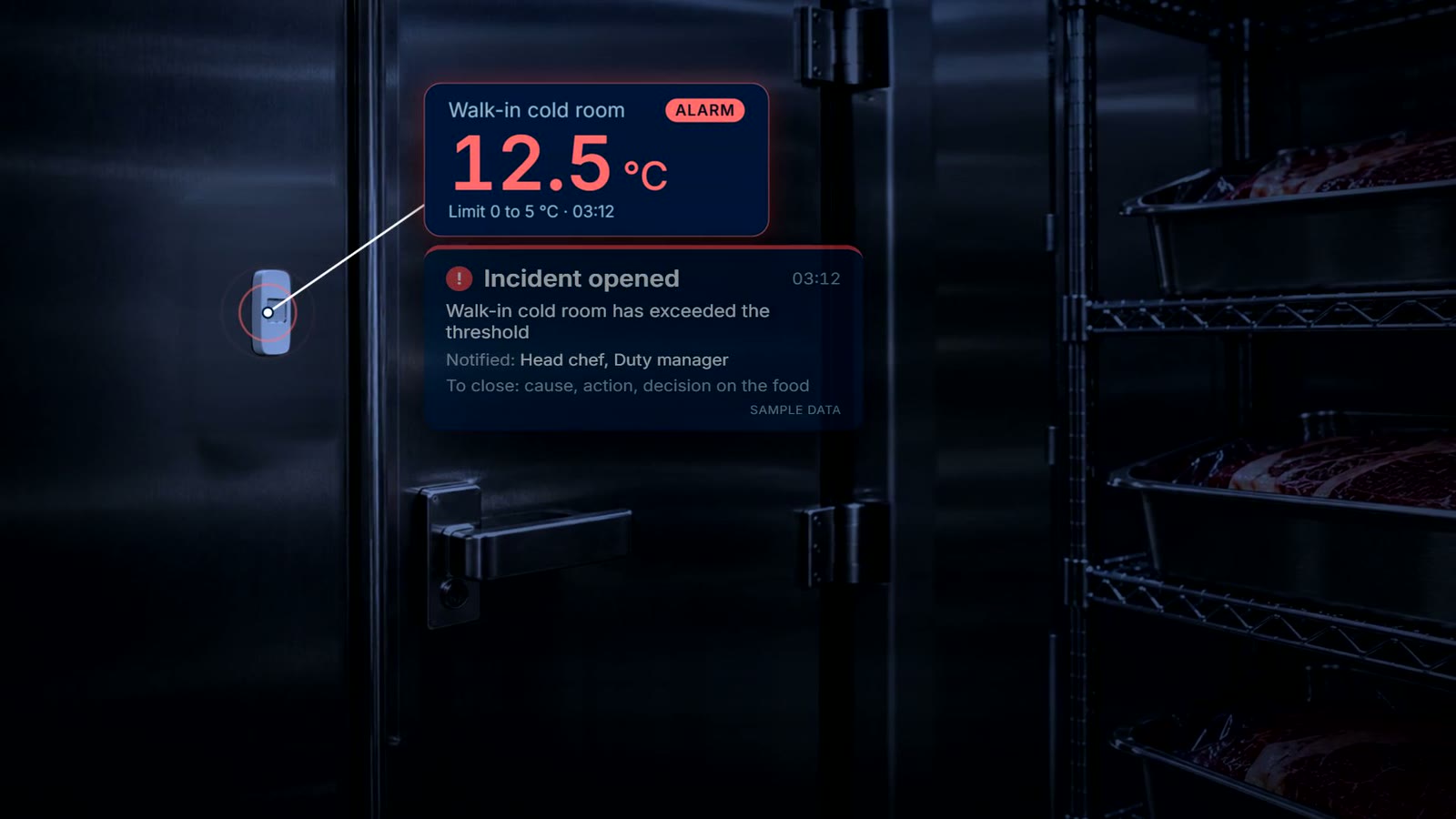
Cold displays and stores watched around the clock
Wireless sensors record the temperature of display fridges and cold stores day and night. When a reading passes the limit, the responsible team gets a push notification and acknowledges the incident.
What is recorded
What stays on file
- Each shop checklist. the answers, who did it and when
- Each ticket. what, where, which equipment, and who answered
- Open and closed tickets. per shop, visible to head office
- Cold displays. readings from wireless sensors, around the clock
- An incident. when it opened, who acknowledged it, and the cause and action
- Equipment history. faults and visits per machine
Questions
Short answers
How many shops can we run?
As many as you have. Each shop has its own equipment, checklists and responsible teams, and head office can look at one shop or all of them. We set up a few of your shops in the demo account.
Can different shops have different checklists?
Yes. You decide what each checklist asks and which shops receive it.
What do shop staff need?
A phone or tablet running ProOps. They scan the QR code on a machine or open the app to file a fault.
Can we watch our refrigeration?
Yes. A wireless sensor records the display fridge or cold store it is in, so each one you want watched needs its own sensor.
Keep reading
See it on your own checks.
A 20-minute call. We set up your checklists, tickets, audits and machines in a demo account and walk through them with you.
Prevent. Acknowledge. Prove.