For restaurants
Receiving, labels and the walk-in, recorded without extra paperwork.
A thermometer, a label printer and a cold-room sensor cover the checks a restaurant kitchen does every day. ProOps keeps them in one place.
Sample data, fictional hotel.
The problem
On a busy Friday the paper log is the first thing to be skipped. The delivery arrives while the pass is full. Labels are written by hand with a marker that is running dry. The fridge runs warm over a Sunday when the restaurant was closed. And on the day someone asks to see the records, you are looking for a clipboard.
How ProOps helps
Four jobs, done where they happen
Step 1
Receiving at the back door
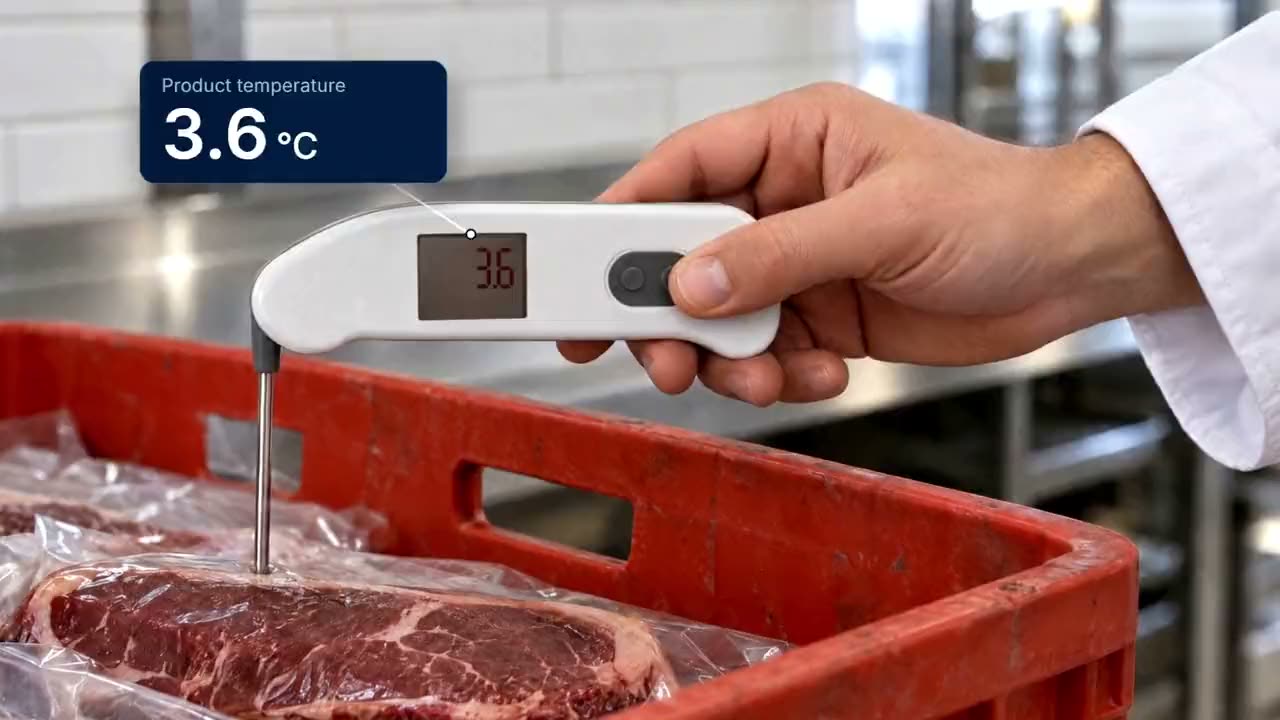
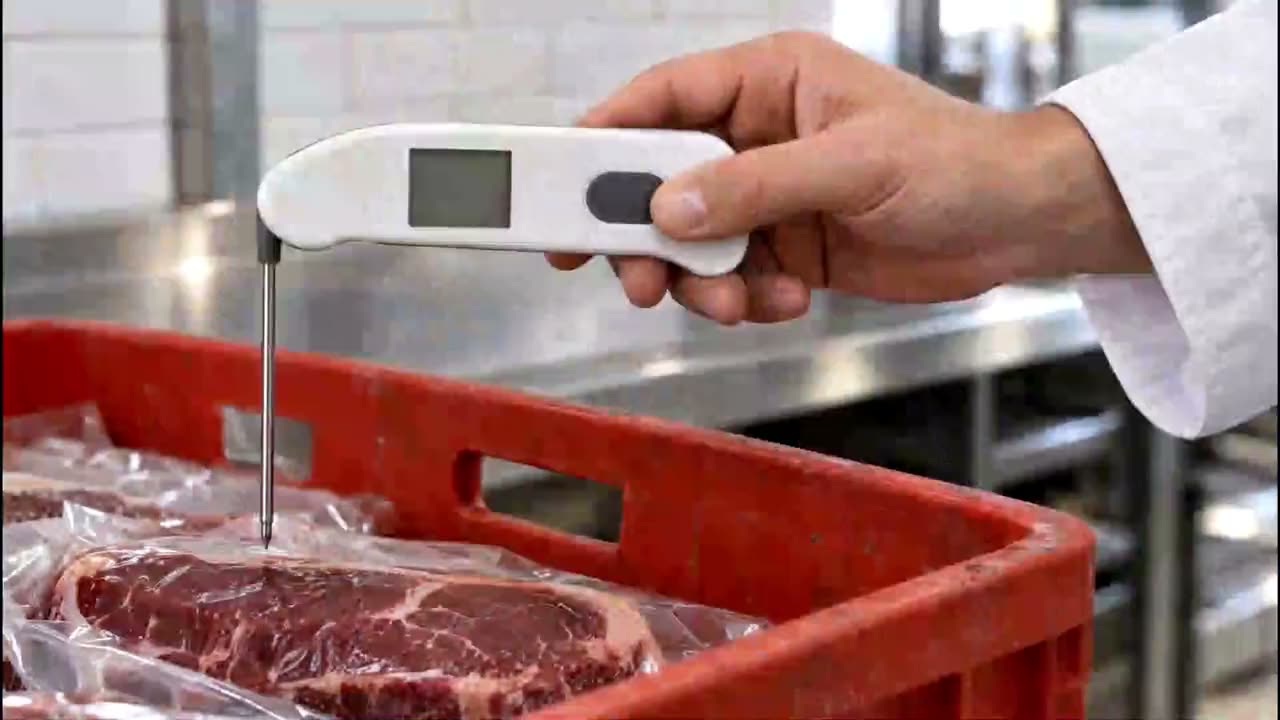
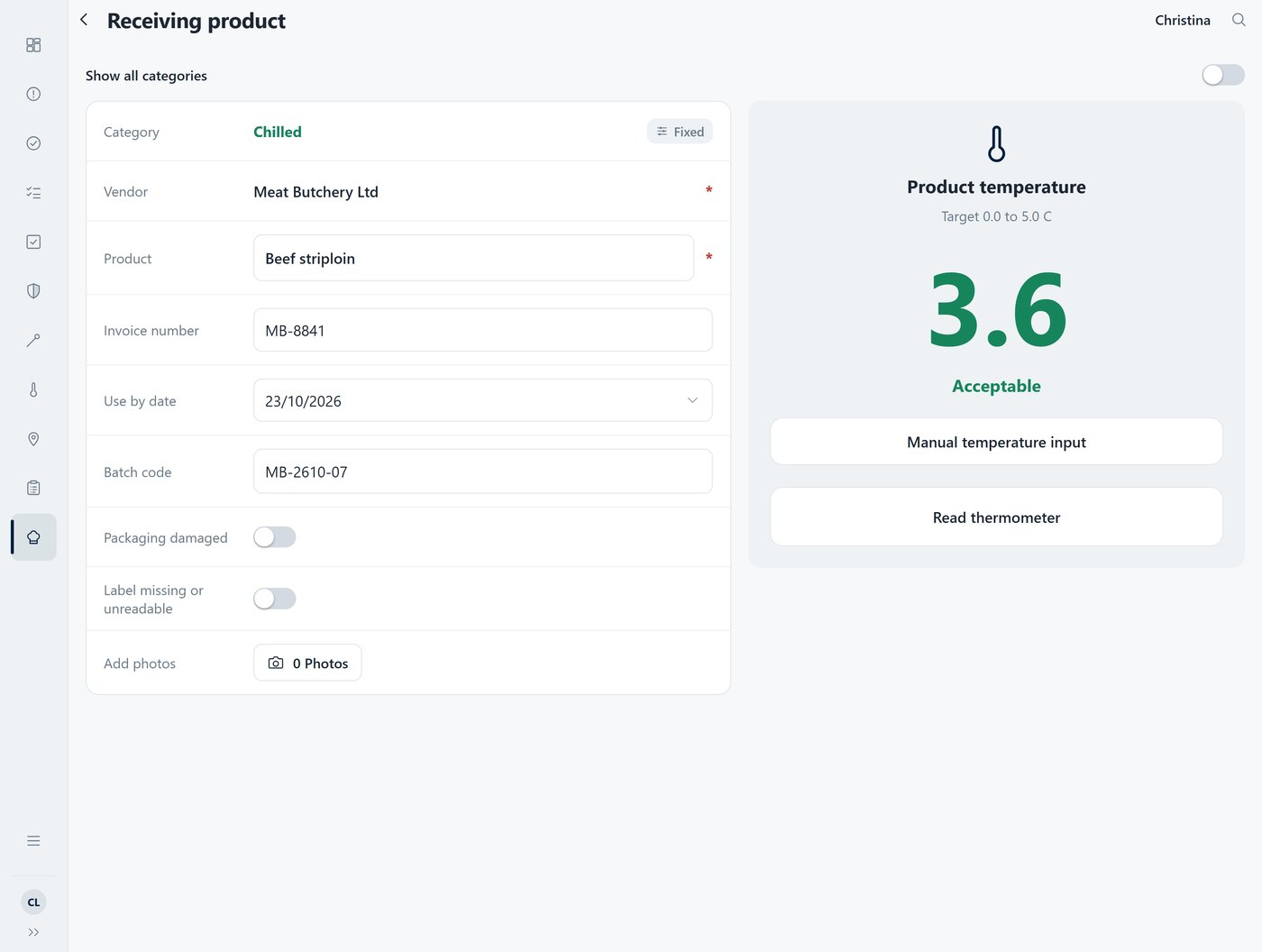
Probe the delivery and tap. The reading arrives in ProOps over Bluetooth, so nobody types a number with wet hands. A delivery above the limit cannot be saved until a corrective action is chosen: returned to the driver, discarded, or a manager override with a reason.
Step 2
Labels that are readable and complete
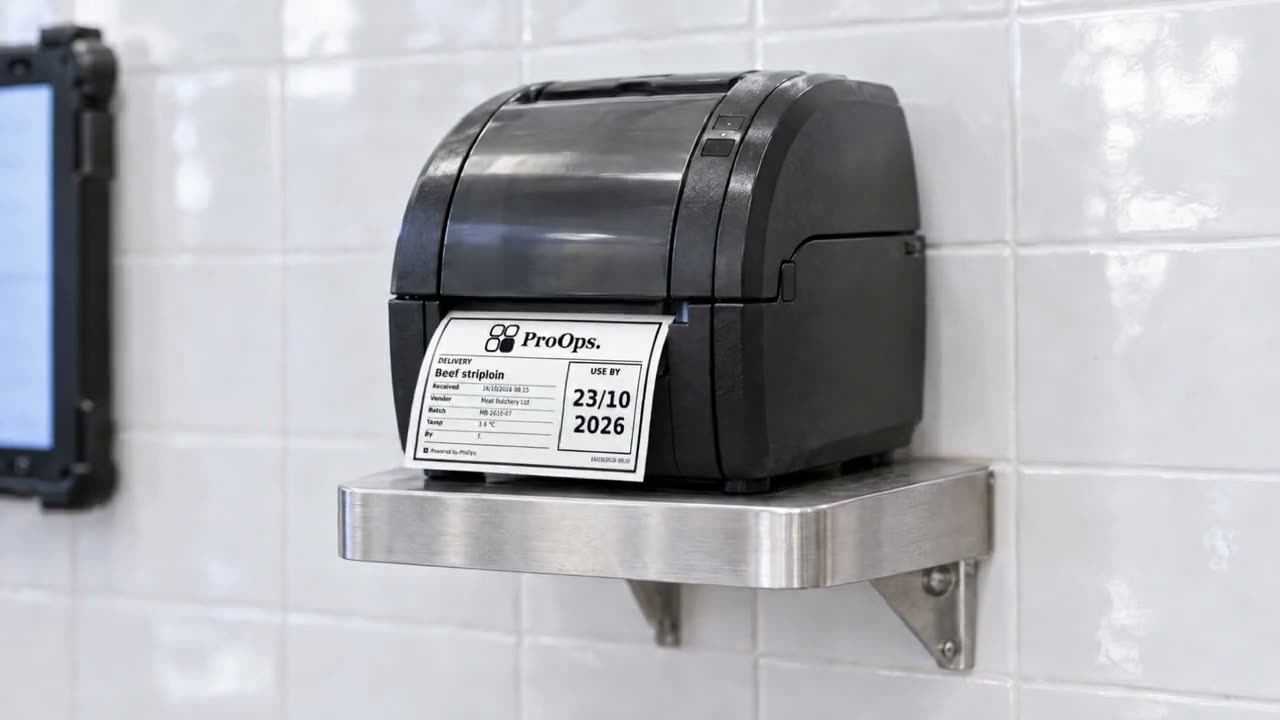
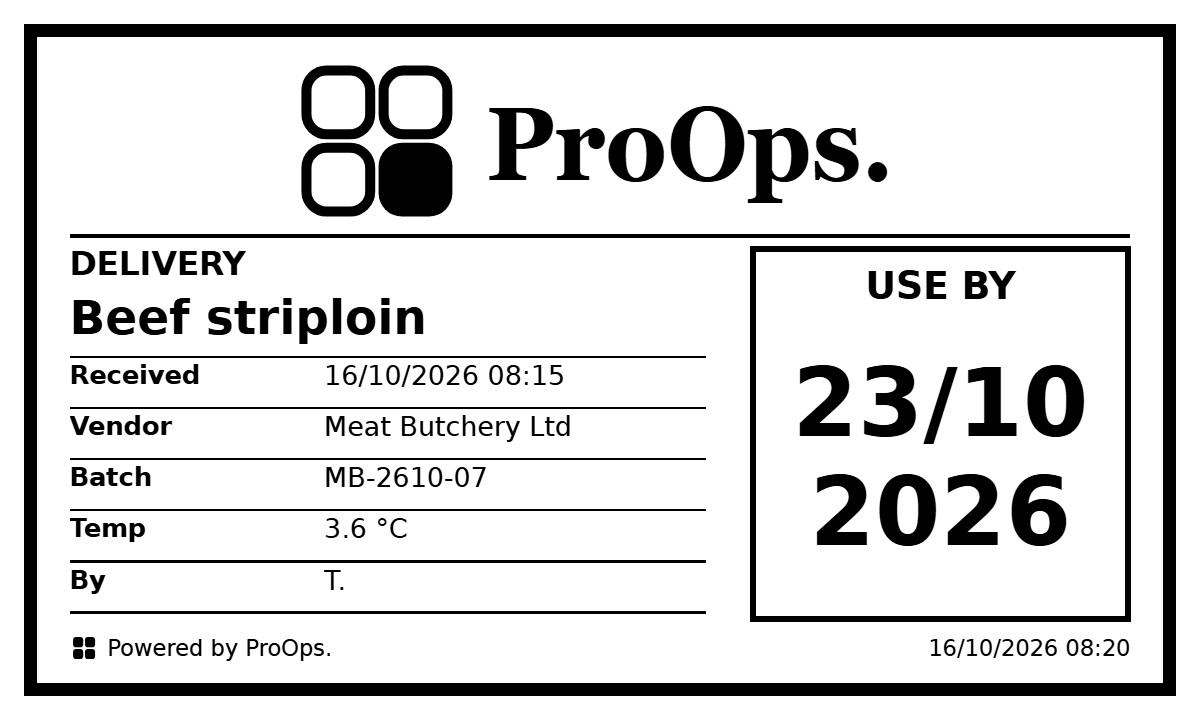
ProOps prints the label on a label printer in the kitchen: product, supplier, batch, received date and time, use-by. Without a printer, the readings and the cold-room records still work.
Step 3
The walk-in and the fridges, when you are not there
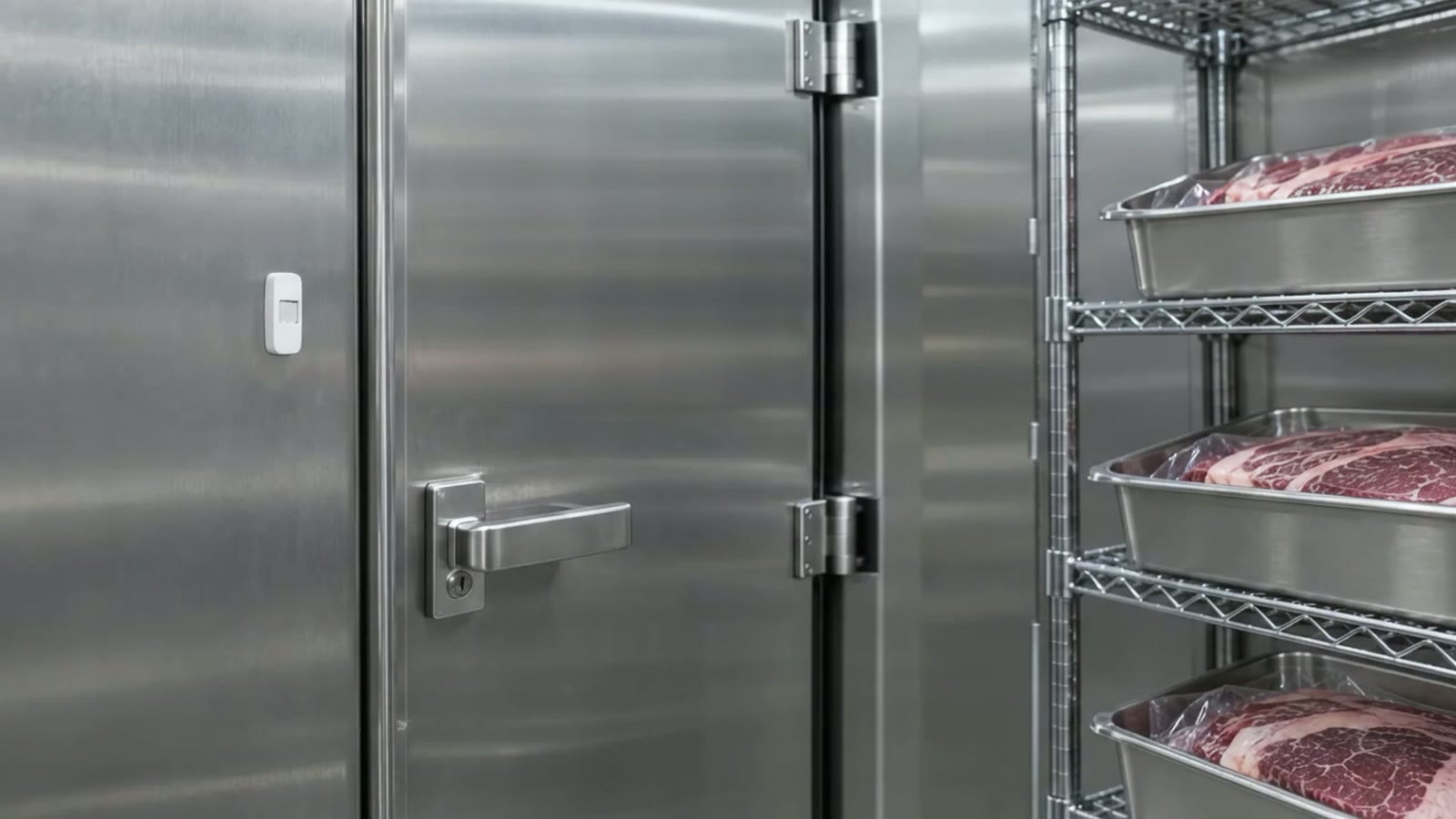
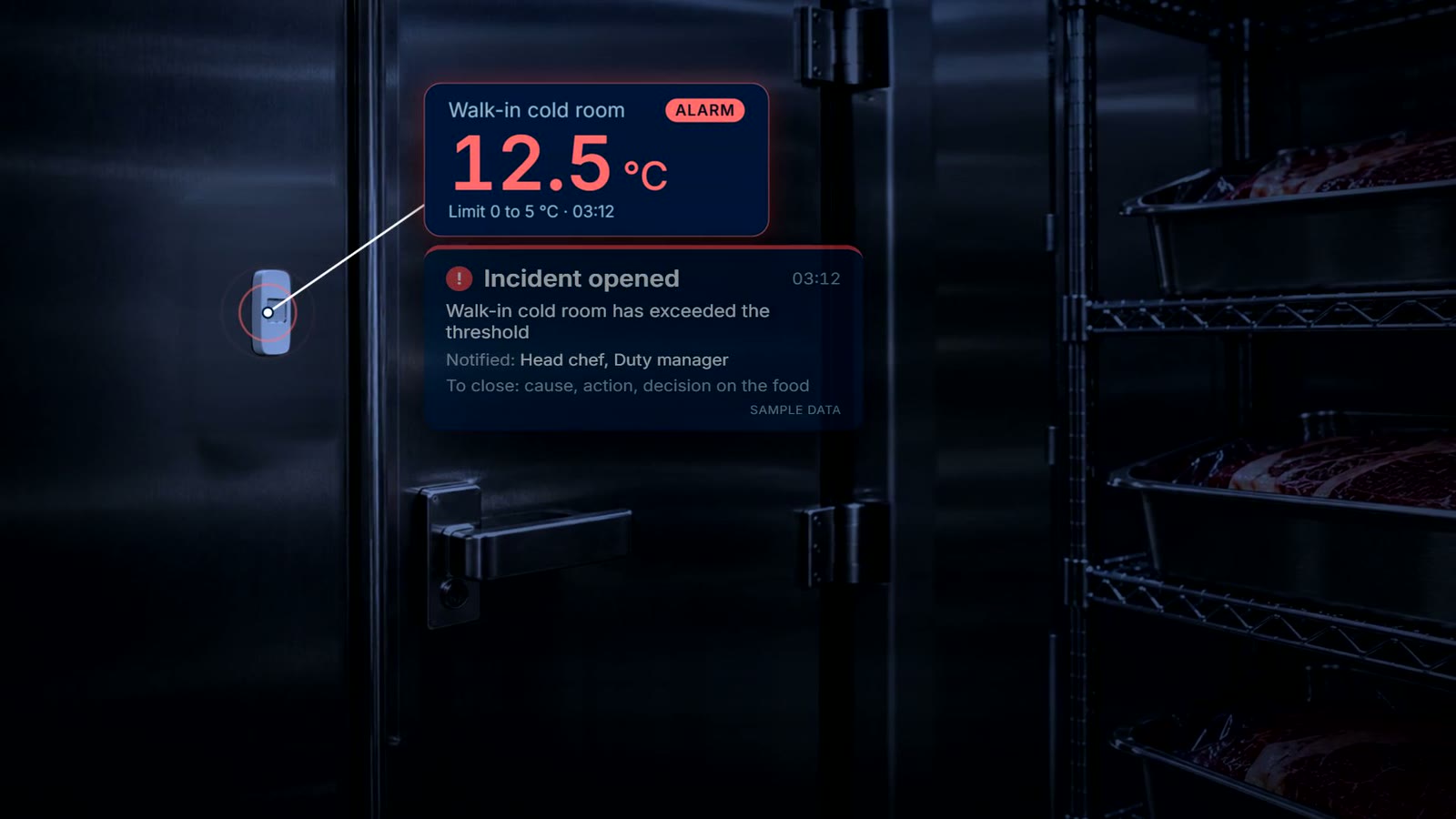
Wireless sensors record around the clock. When a reading passes the limit, the responsible team gets a push notification and acknowledges the incident. It stays open until the cause, the action and the decision on the food are recorded.
Step 4
When the oven or the dishwasher stops
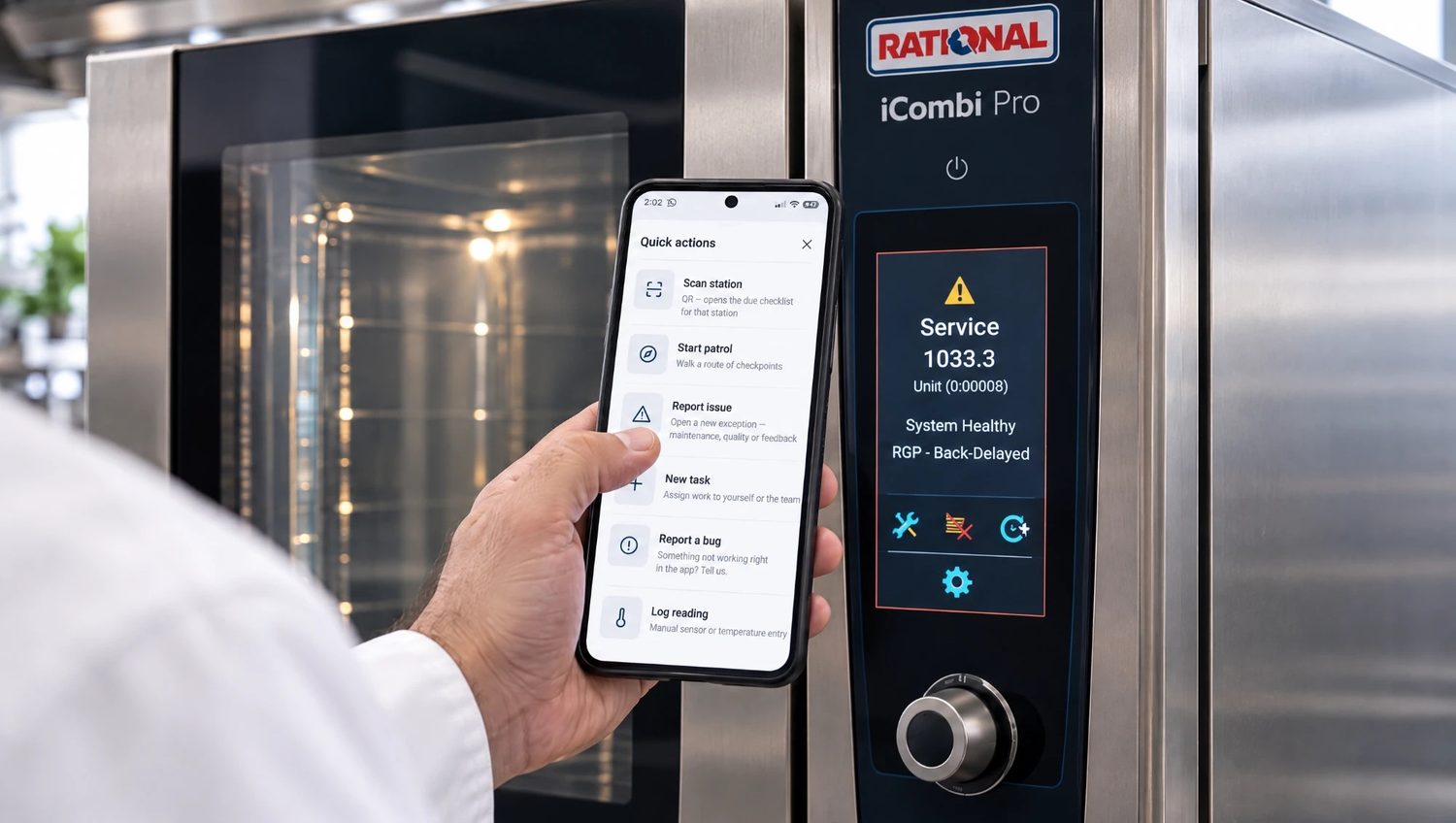
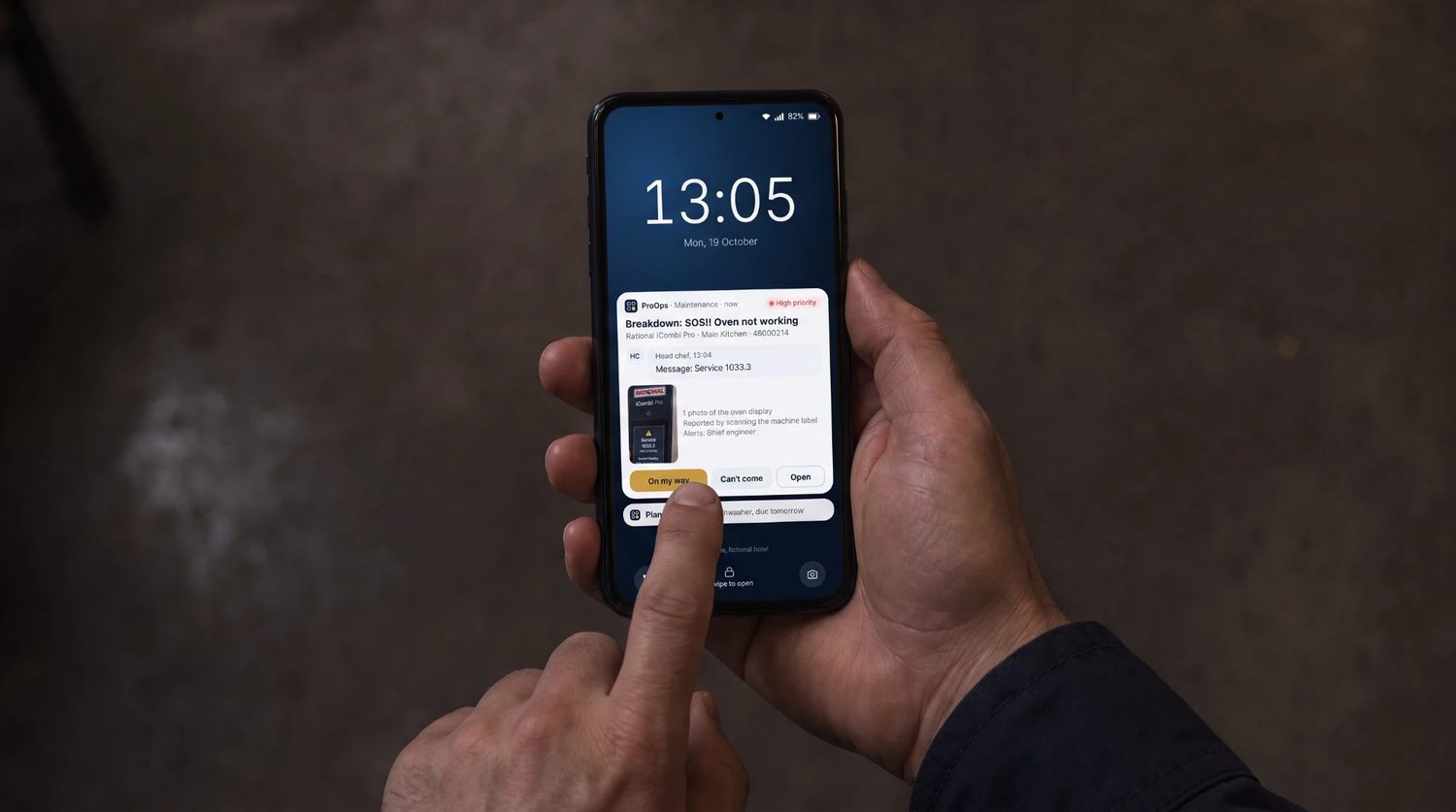
Scan the QR code on the machine, describe the fault, send. The report goes to whoever is responsible for repairs and the answer, for example 'On my way', comes back on the phone. The fault stays in that machine's history.
What is recorded
What stays on file
- Each delivery. the reading, product, supplier, batch, the limit and the time
- A warm delivery. the corrective action that was chosen
- The labels. product, supplier, batch, received date and time, use-by
- The fridges and the walk-in. readings from wireless sensors, around the clock
- An incident. who acknowledged it, and the cause, the action and the decision on the food
- Machine faults. what was reported, when, and what the engineer answered
Questions
Short answers
Is it only for big kitchens?
No. A single kitchen with one thermometer, one cold room and a handful of machines can use it. You switch on only the parts you need: receiving, labels, cold-room sensors, machine codes.
Do I need a label printer?
Only if you want printed labels. Without one, the receiving readings, the cold-room records and the machine faults all still work.
What happens if the fridge fails when the restaurant is closed?
The sensor records around the clock. When the reading passes the limit, the responsible team gets a push notification and acknowledges the incident, and it stays open until the cause, the action and the decision on the food are recorded.
Can we see it with our own checks before deciding?
Yes. Book a 20-minute demo. We use sample data from a fictional hotel, or set up a few of your own checks in a demo account.
Keep reading
See it on your own checks.
A 20-minute call. We set up your checklists, tickets, audits and machines in a demo account and walk through them with you.
Prevent. Acknowledge. Prove.