For manufacturing and plants
Machine faults, line checks and audits, recorded as the shift works.
Workshops, plants and production halls run on machines and checks. ProOps files every fault against the machine, runs checklists on the line, supports internal audits and keeps a record of who did what and when.
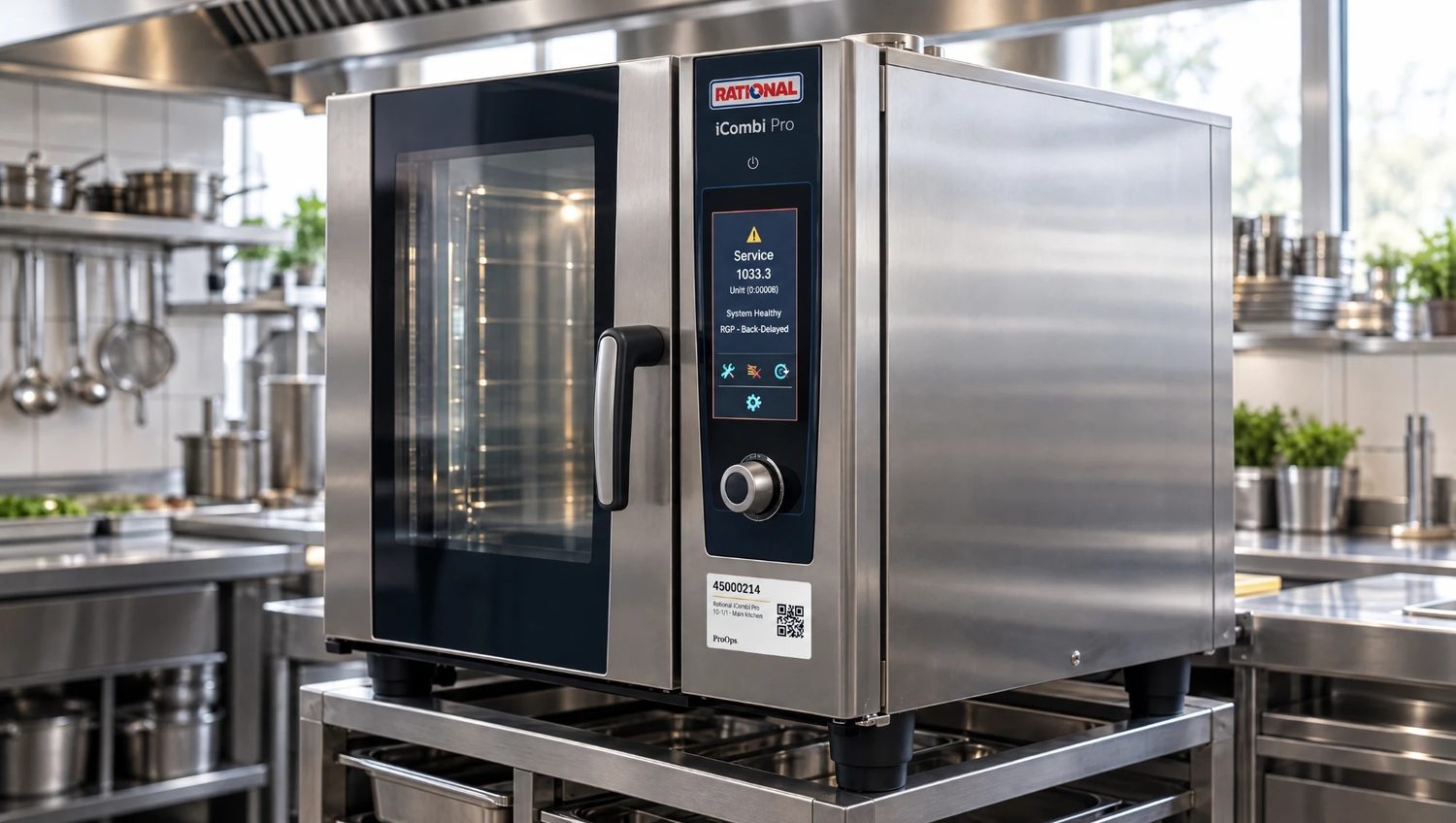
Sample data, fictional hotel.
The problem
The line stops at six in the morning and the fault is reported by word of mouth, so nobody can say later when it began. The start-of-shift check is a sheet filled in at the end of the shift. The same press has stopped three times this month, and each time the engineer starts from nothing. Internal audit findings sit in a spreadsheet and the corrective actions are chased by email.
How ProOps helps
From the machine to the audit
Step 1
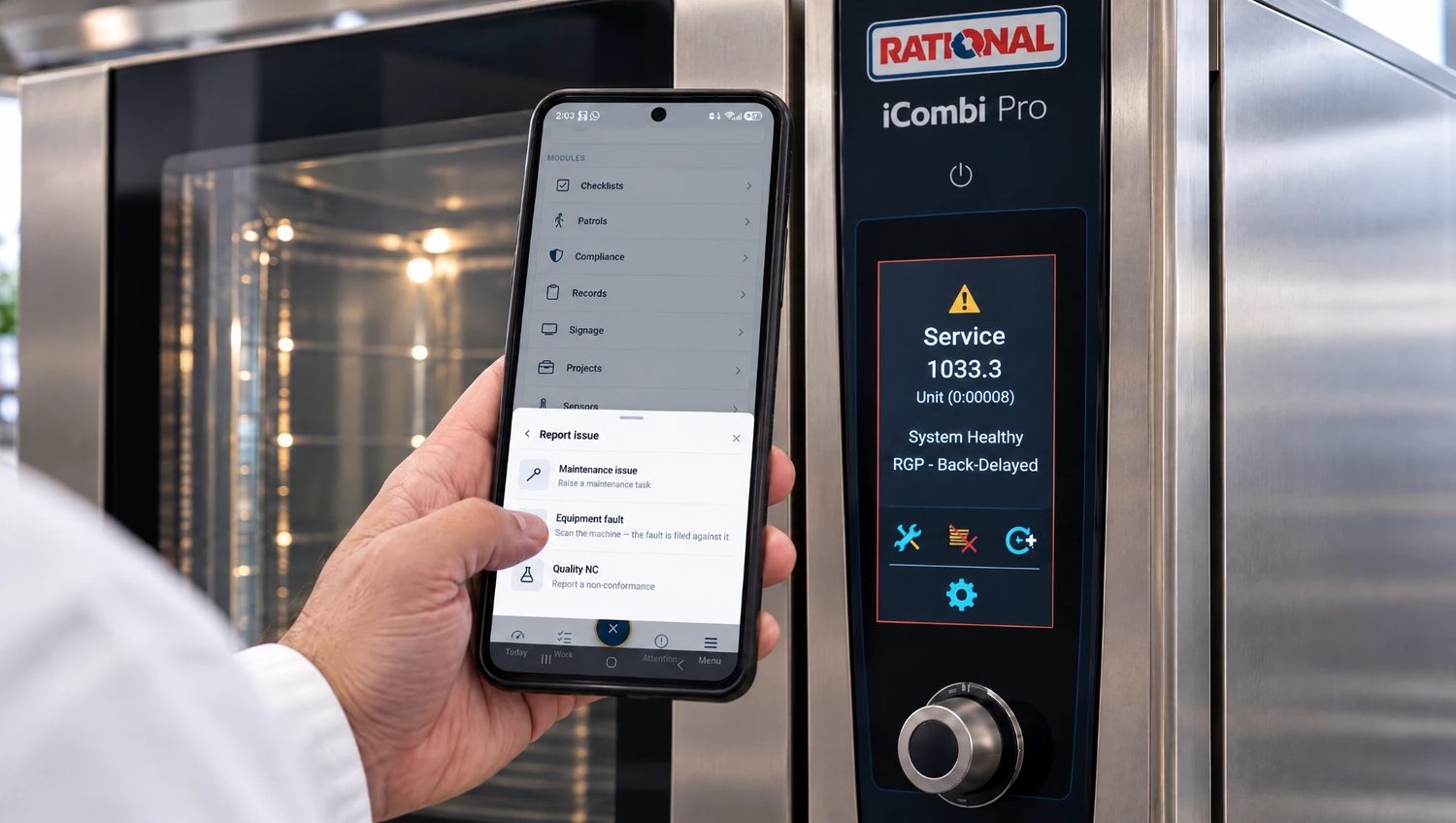
Faults filed against the machine
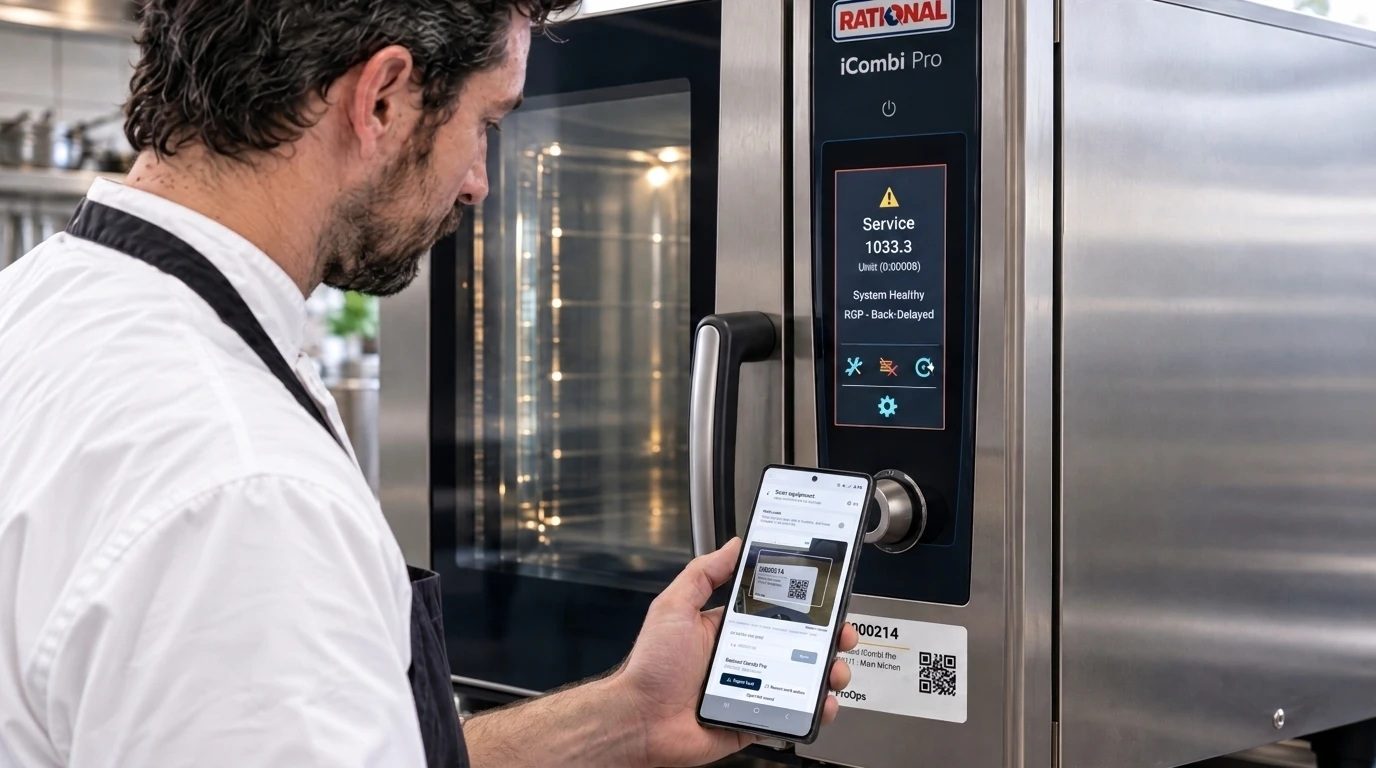
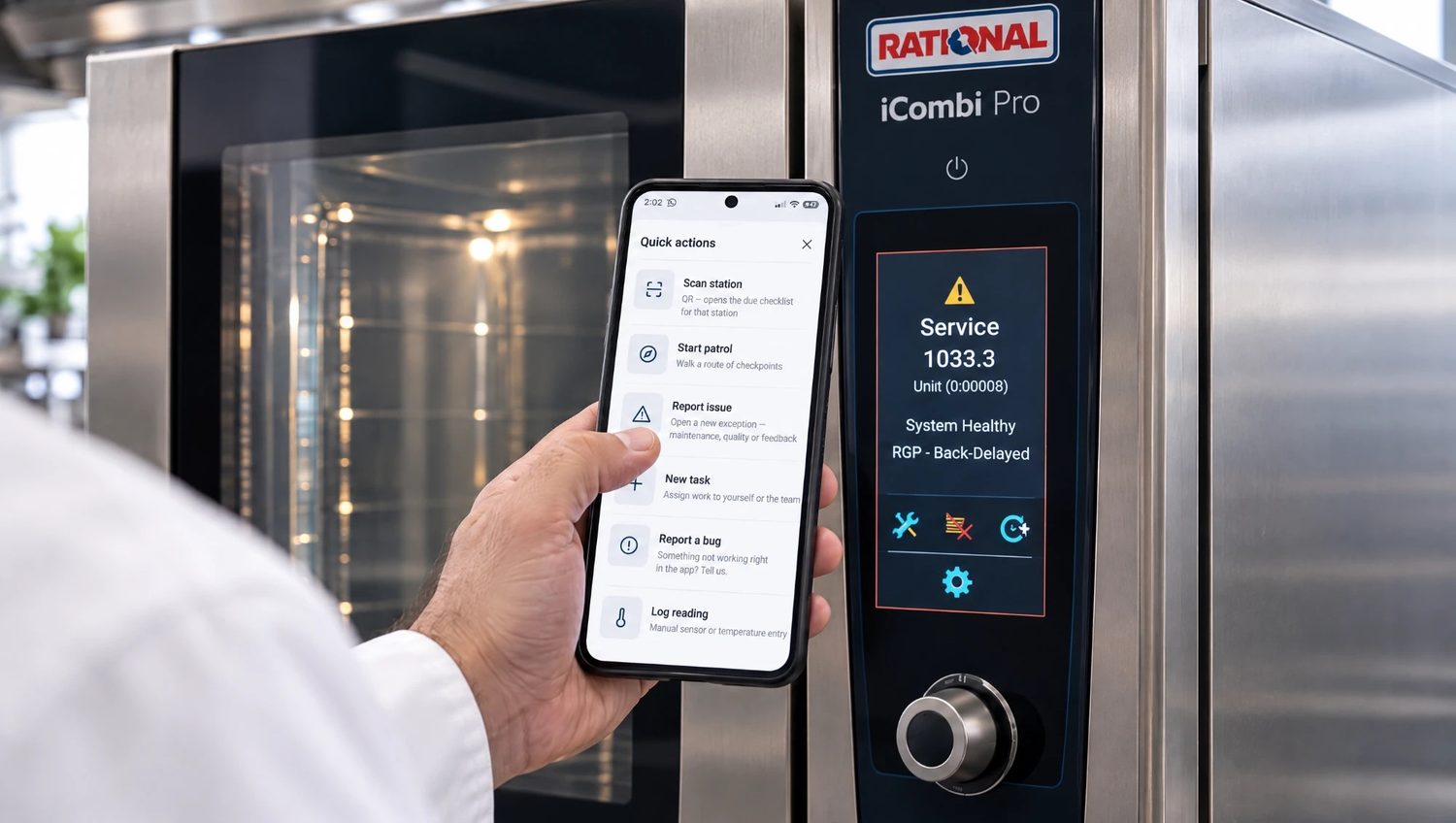
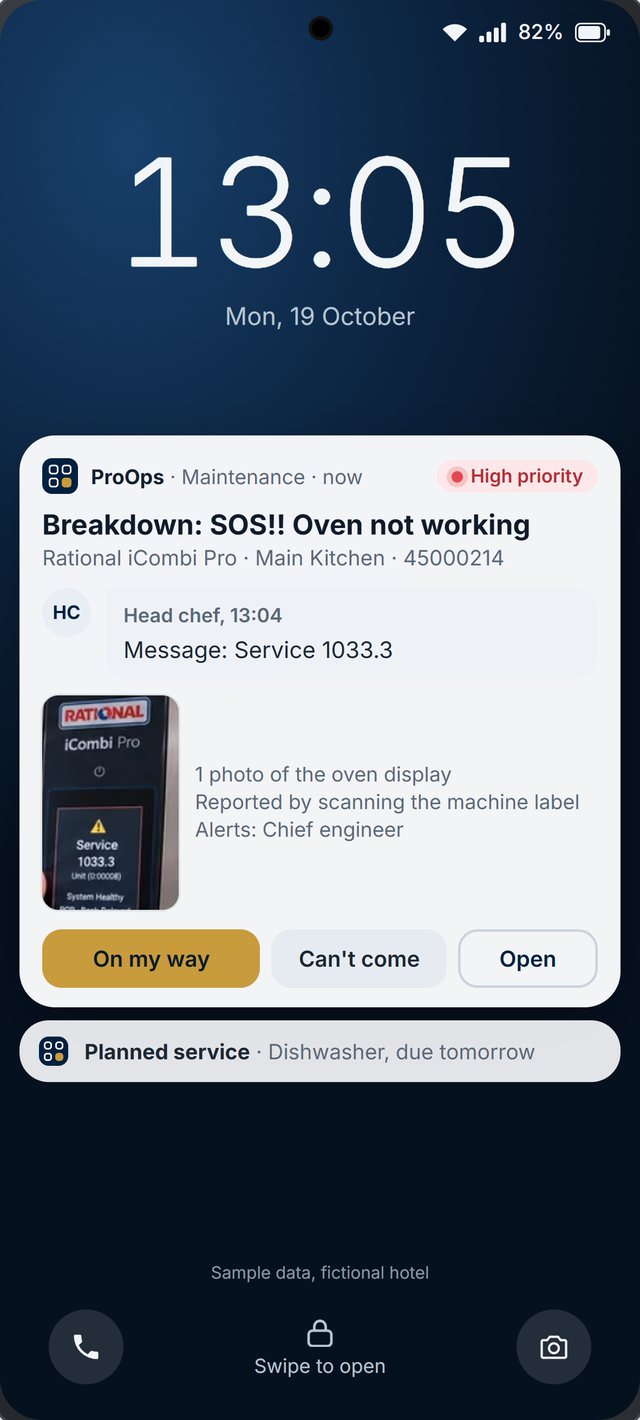
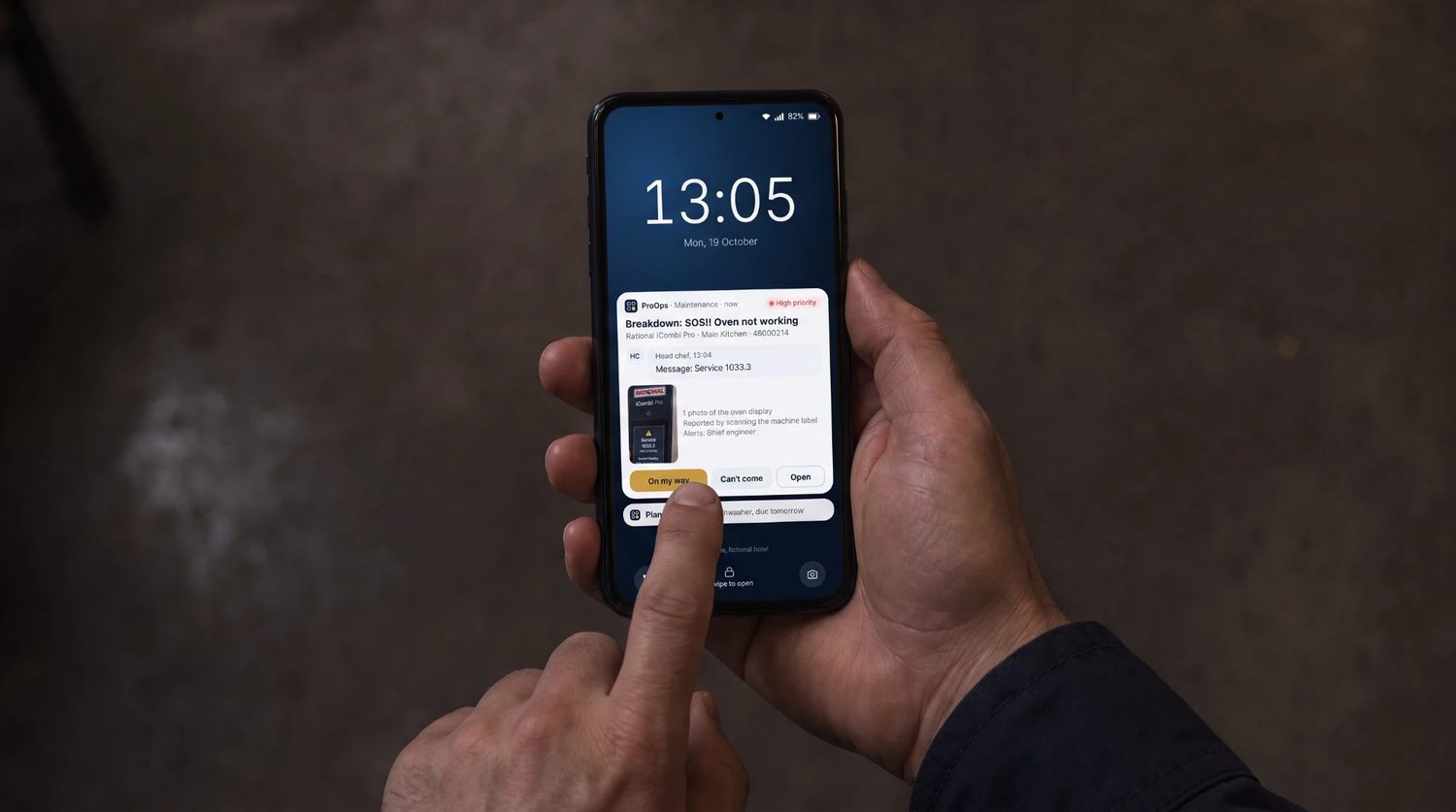
Every machine carries a QR label. A scan files the fault against the right machine, the report goes to the team responsible as a notification, and the engineer answers on the phone, for example 'On my way'. The history per machine shows which ones stop most often.
Step 2
Line checks and shift checklists
Start-of-shift checks, cleaning and changeover checklists run on a phone or tablet at the machine. Each answer carries the name and the time, and tasks for the crew are assigned and ticked off in the same place.
Step 3
Audits and corrective actions
Internal audits and inspections run on a checklist. A finding opens an action with an owner, and it stays open until the cause and the action are recorded. Wireless sensors can add temperature readings where a process needs them.
What is recorded
What stays on file
- A fault. what was reported, when, against which machine, and what the engineer answered
- Machine history. every fault and visit, per machine
- A line check. the answers, who did it and when
- An audit. the findings, the checklist and who carried it out
- A finding. the owner, the cause and the action taken
- Tasks for the crew. who was assigned, who did it and when
Questions
Short answers
Which machines can we add?
Any machine can carry a QR label: presses, CNC machines, packing lines, compressors, forklifts. Each one keeps its own history.
Can we build our own line checklists?
Yes. You decide what each checklist asks. We build the first ones with you in the demo.
How are internal audits handled?
An audit is a checklist run by the auditor. Each finding can open a corrective action with an owner, and it stays open until the cause and the action are recorded.
Does it connect to our machines?
Machines are identified by QR code, so nothing has to be wired in. Wireless sensors can record temperatures where you need them. If you have a specific signal in mind, ask in the demo.
Keep reading
See it on your own checks.
A 20-minute call. We set up your checklists, tickets, audits and machines in a demo account and walk through them with you.
Prevent. Acknowledge. Prove.