ProOps module
Maintenance Management
Every machine has its own code. Scan it to report a fault, and the report reaches the team responsible for that machine.
Sample data, fictional hotel.
The problem
When an oven stops, the message to maintenance travels by shouting across the kitchen, a phone call, a note on the pass. Which oven, what the display said and who was told are gone by the end of the shift. Maintenance Management puts a code on each machine, so the fault is reported against the right one and goes to the people responsible for it.
How it works
Four steps
Step 1
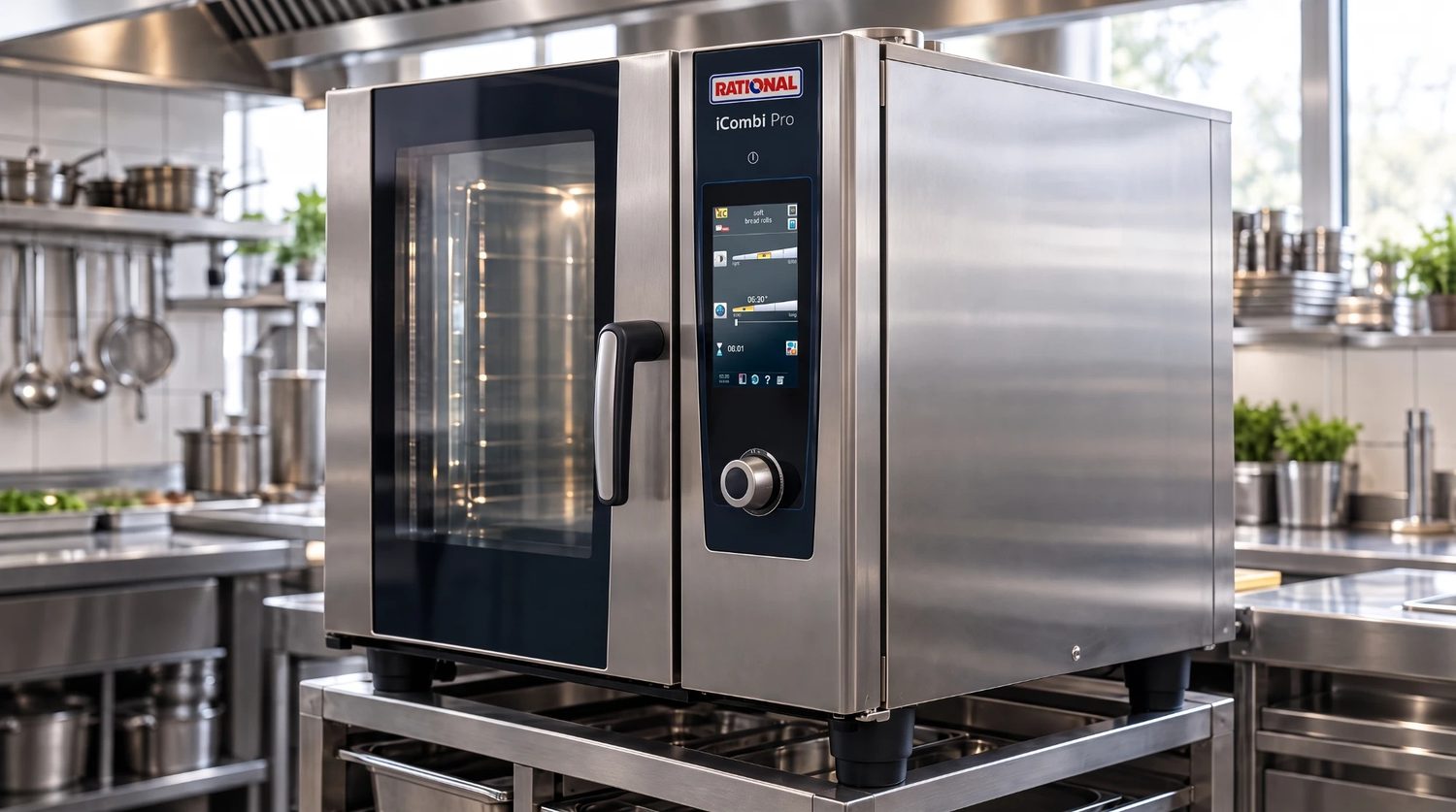
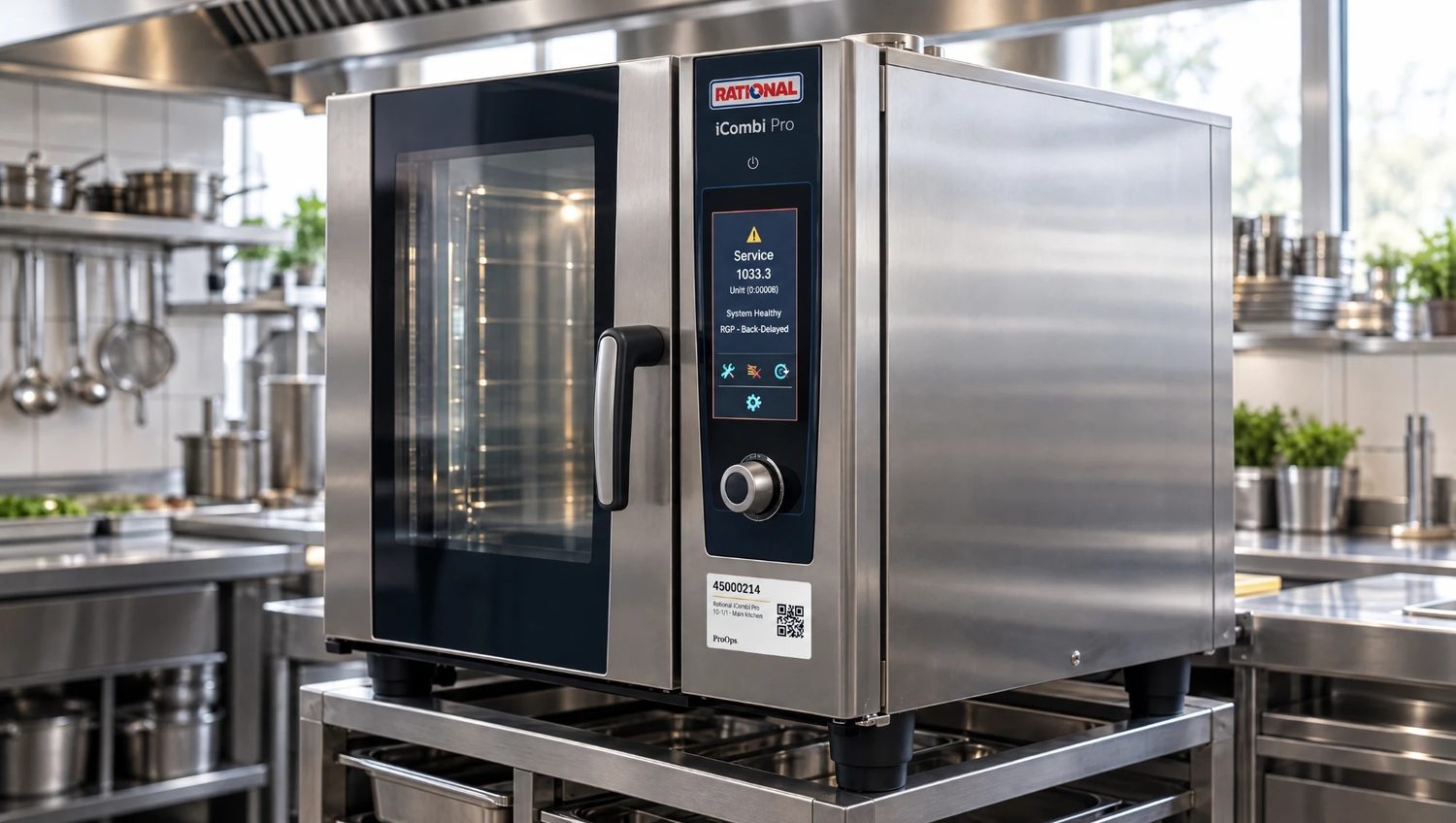
Every machine has its own code
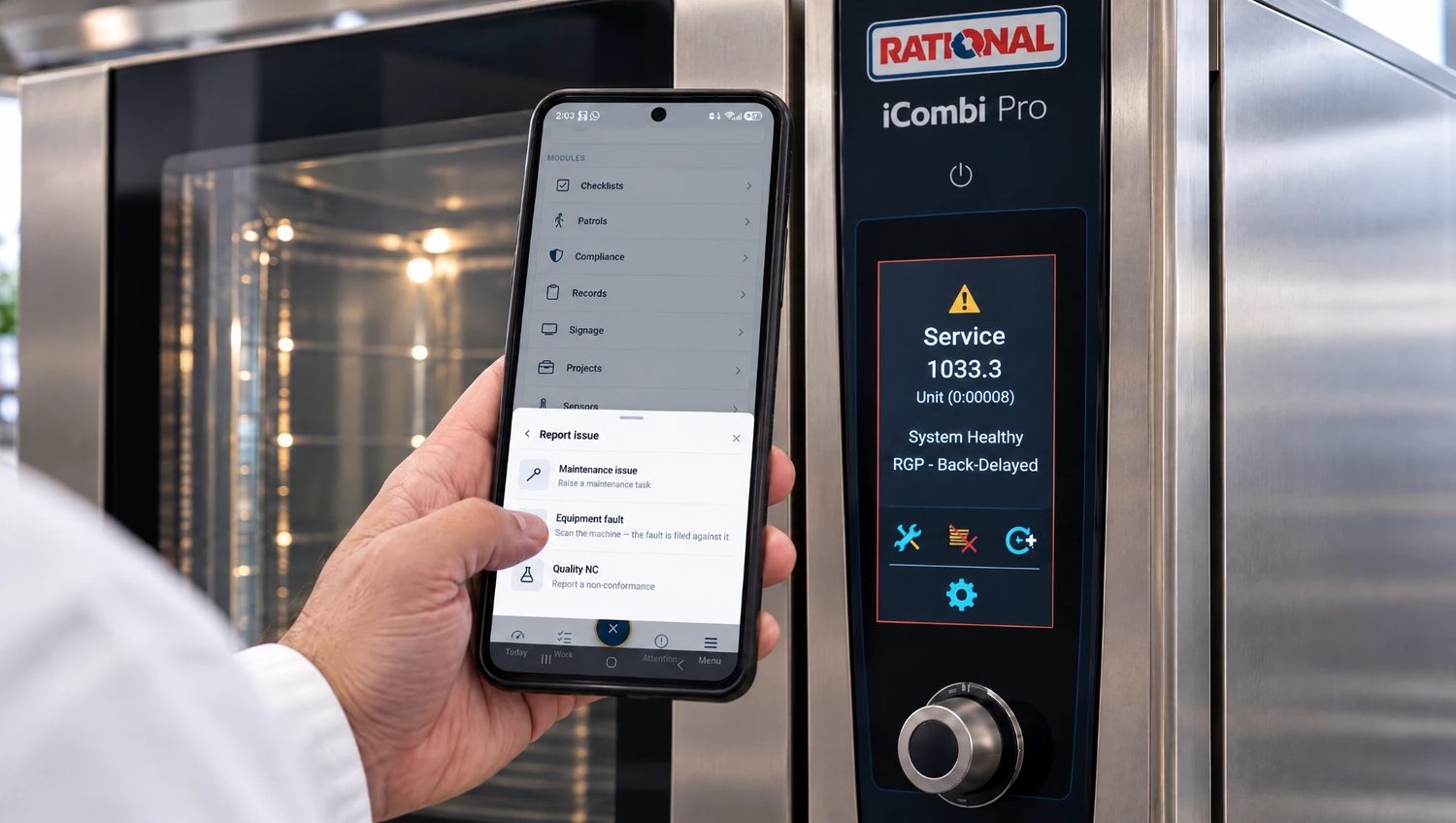
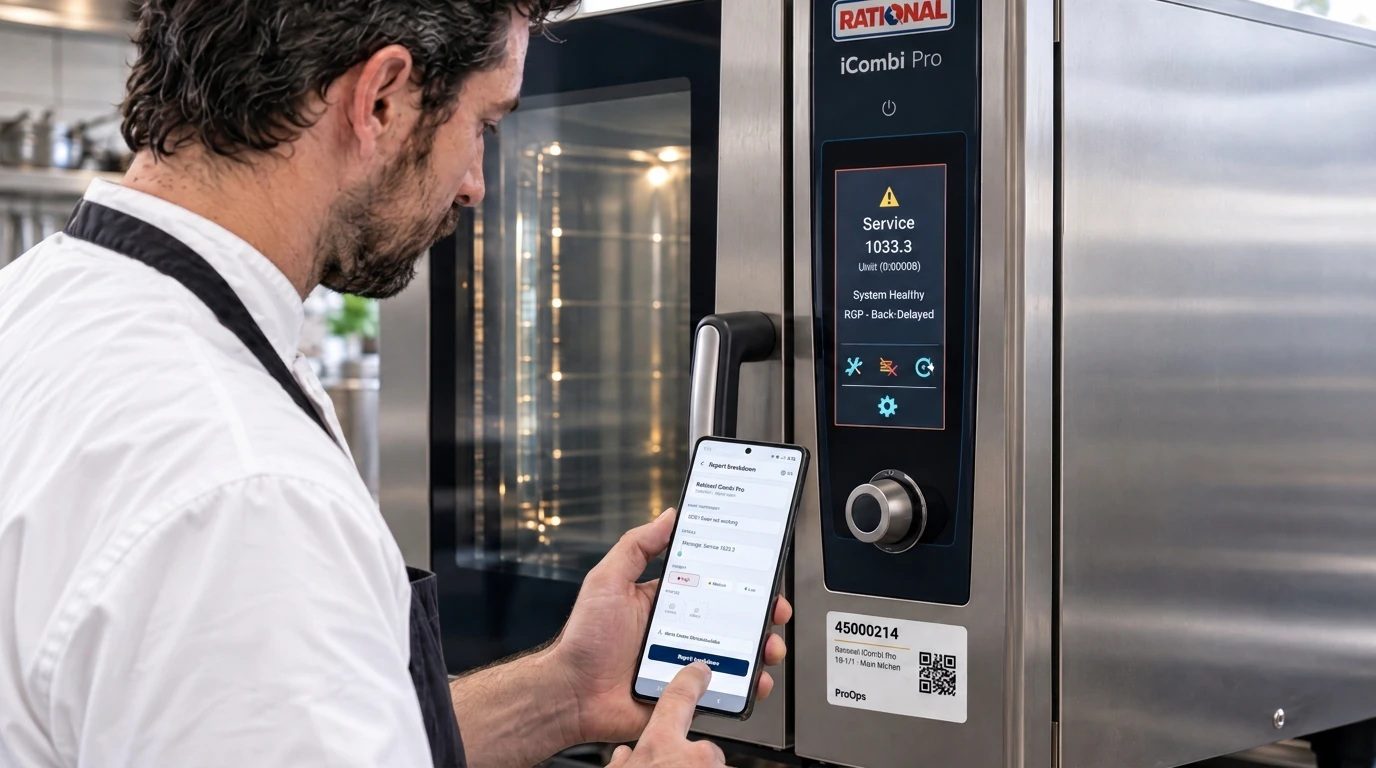
A QR label is fixed to the machine. When the oven shows a fault, the code on its front says which machine it is.
Step 2
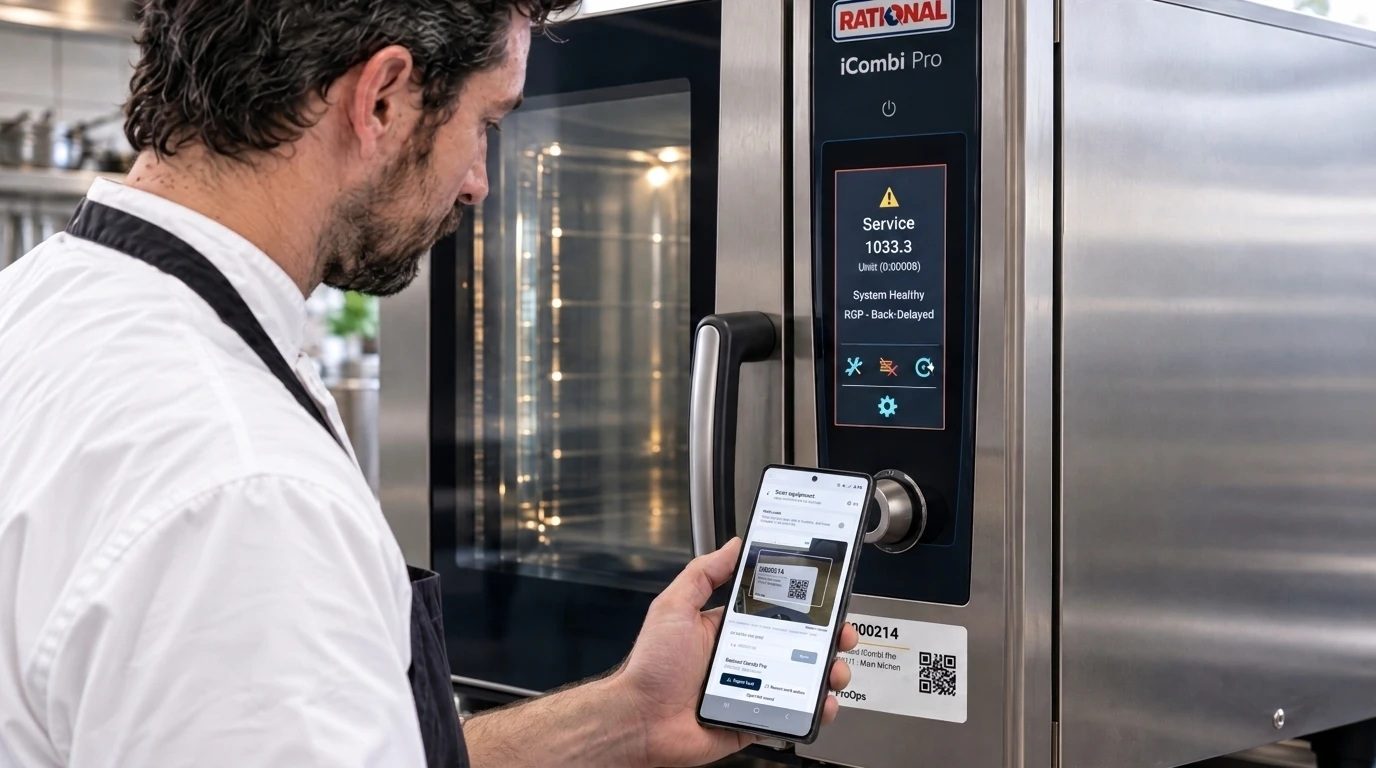
Scan the label
The chef scans the label with the phone. ProOps opens the report for that machine.
Step 3
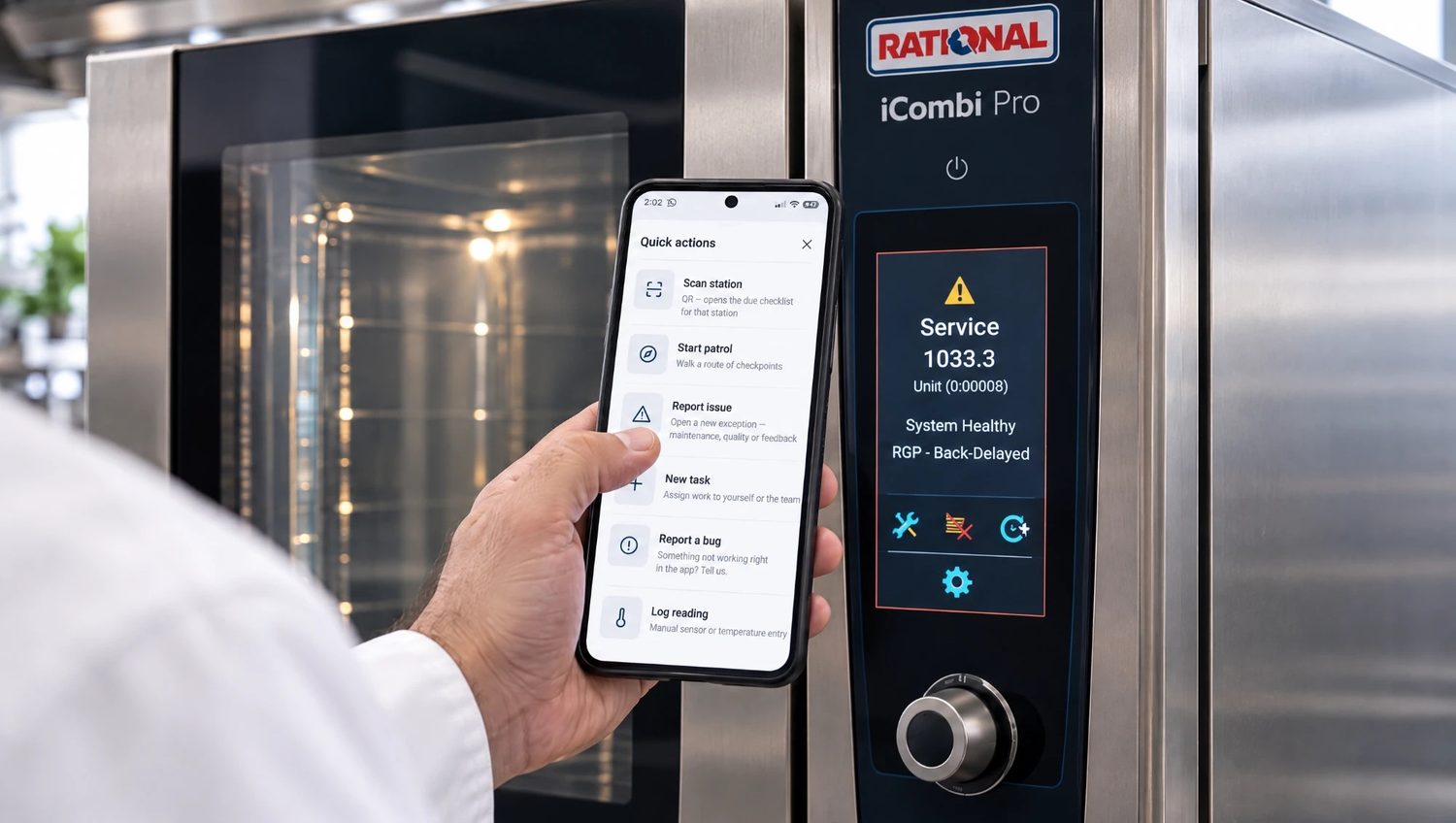
Report the breakdown
A short message and a photo of the display. The fault is filed against the right machine, and the report goes to the team responsible for it.
Step 4
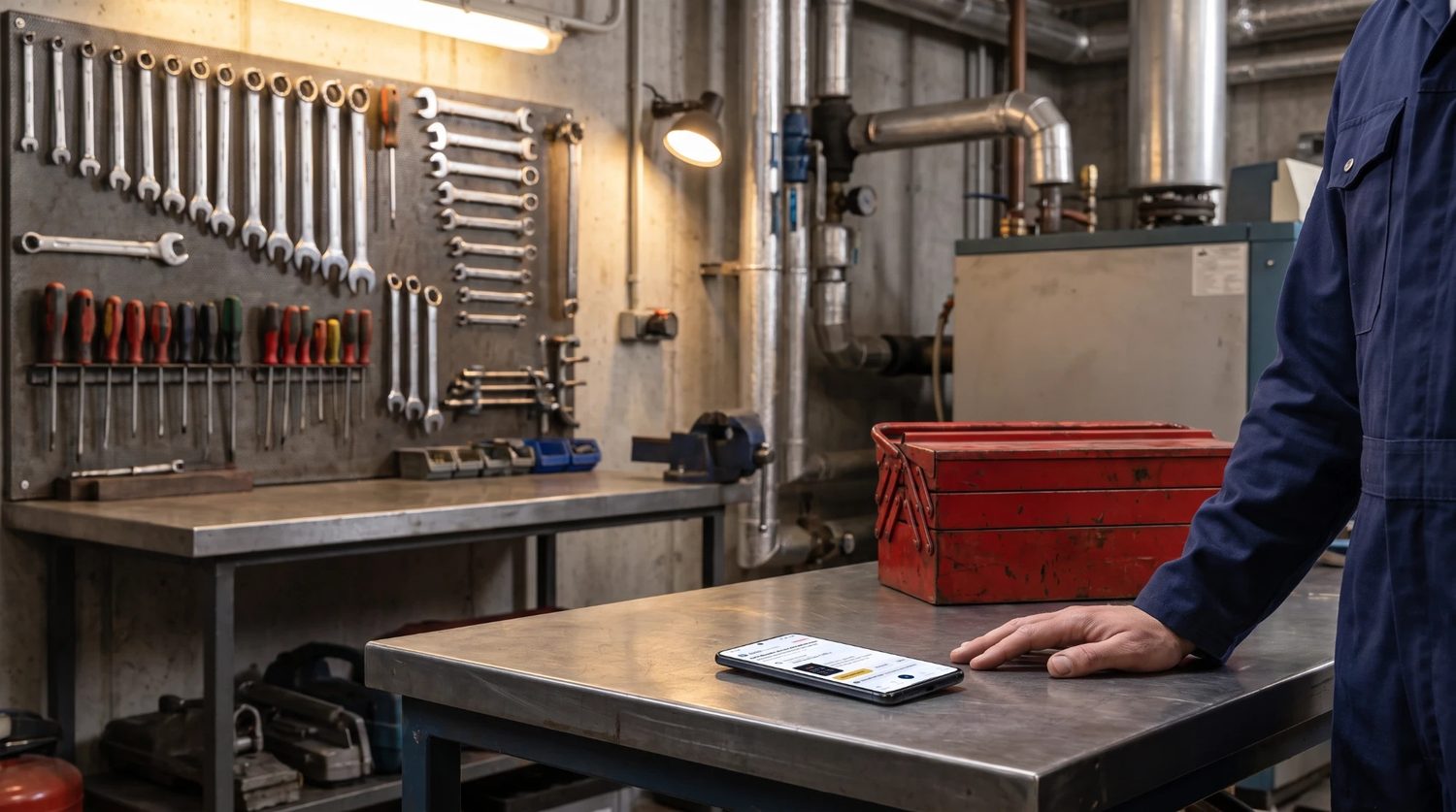
The engineer answers
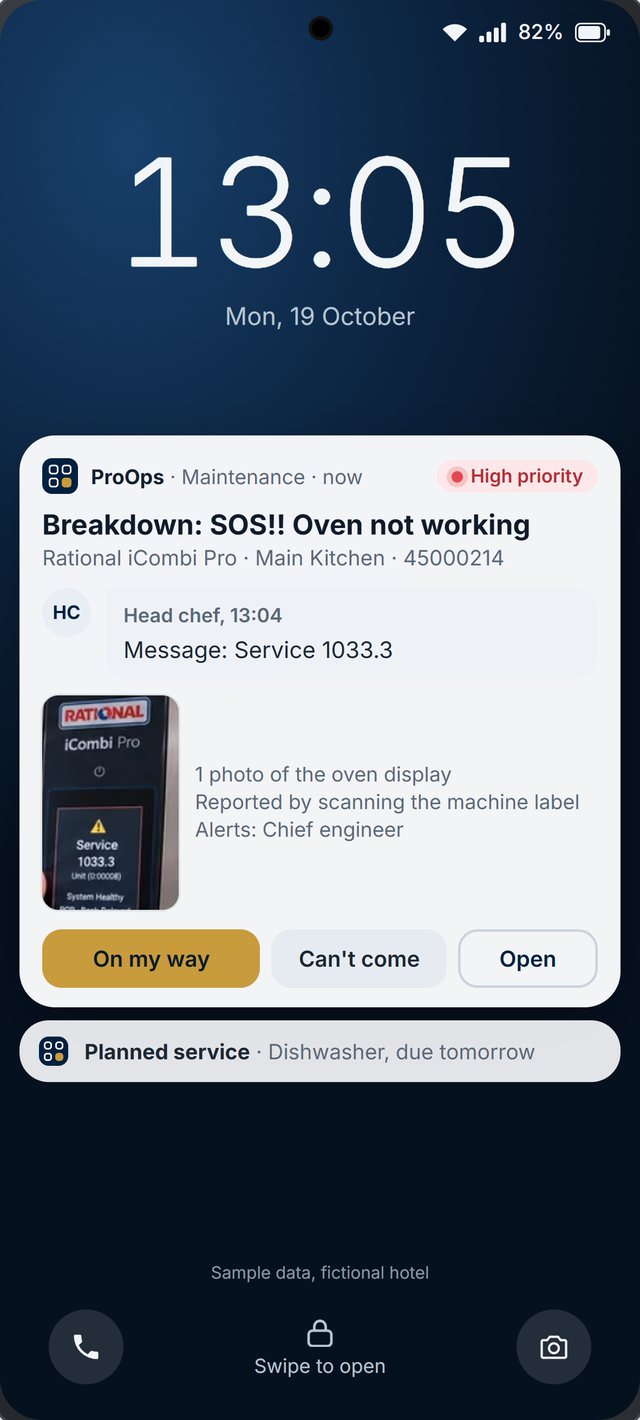
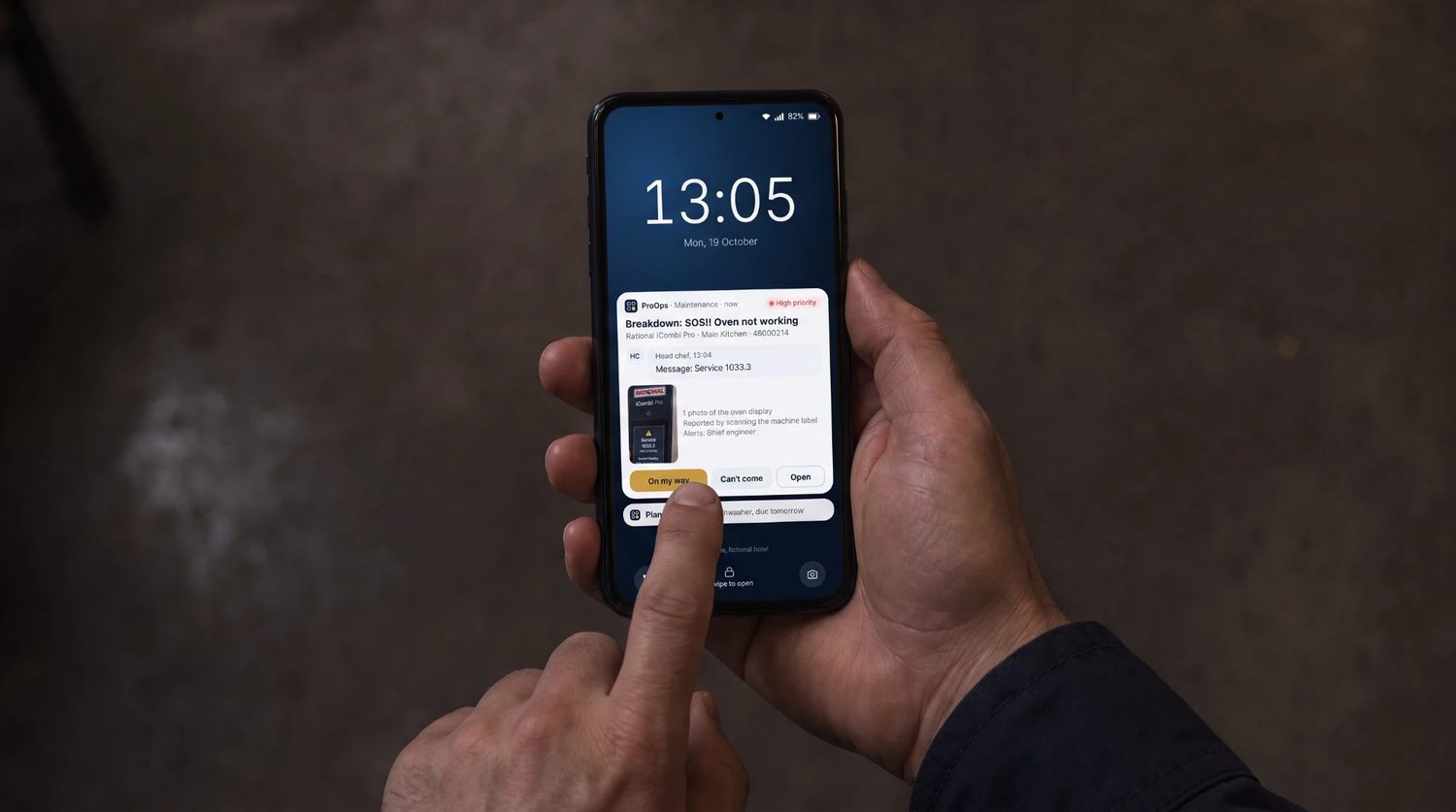
The engineer gets a notification with the machine, the message and the photo. One tap answers "On my way". The fault stays on the machine's history.
What is recorded
What stays on file
- The machine. which machine the fault was filed against
- The report. who reported it and when, the message and the photo of the display
- Who was alerted. the team responsible for that machine
- The answer. the engineer's reply, for example "On my way"
- The history. the fault stays on the machine's history
- Sample data. every screen on this site is sample data from a fictional hotel
Questions
Short answers
How does ProOps know which machine is broken?
Each machine carries its own QR label. Scanning it opens the report for that machine, so the fault is filed against the right one.
Who receives the report?
The team responsible for that machine. They get a push notification with the message and the photo.
What can the engineer answer?
On the notification: On my way, Can't come, or Open to see the report.
Where does the fault go afterwards?
It stays on the machine's history, so the next person can see what was reported and when.
See it on your own kitchen's checks.
A 20-minute call. We set up your receiving, labels, cold rooms and machines in a demo account and walk through them with you.
Prevent. Acknowledge. Prove.
Thank you.
Your request is noted. We will reply to arrange a 20-minute demo.