For food production
Production lines, cold stores and checks, with a record of who did what and when.
Bakeries, meat processors and ready-meal makers run on machines and cold stores. ProOps records the deliveries going in, watches the cold stores, takes faults from the line, and keeps batch records and production checklists.
Sample data, fictional hotel.
The problem
The line stops at six in the morning and the fault is reported by word of mouth, so nobody can later say when it began. The cold store holds tomorrow's orders and nobody is watching it at night. Ingredient deliveries are probed, but the number goes on a sheet that is typed up on Friday. The batch record is a paper form and the production checklist is a tick on a wall chart.
How ProOps helps
From the delivery bay to the end of the line
Step 1
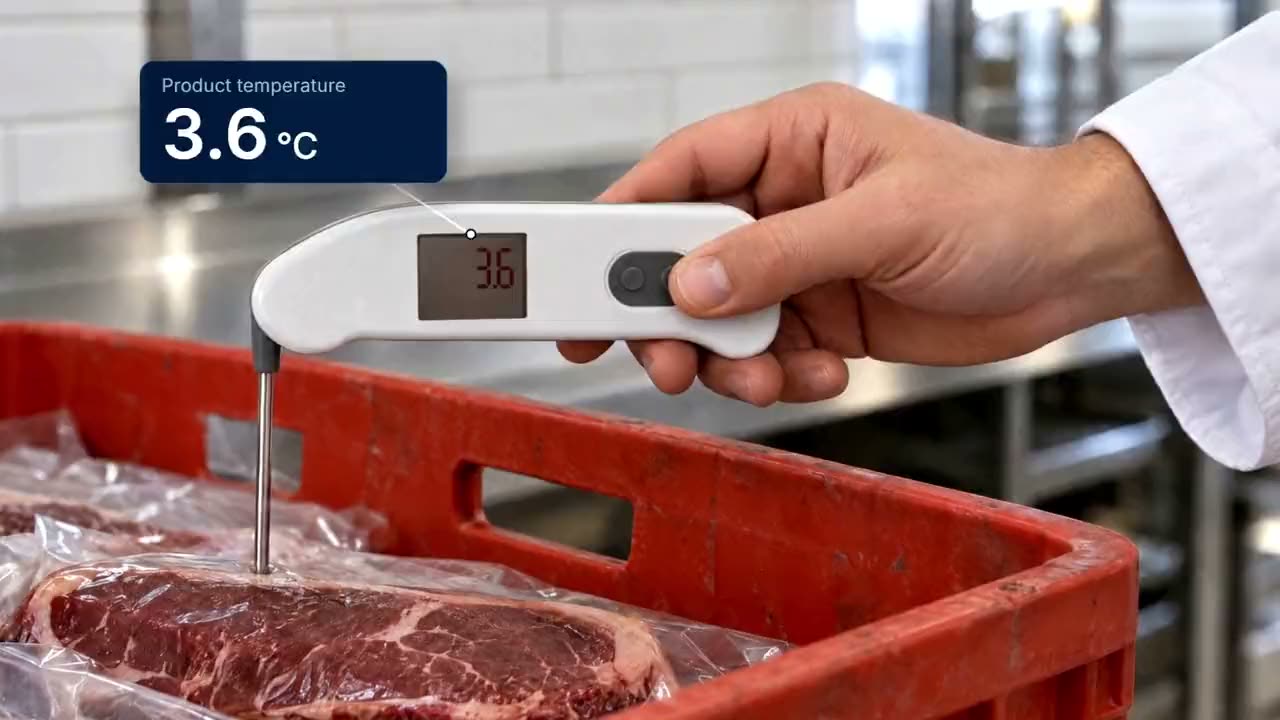
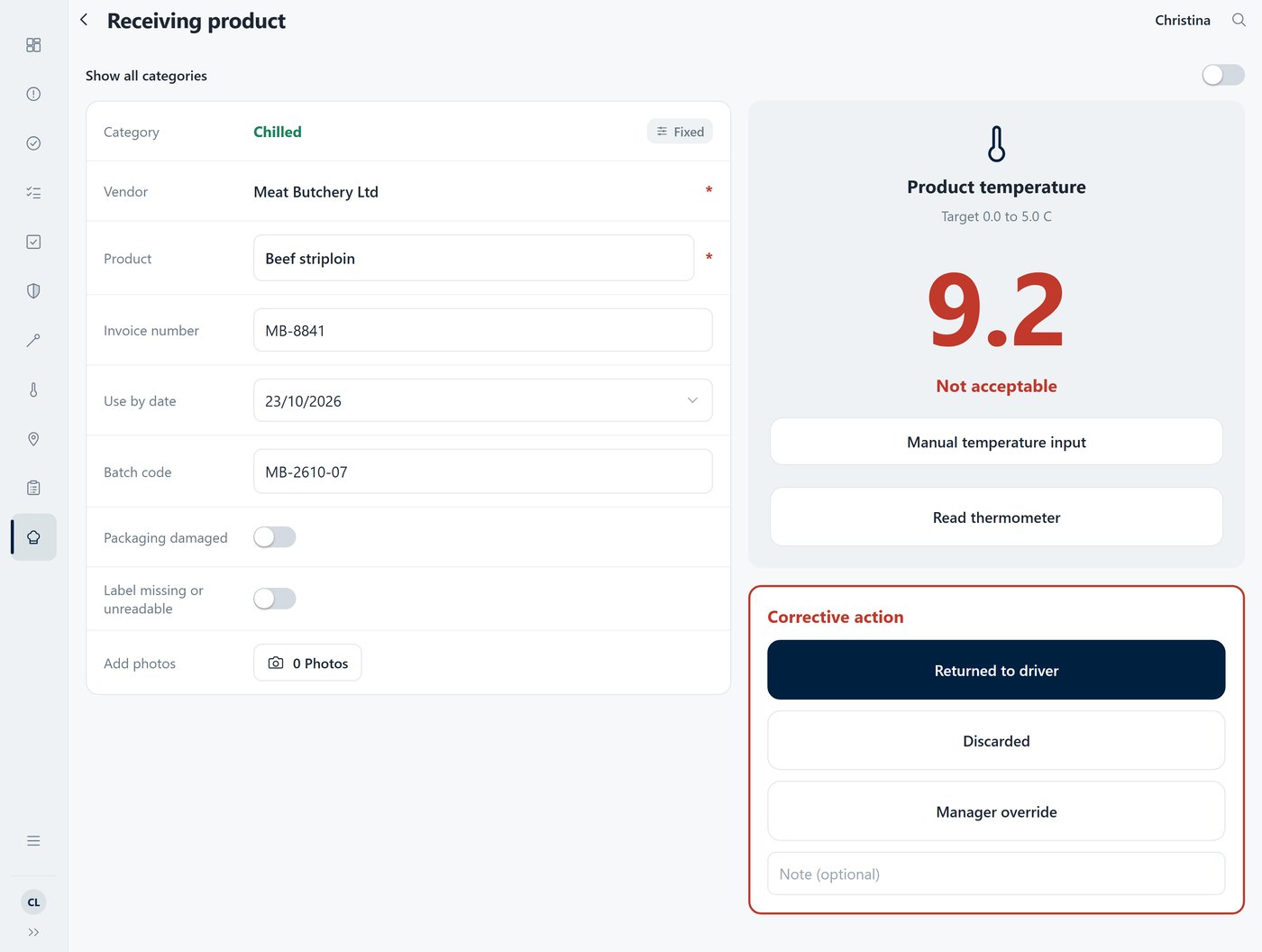
Ingredient deliveries, probed and recorded
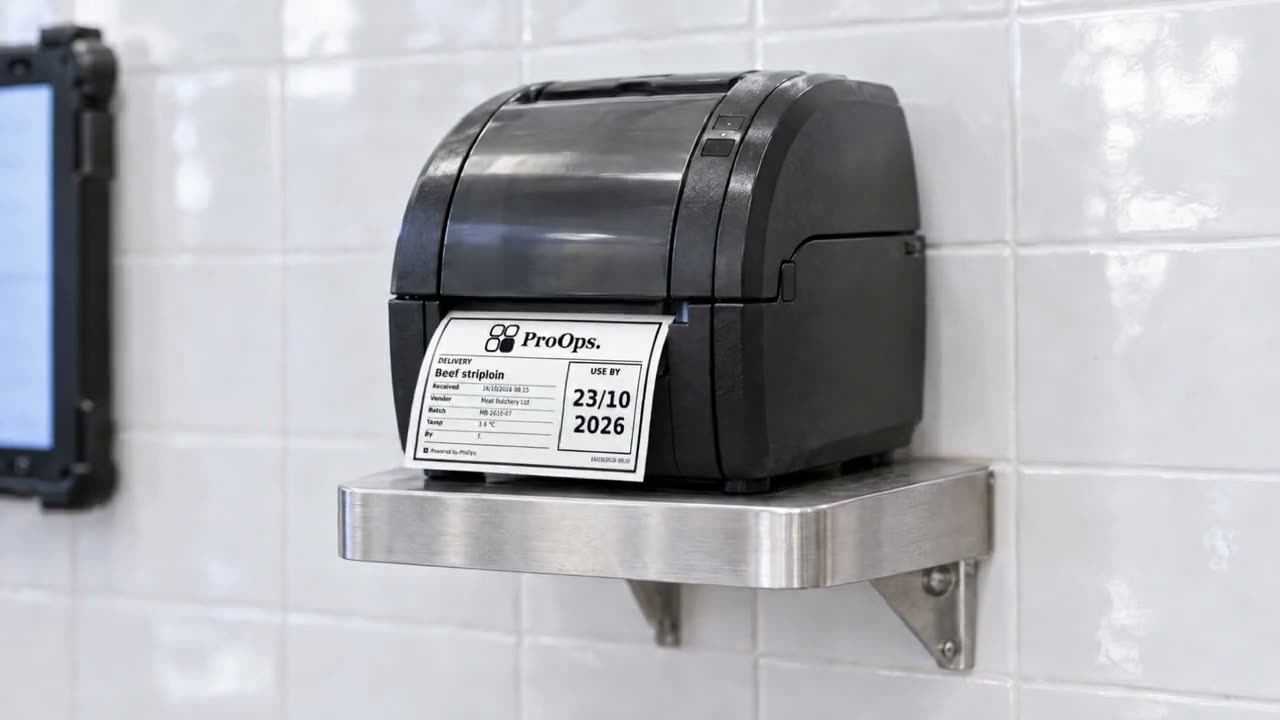
The reading arrives in ProOps over Bluetooth when the probe is tapped. A delivery above the limit cannot be saved until a corrective action is chosen: returned to the driver, discarded, or a manager override with a reason. The label carries product, supplier, batch, received date and time, use-by.
Step 2
Batch records and production checklists
Producers can keep batch records and production checklists in ProOps, so each batch has a record of who did what and when. We build one with you in the demo, around a product you actually make.
Step 3
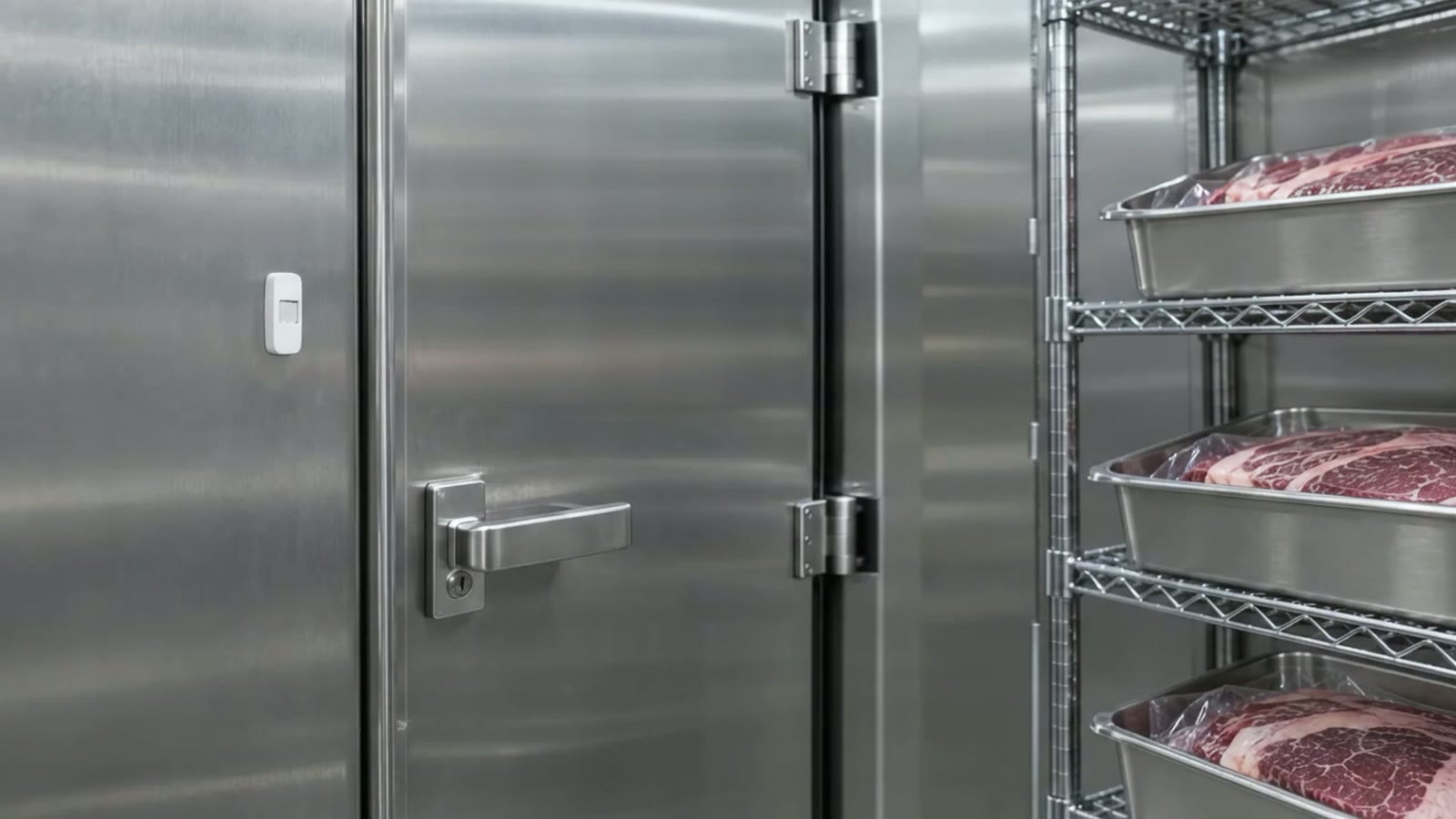
Cold stores and chillers, around the clock
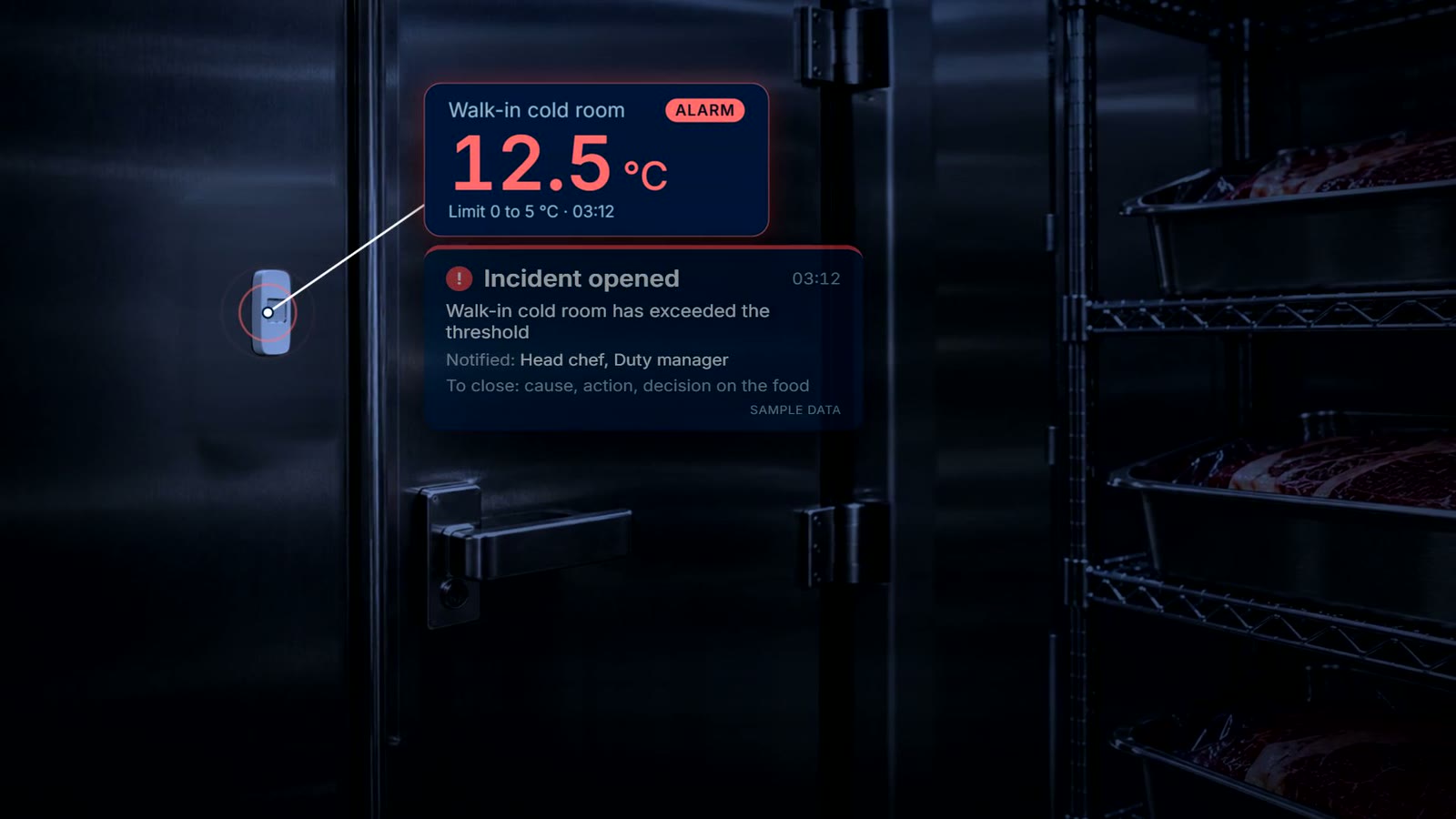
Wireless sensors record the cold stores and fridges day and night. When a reading passes the limit, the responsible team gets a push notification and acknowledges the incident. It stays open until the cause, the action and the decision on the food are recorded.
Step 4
Every machine on the line, with its own code
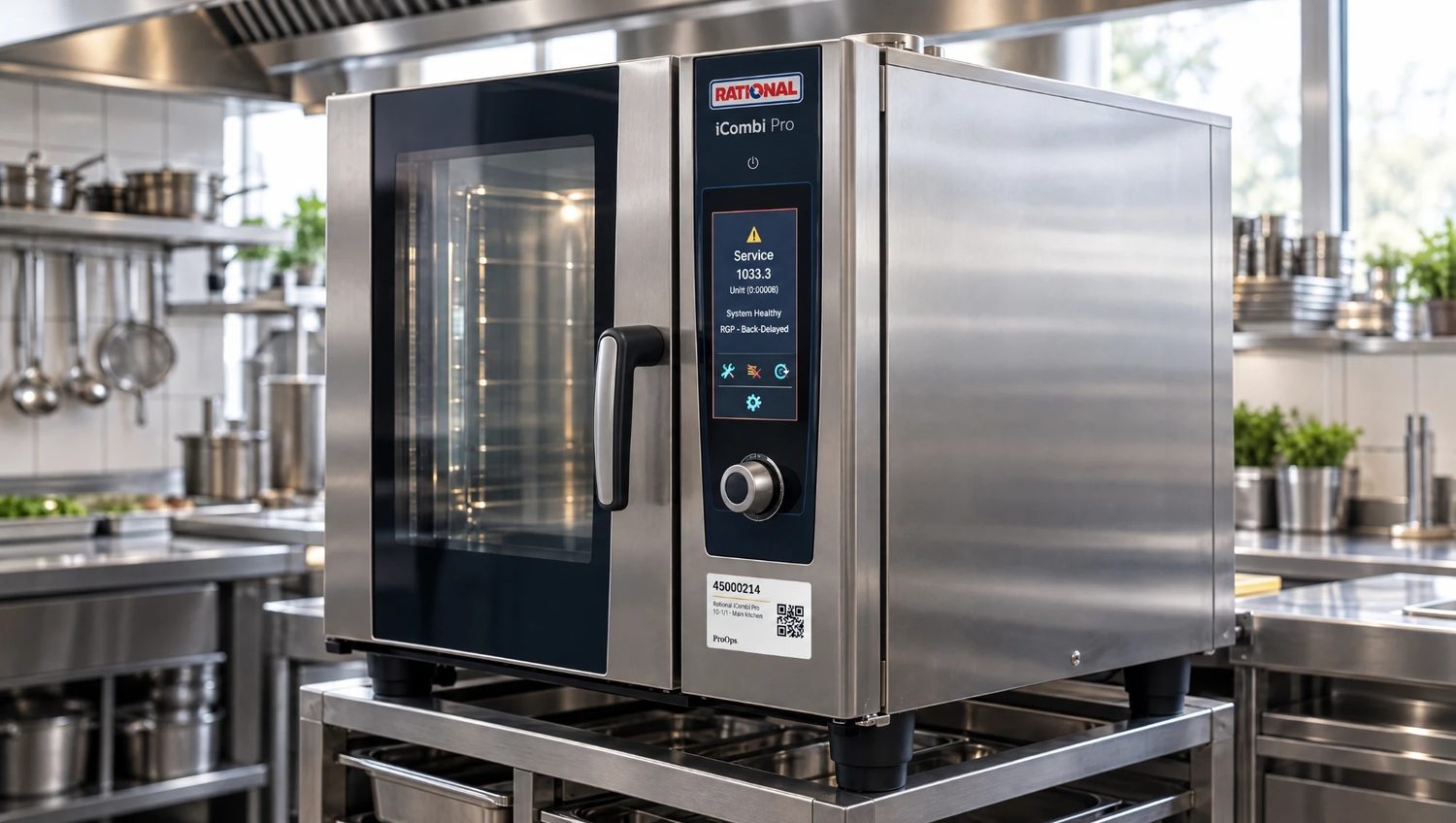
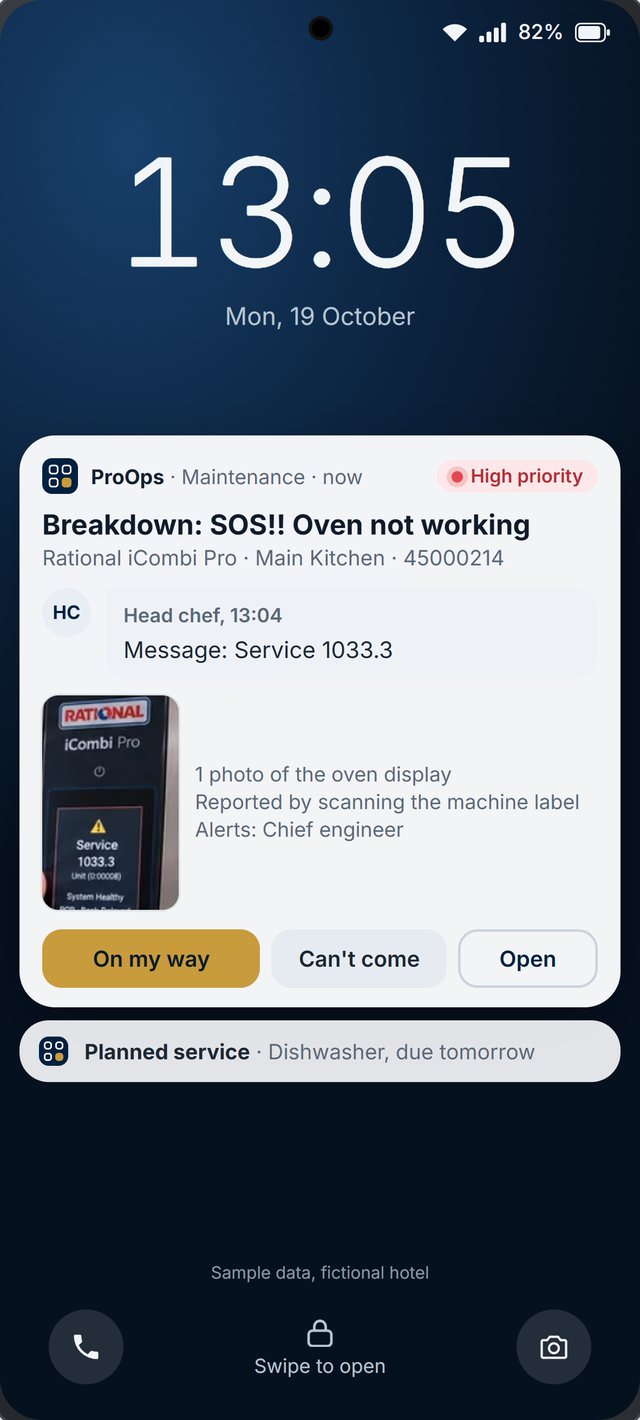
Ovens, mixers, slicers and packing machines each carry a QR label. A scan files the fault against that machine, the report goes to the team responsible, and the engineer answers on the phone, for example 'On my way'. The history per machine shows which ones stop most often.
What is recorded
What stays on file
- Each delivery. the reading, product, supplier, batch, the limit and the time
- A warm delivery. the corrective action that was chosen
- Batch records and production checklists. who did what and when
- The cold stores. readings from wireless sensors, around the clock
- An incident. when it opened, who acknowledged it, and the cause, the action and the decision on the food
- A machine fault. what was reported, when, against which machine, and what the engineer answered
Questions
Short answers
Which production records can ProOps keep?
Batch records and production checklists, with who did what and when. What each form asks is set up with you in the demo, around the product you make.
Can we use it on several machines and lines?
Yes. Each machine gets its own QR code, so faults are filed against the right one and each machine builds its own history.
Does it replace our food safety system?
No. Your plan stays yours and ProOps keeps the records that go with it. Check the current requirements with your competent authority.
What happens if a cold store fails at night?
The sensor records around the clock. When the reading passes the limit, the responsible team gets a push notification and acknowledges the incident. It stays open until the cause, the action and the decision on the food are recorded.
Keep reading
See it on your own checks.
A 20-minute call. We set up your checklists, tickets, audits and machines in a demo account and walk through them with you.
Prevent. Acknowledge. Prove.