For dairies and cheese makers
Cold rooms and machines watched around the clock, with the batch records kept.
Halloumi, anari and fresh cheese are worth more than the sensor that protects them. ProOps watches the cold rooms, takes faults from the machines, and keeps batch records and production checklists.
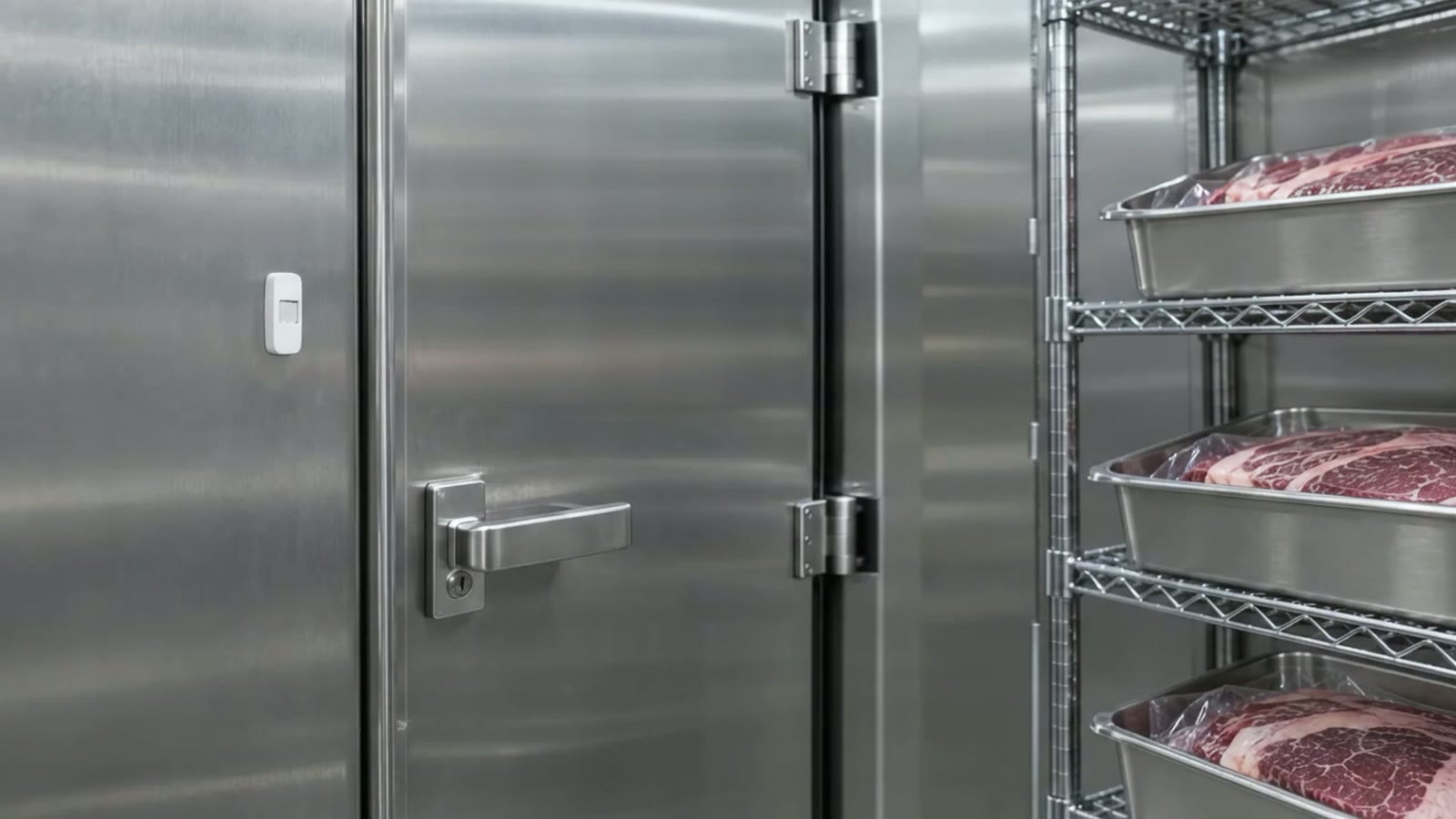
Sample data, fictional hotel.
The problem
The temperature sheet is filled in properly in the week the inspector is due. The cold room that holds a day's halloumi and anari fails overnight and the first sign is the smell. A vat or a packing machine stops and the production day stops with it, while someone looks for the engineer's number. The batch records are in one folder, the checklists on a clipboard, and neither says who did what at what time.
How ProOps helps
Four places where a small dairy loses records
Step 1
Cold rooms and fridges, day and night
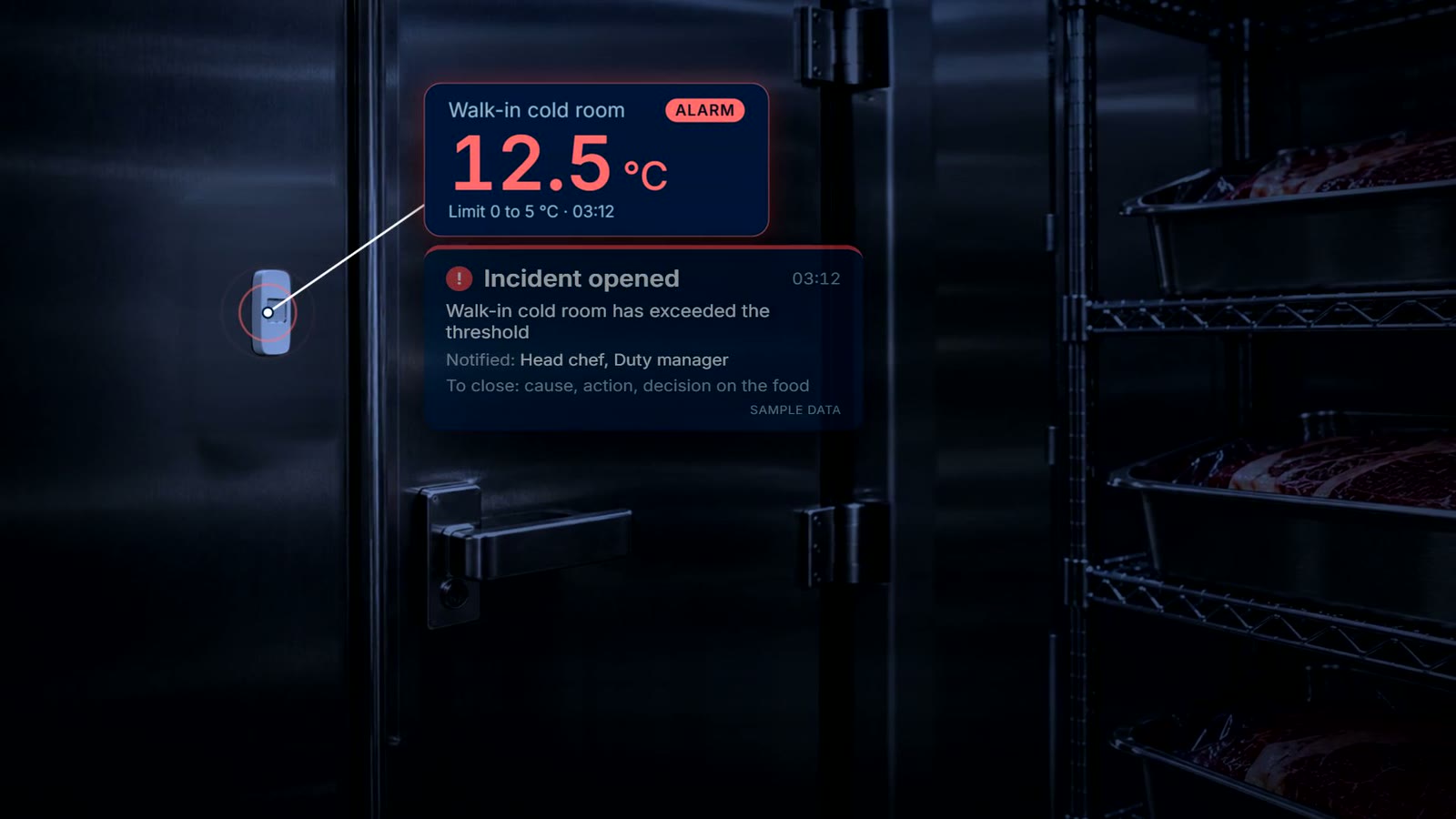
Wireless sensors record the cold rooms and fridges around the clock. When a reading passes the limit, the responsible team gets a push notification and acknowledges the incident. It stays open until the cause, the action and the decision on the food are recorded.
Step 2
Batch records and production checklists
Producers can keep batch records and production checklists in ProOps, so each batch has a record of who did what and when. In the demo we set one up around your own product, for example halloumi or anari, and you decide what each checklist asks.
Step 3
Machines with their own code
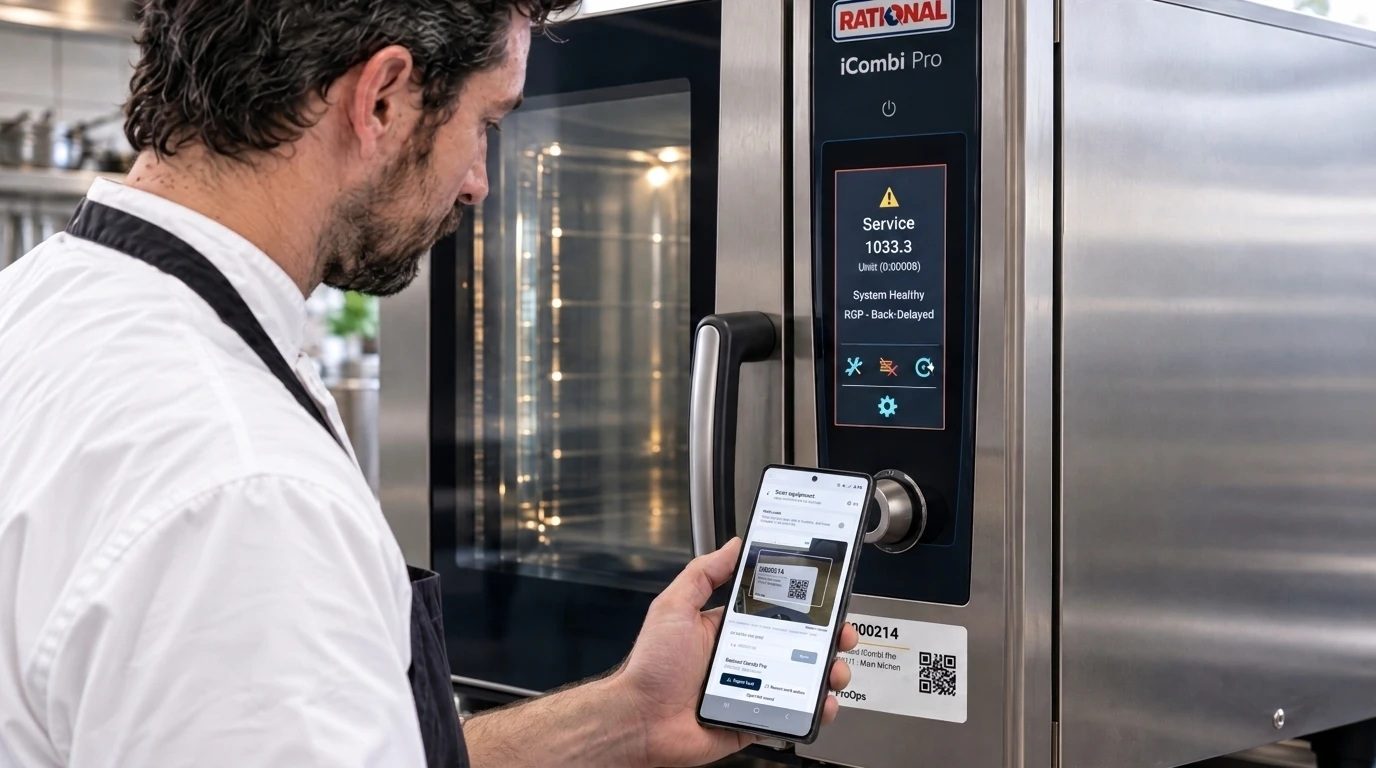
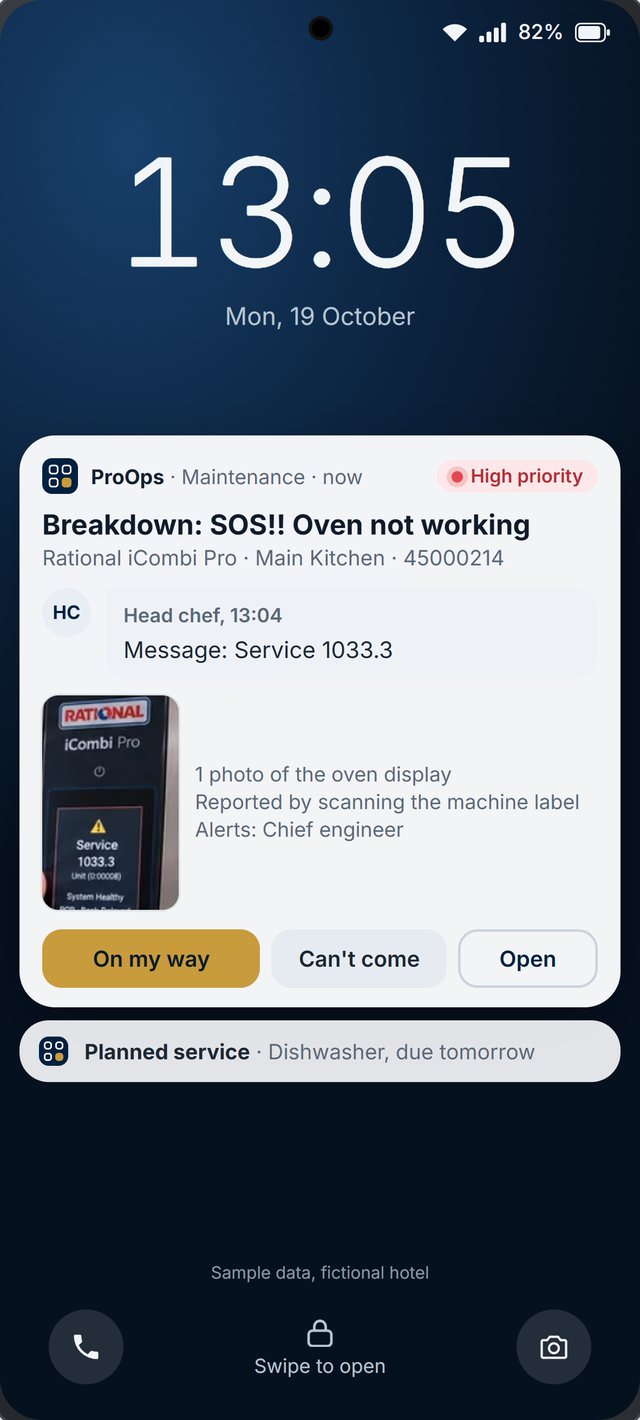
Every machine, from the vat to the packing line, can carry a QR label. A scan files the fault against that machine, the report goes to the team responsible, and the engineer answers on the phone, for example 'On my way'. Each machine keeps its own history.
Step 4
Deliveries of ingredients and packaging
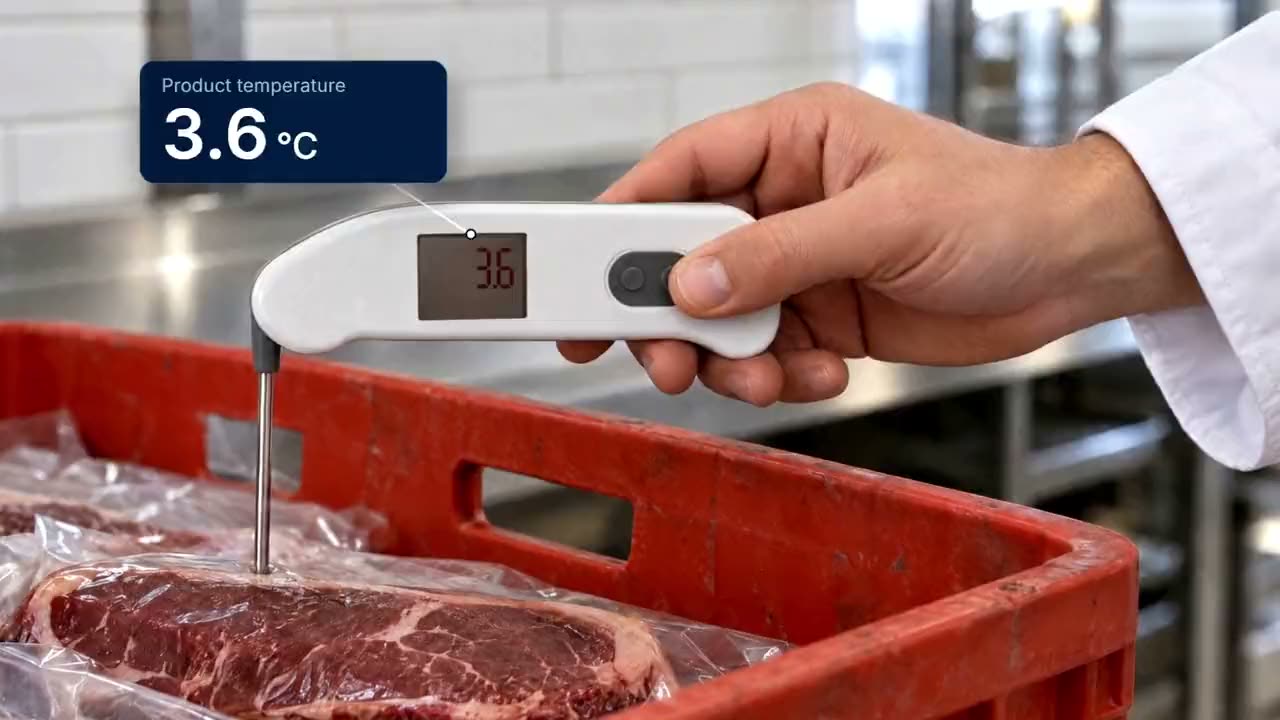
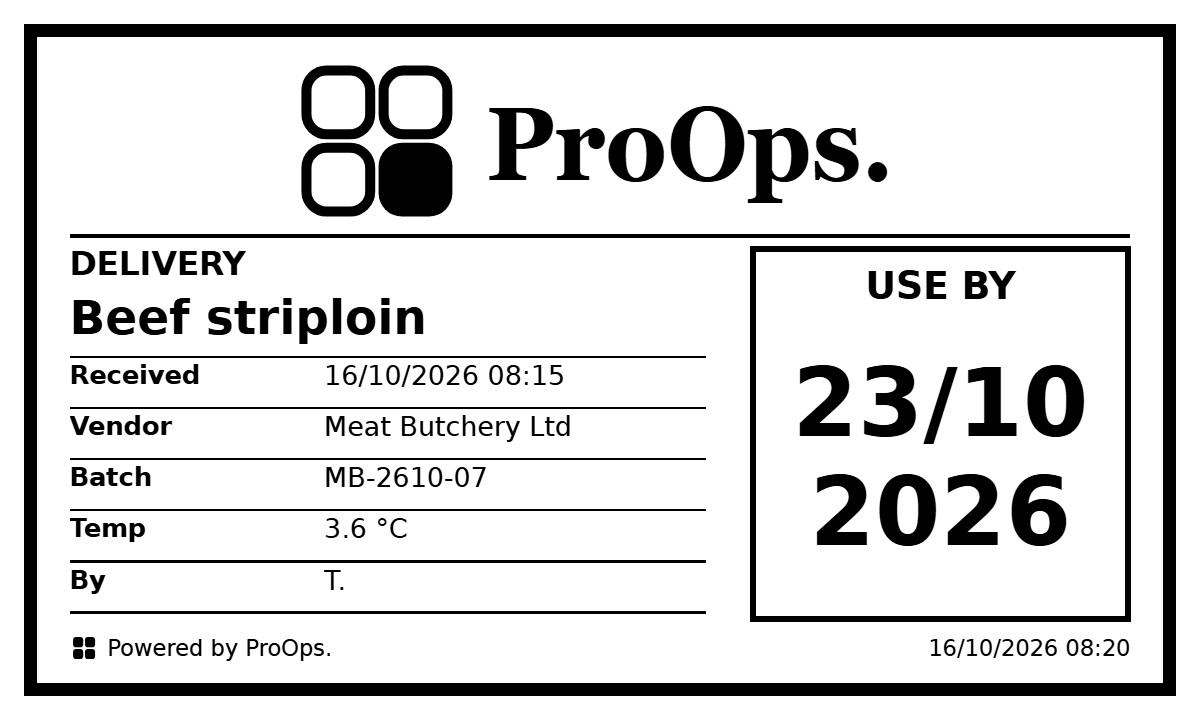
Deliveries are probed with a Bluetooth thermometer and the reading goes straight into ProOps. A delivery above the limit cannot be saved until a corrective action is chosen. Labels carry product, supplier, batch, received date and time, use-by.
What is recorded
What stays on file
- Cold rooms. readings from wireless sensors, around the clock
- An incident. when it opened, who acknowledged it, and the cause, the action and the decision on the food
- Batch records and production checklists. who did what and when
- A delivery. the reading, product, supplier, batch, the limit and the time
- A warm delivery. the corrective action that was chosen
- A machine fault. what was reported, when, against which machine, and what the engineer answered
Questions
Short answers
Can ProOps keep batch records for our cheese?
Yes. Batch records and production checklists are part of what ProOps keeps for producers. We set one up in the demo around your own product, such as halloumi or anari, so you see exactly what your team would fill in.
Does ProOps replace our HACCP plan?
No. Your food safety plan stays yours. ProOps keeps the records: readings, incidents, batches, checklists, faults, with who did what and when. Check the current requirements with your competent authority.
What happens if the cold room fails at night?
The sensor records around the clock. When the reading passes the limit, the responsible team gets a push notification and acknowledges the incident. It stays open until the cause, the action and the decision on the food are recorded.
We are a small team. Is it too much?
You switch on only what you need. Many small producers begin with the cold-room sensor and the machine codes, then add batch records and checklists when the team is comfortable.
Keep reading
See it on your own checks.
A 20-minute call. We set up your checklists, tickets, audits and machines in a demo account and walk through them with you.
Prevent. Acknowledge. Prove.