For cleaning and security companies
A record that the round was done, at the site, by the person, at the time.
Cleaning rounds, patrols, site checks and incident reports are your product. ProOps records each task with the name and the time and sends every issue to the team responsible.
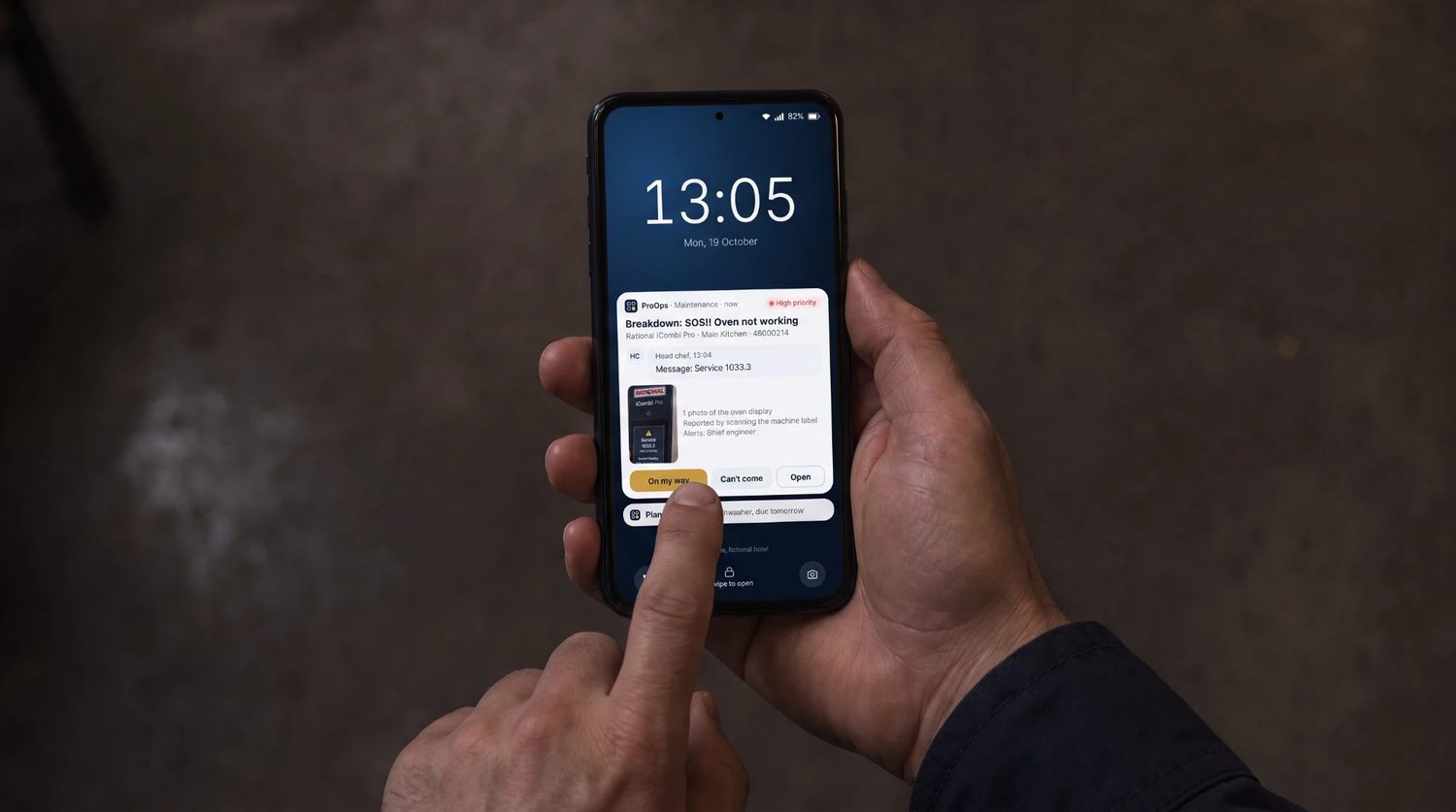
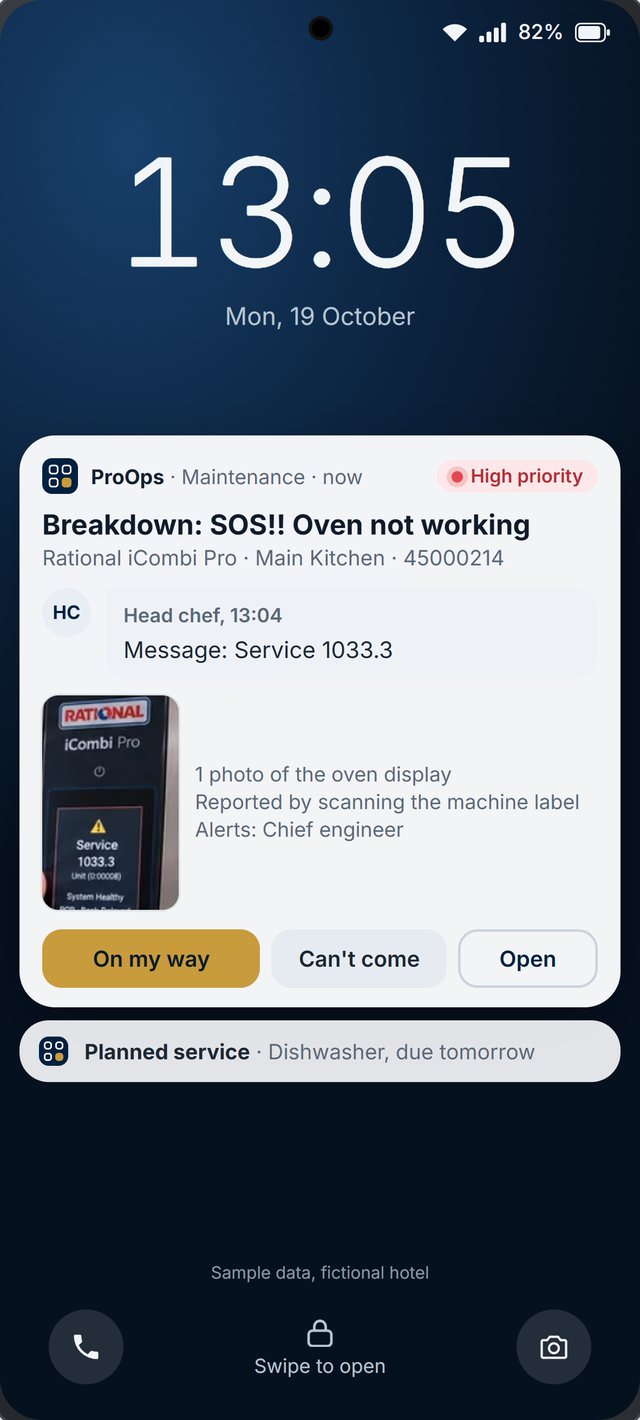
Sample data, fictional hotel.
The problem
A client says the toilets were not cleaned on Tuesday. Your supervisor believes they were, but the paper sheet is at the site office. A guard finds a broken door and calls the manager, who calls the client, and nobody writes down when. At month end the client asks for the checks done at each site and you are collecting sheets and photos from six supervisors.
How ProOps helps
From the round to the report
Step 1
Tasks for the crew, site by site
Cleaning routines and patrol rounds become tasks with a checklist for each site. The crew ticks them off on the phone, and each answer carries the name and the time.
Step 2
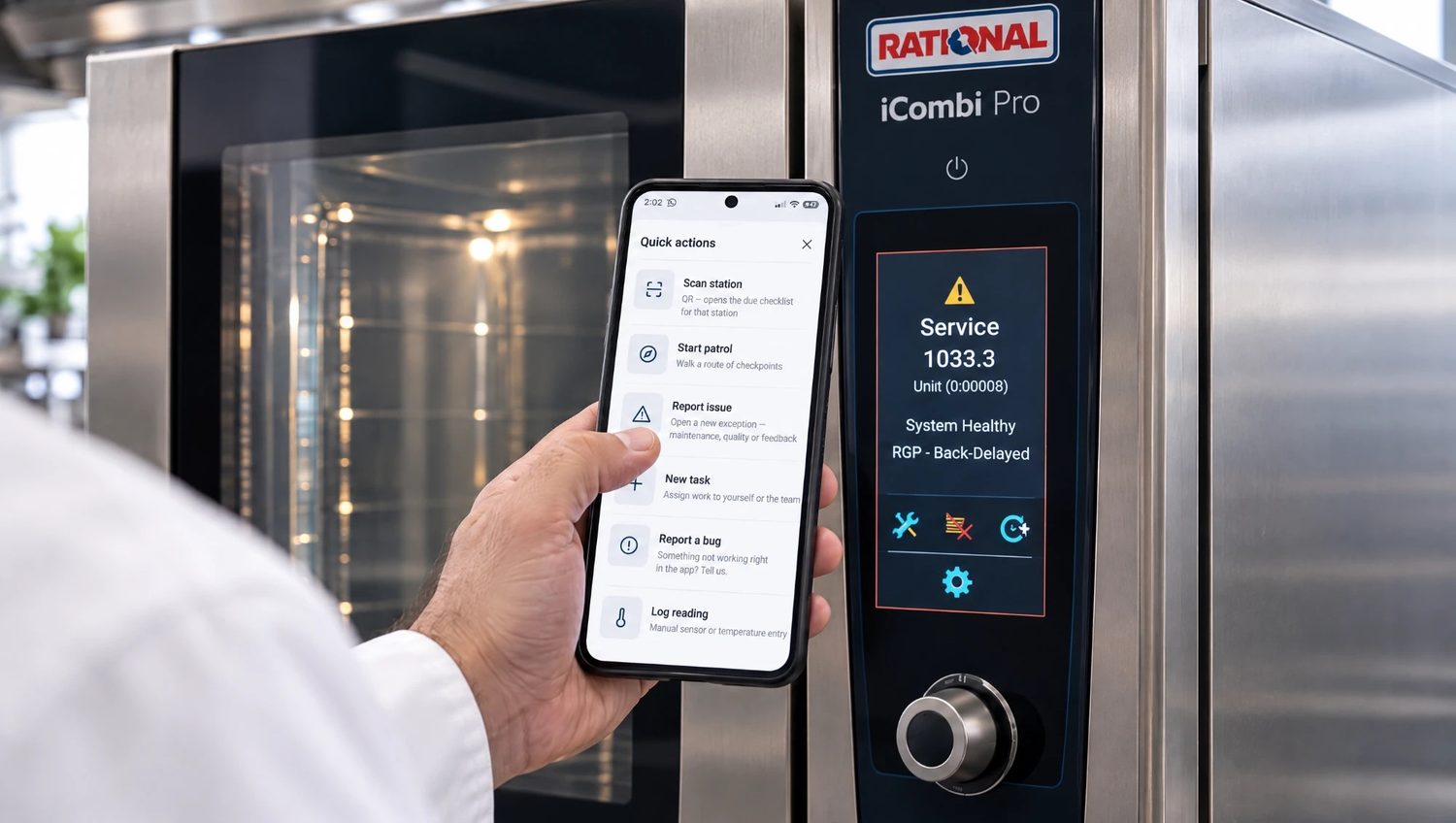
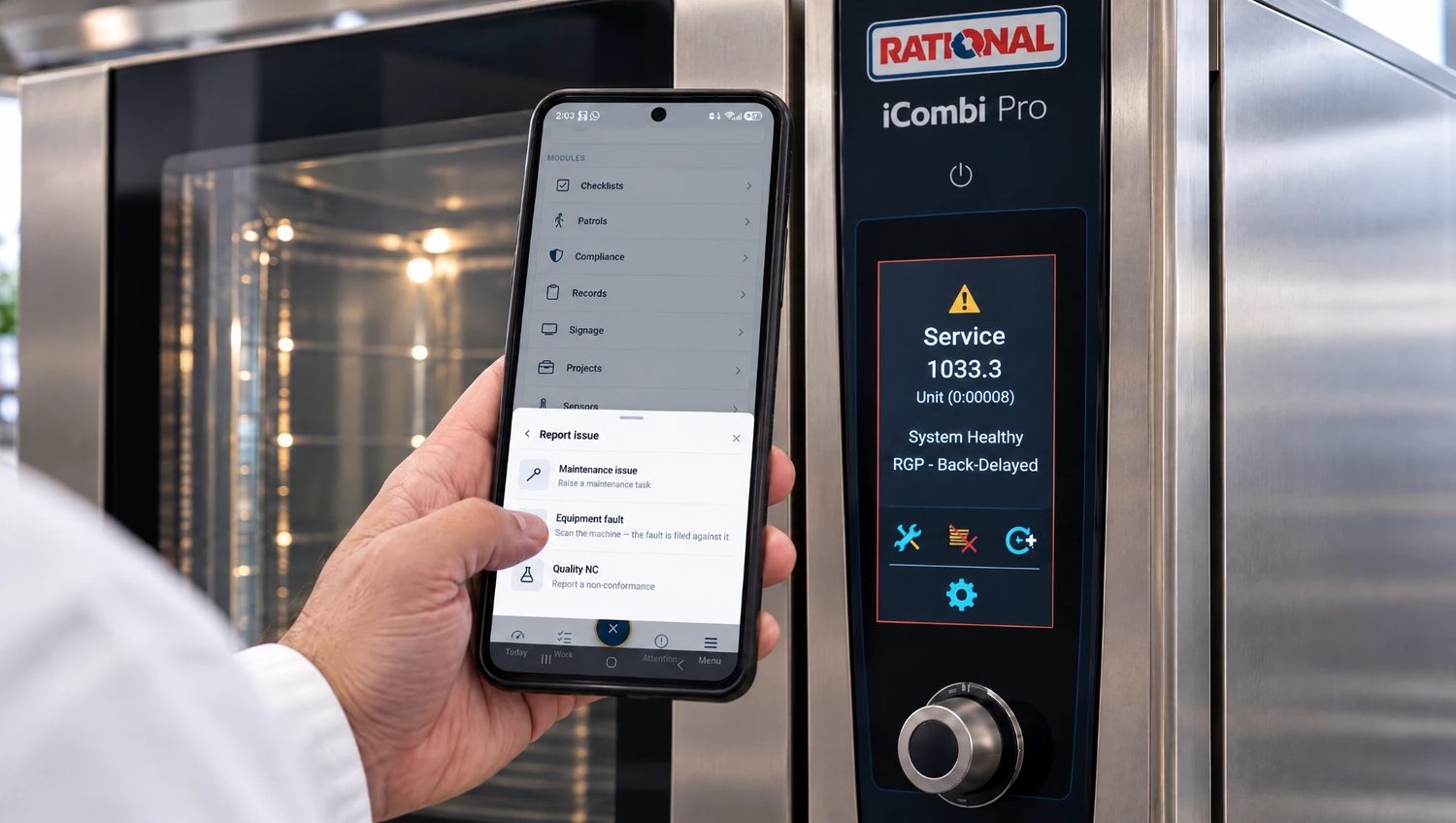
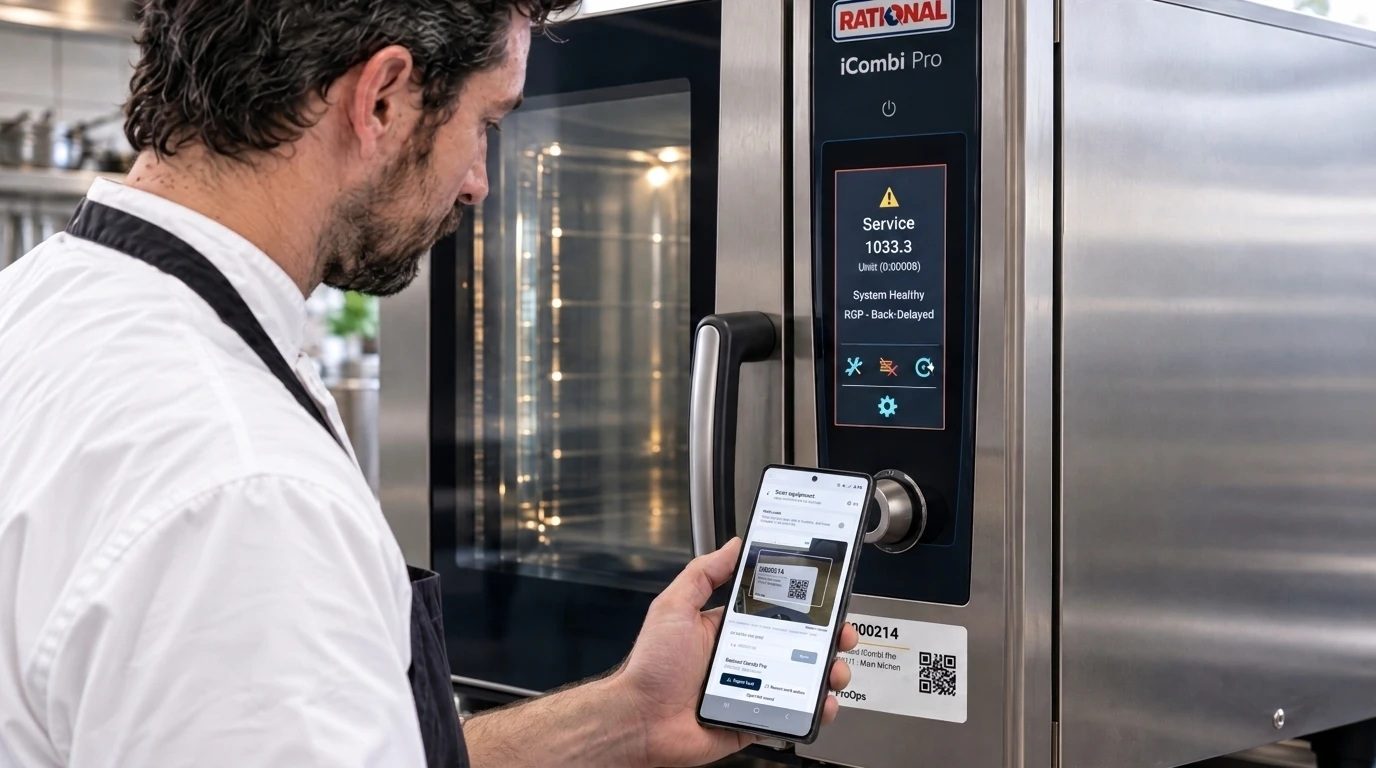
Issues found on site become tickets
A broken door, a blocked drain or a missing item is filed from the phone and sent to the team responsible. The answer, for example 'On my way', comes back to the phone, and the ticket stays open until it is closed.
Step 3
Supervisor inspections
Supervisors inspect a site on a checklist. Findings open actions with an owner, and the record shows who inspected, what they found and when.
What is recorded
What stays on file
- Each task. who ticked it off, at which site and when
- A cleaning or patrol round. the checklist and its answers
- An issue. what, where, who filed it and when
- The answer. who replied, what they said and when
- A closed ticket. the cause and the action taken
- An inspection. the findings and the follow-up
Questions
Short answers
Can each client site have its own checklist?
Yes. You decide what each checklist asks for each site, and we build the first ones with you in the demo.
Can our clients see the records?
ProOps keeps the records. How you share them with a client is something we go through in the demo.
How do crews use it?
On a phone. They open their tasks for the site, tick them off and file issues. No paper sheet is needed.
Can we use QR codes on site?
Yes. A QR label on a door, a machine or a room lets whoever finds an issue file it against the right place.
Keep reading
See it on your own checks.
A 20-minute call. We set up your checklists, tickets, audits and machines in a demo account and walk through them with you.
Prevent. Acknowledge. Prove.