For catering and central kitchens
Many deliveries, many labels, one cold store that must not fail.
A central kitchen takes in more deliveries in a morning than a restaurant does in a week. ProOps gives each one a reading, a label and a record, and watches the cold store when the team has gone home.
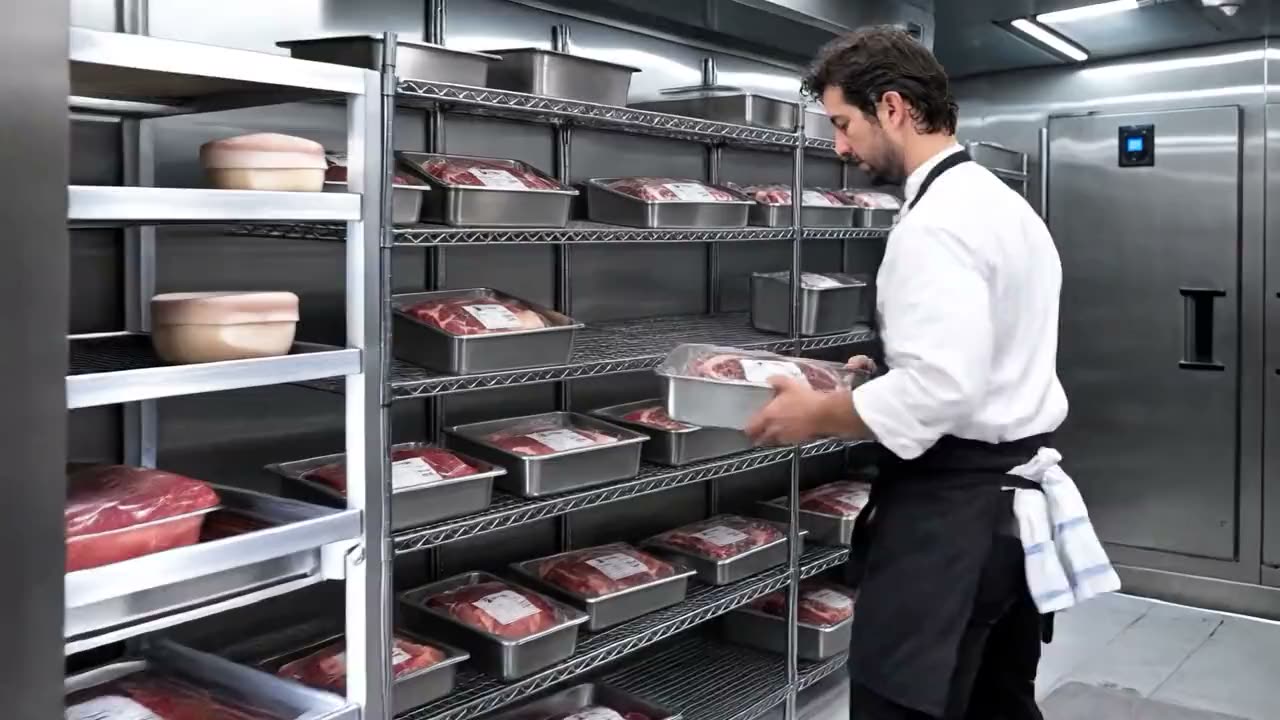
Sample data, fictional hotel.
The problem
The morning deliveries arrive together, the event is the day after tomorrow, and there are forty items to probe, write up and put away. Something gets skipped. The big cold store holds the whole week's prep, and if it fails on a Sunday night the first person to know is whoever unlocks the door on Monday. And the tray that leaves for the event carries only the label somebody wrote in a hurry.
How ProOps helps
Built for volume
Step 1
Deliveries at pace
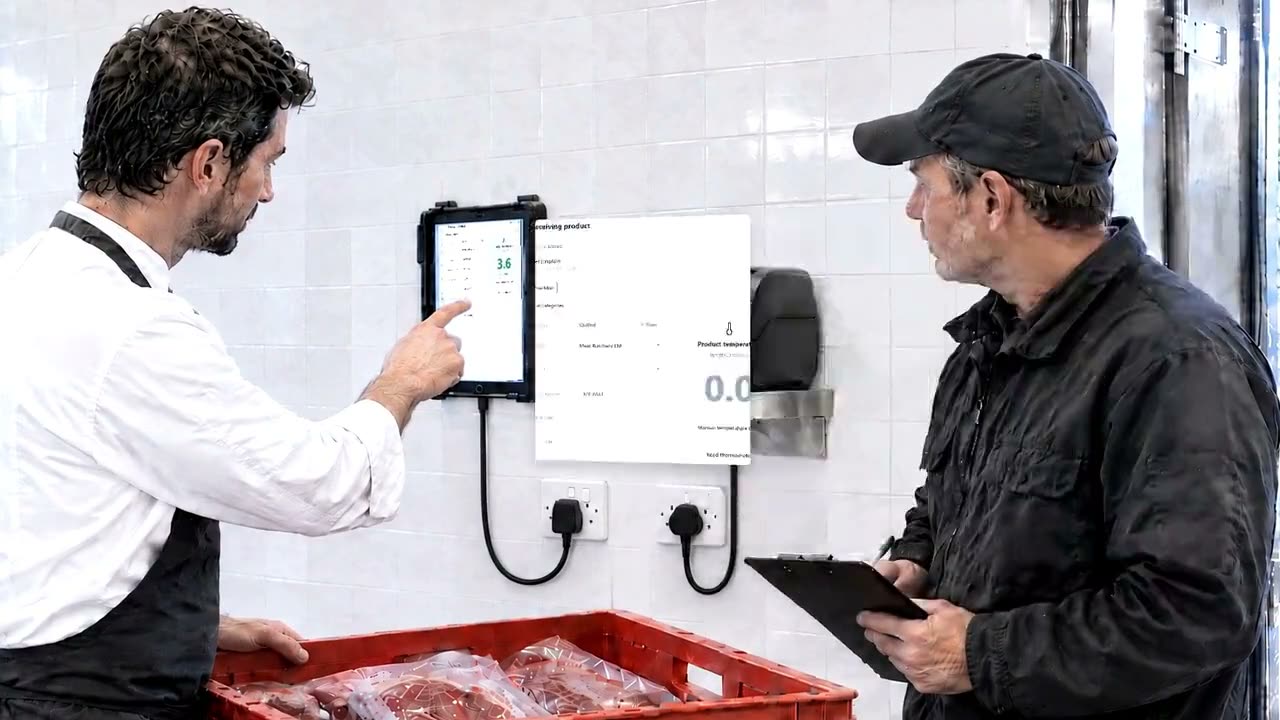
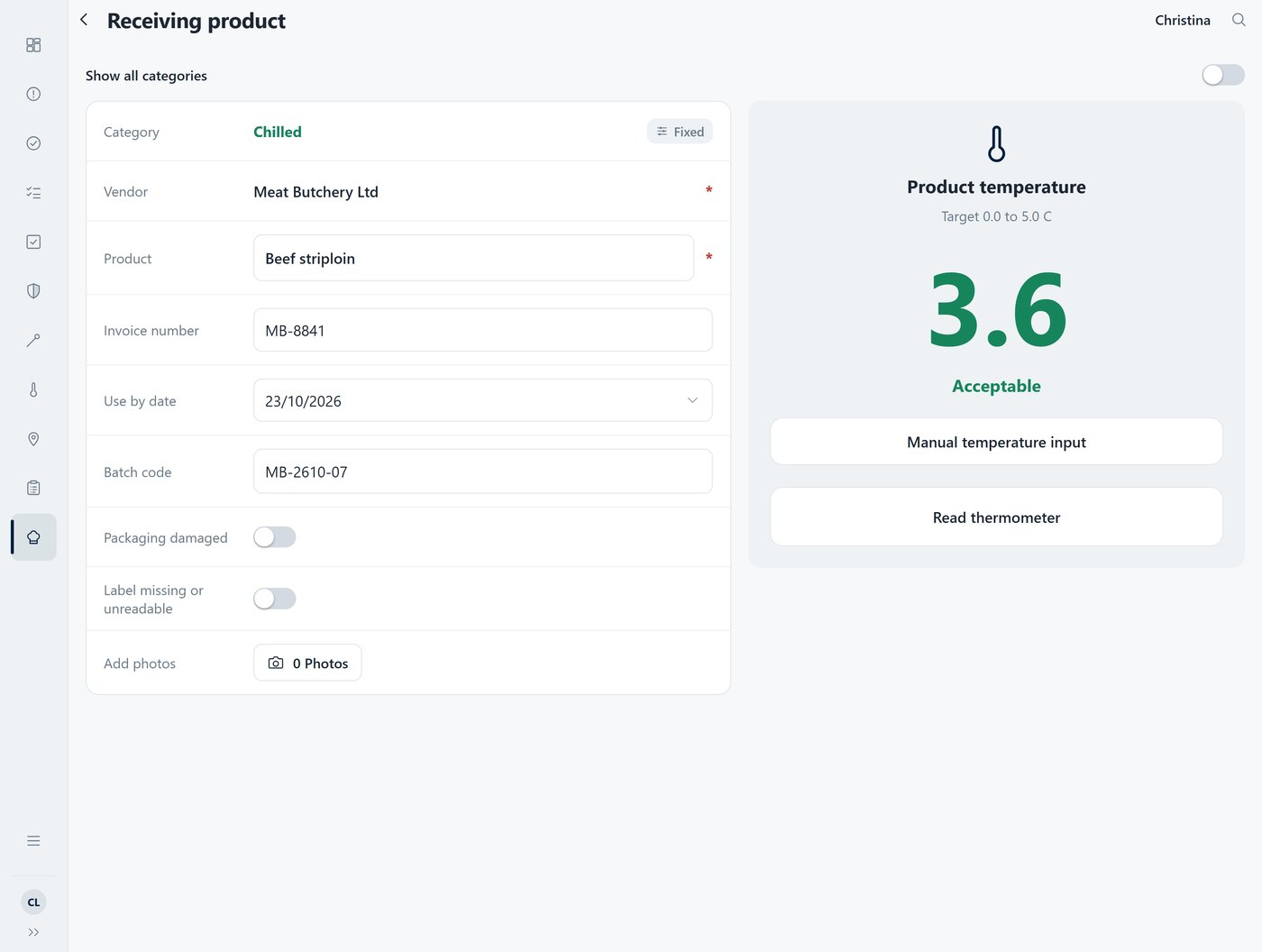
Probe, tap, next. Each reading arrives in ProOps over Bluetooth, with the supplier, batch and use-by going in beside it. A delivery above the limit cannot be saved until a corrective action is chosen: returned to the driver, discarded, or a manager override with a reason.
Step 2
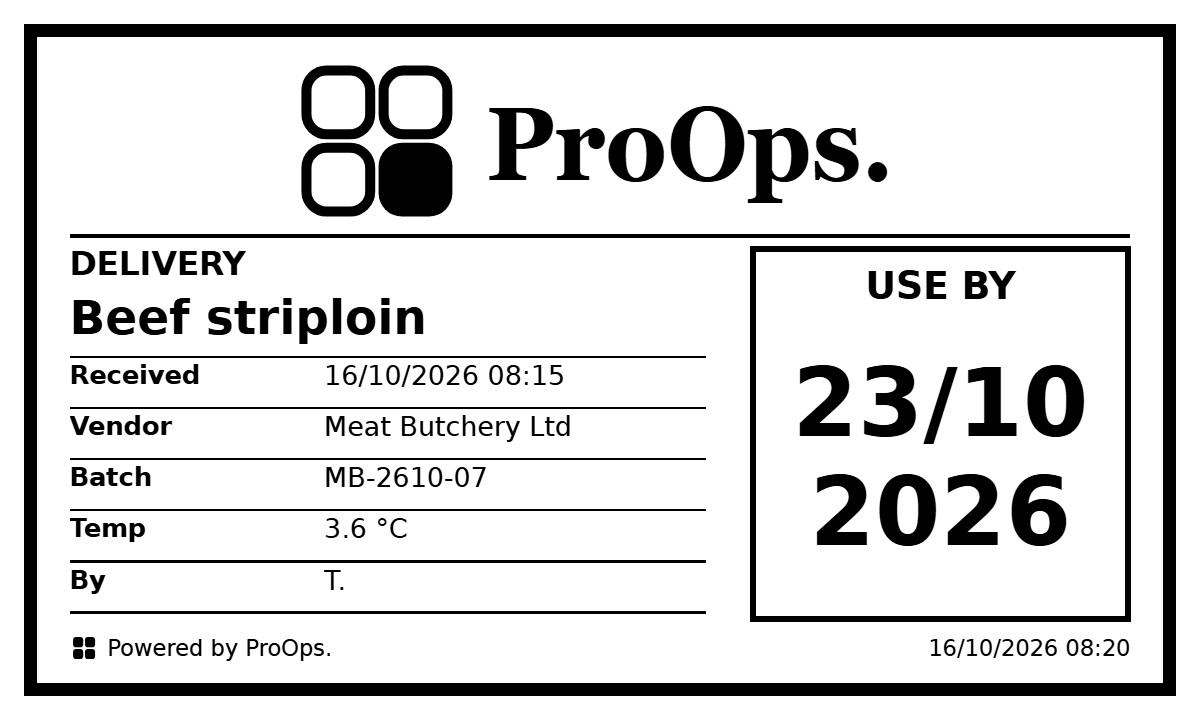
A label on everything that comes in
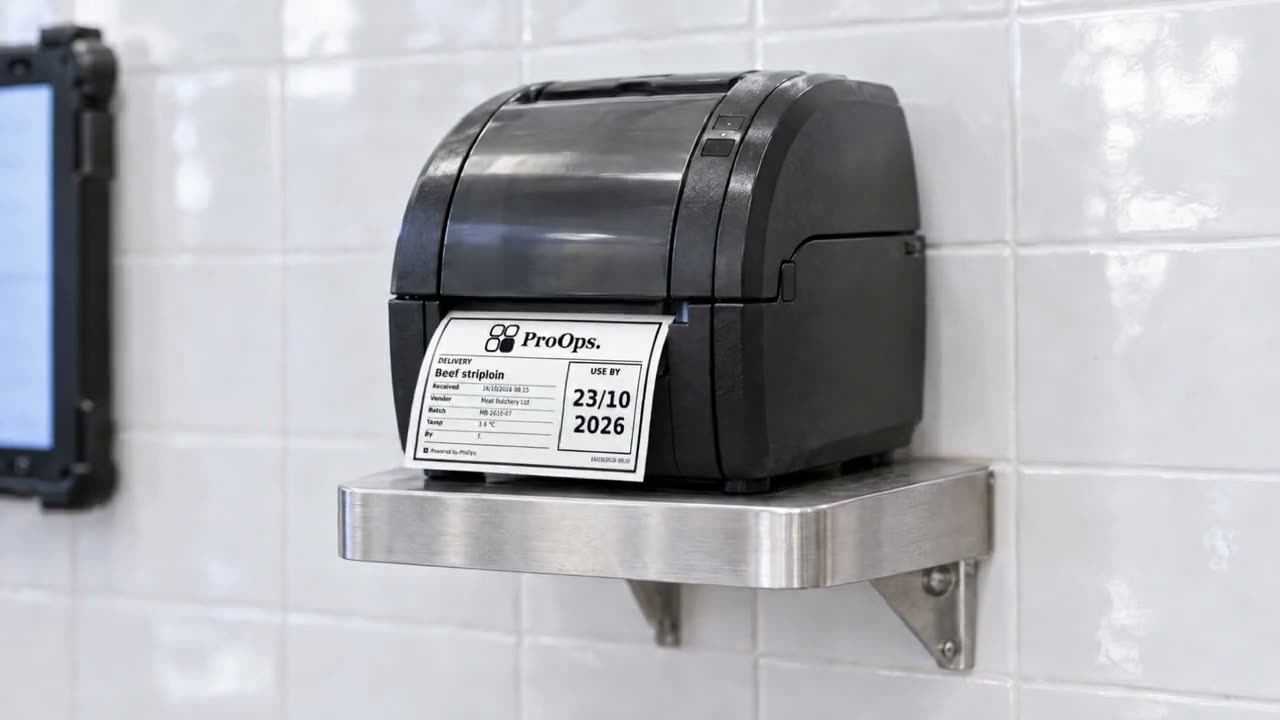
ProOps prints a label for each delivery: product, supplier, batch, received date and time, use-by. Every item on the shelf says what it is and when it came in.
Step 3
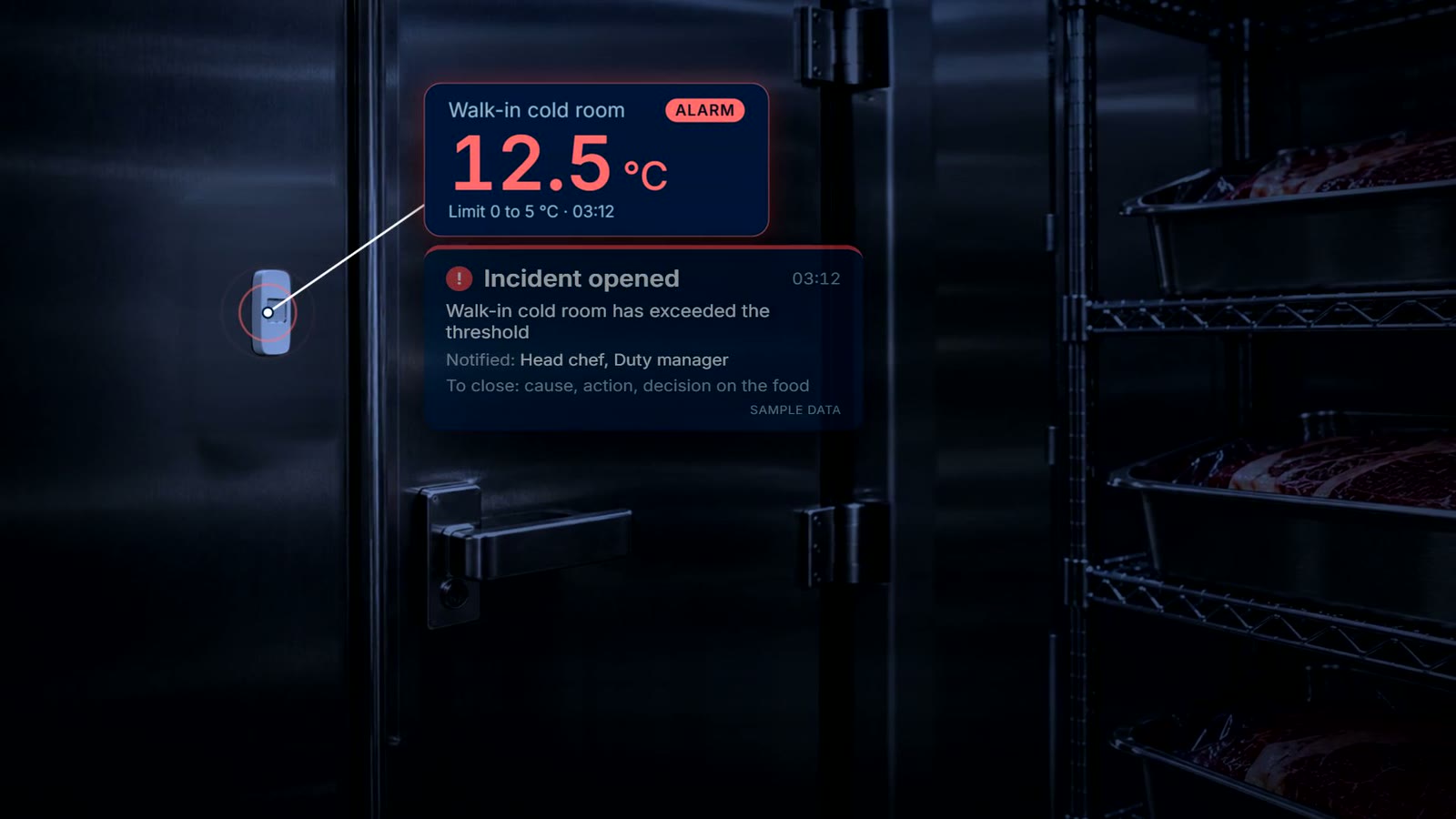
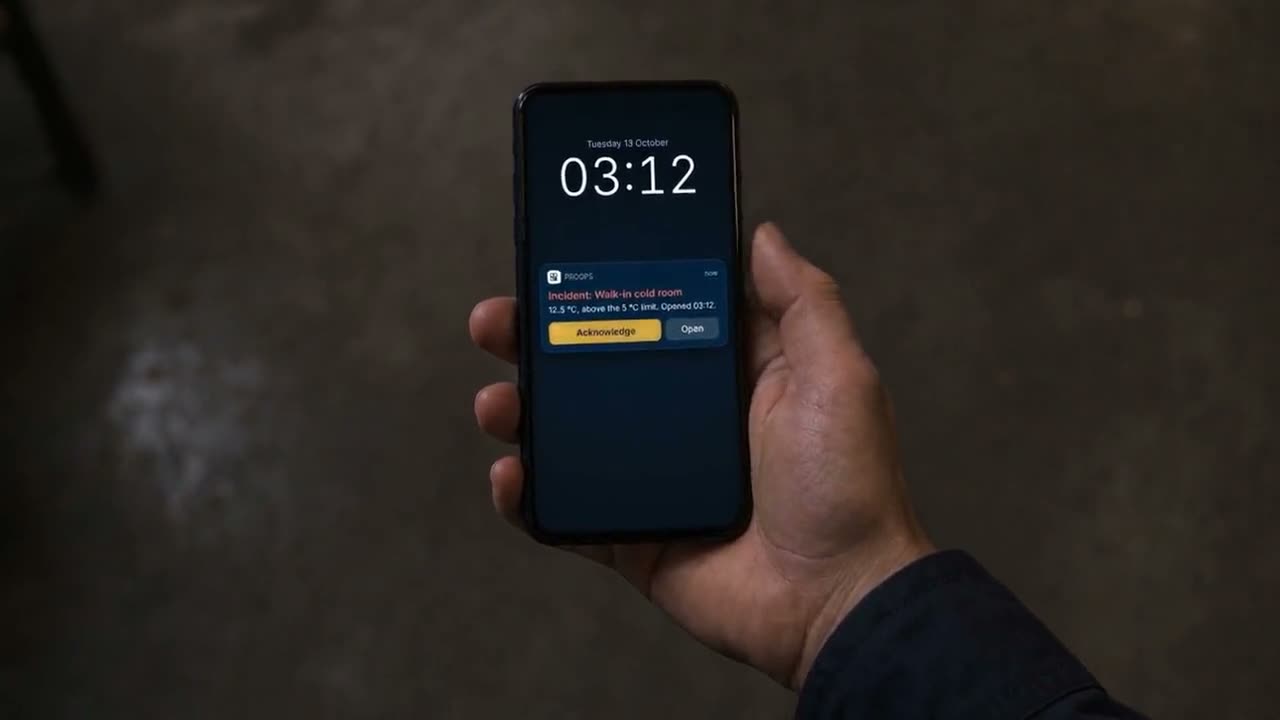
The cold stores, around the clock
A wireless sensor in each cold room and fridge records the temperature day and night. When a reading passes the limit, the responsible team gets a push notification and acknowledges the incident. It stays open until the cause, the action and the decision on the food are recorded.
Step 4
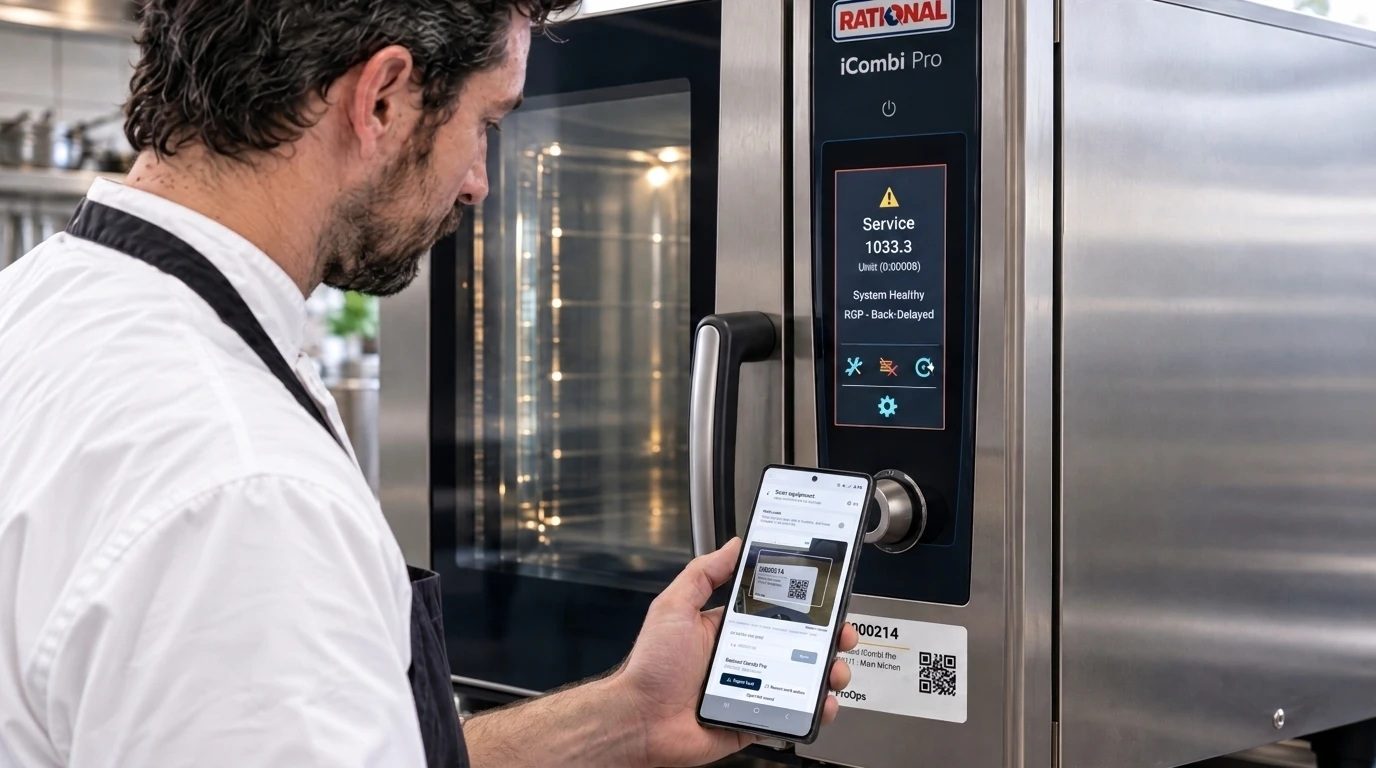
The machines the kitchen depends on
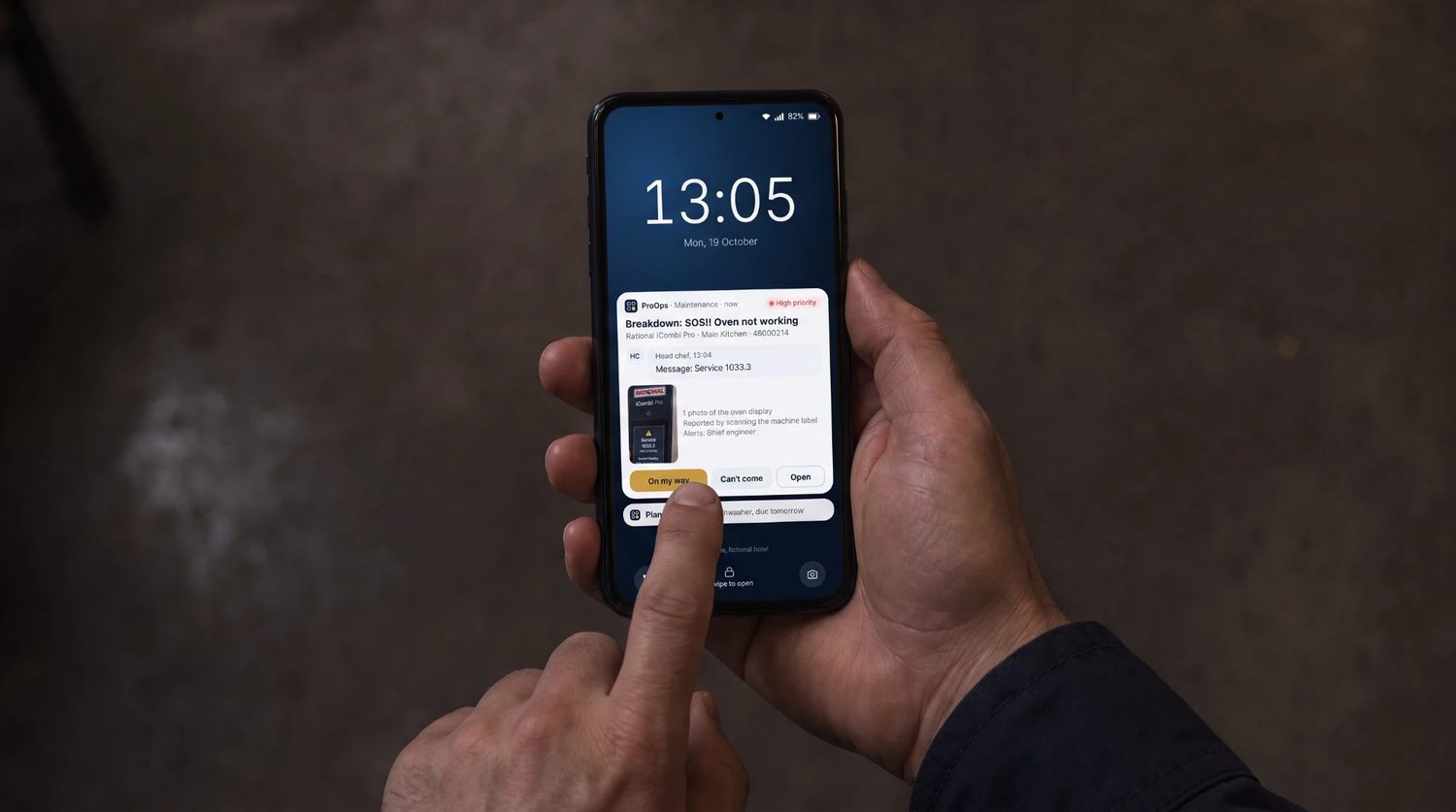
Combi ovens, blast chillers and mixers each have their own QR code. A scan files the fault against the right machine and the report goes to the team responsible, so a breakdown is known before the event, not during it. If your central kitchen cooks in batches, ask in the demo about batch records and production checklists.
What is recorded
What stays on file
- Each delivery. the reading, product, supplier, batch, the limit and the time
- A warm delivery. the corrective action that was chosen
- The labels. product, supplier, batch, received date and time, use-by
- The cold stores. readings from wireless sensors, around the clock
- An incident. when it opened, who acknowledged it, and the cause, the action and the decision on the food
- Who did what and when. for each reading, delivery and fault
Questions
Short answers
Can it keep up with many deliveries in a short time?
Reading a temperature is one tap from the thermometer, so the number is not typed. Supplier, batch and use-by go in with each delivery and the label prints from the same record. We show the receiving flow in the demo with a realistic number of items.
What is printed on the label?
Product, supplier, batch, received date and time, and use-by.
What if a cold store fails over the weekend?
The sensors record around the clock. When a reading passes the limit, the responsible team gets a push notification and acknowledges the incident. It stays open until the cause, the action and the decision on the food are recorded.
Do we need sensors in every cold room?
A sensor records the room or fridge it is in, so each one you want watched needs its own. Many kitchens start with the biggest cold store and add the rest later.
Keep reading
See it on your own checks.
A 20-minute call. We set up your checklists, tickets, audits and machines in a demo account and walk through them with you.
Prevent. Acknowledge. Prove.